



Freepik is now Magnific

    AI animation generator: bring your drawings and characters to life

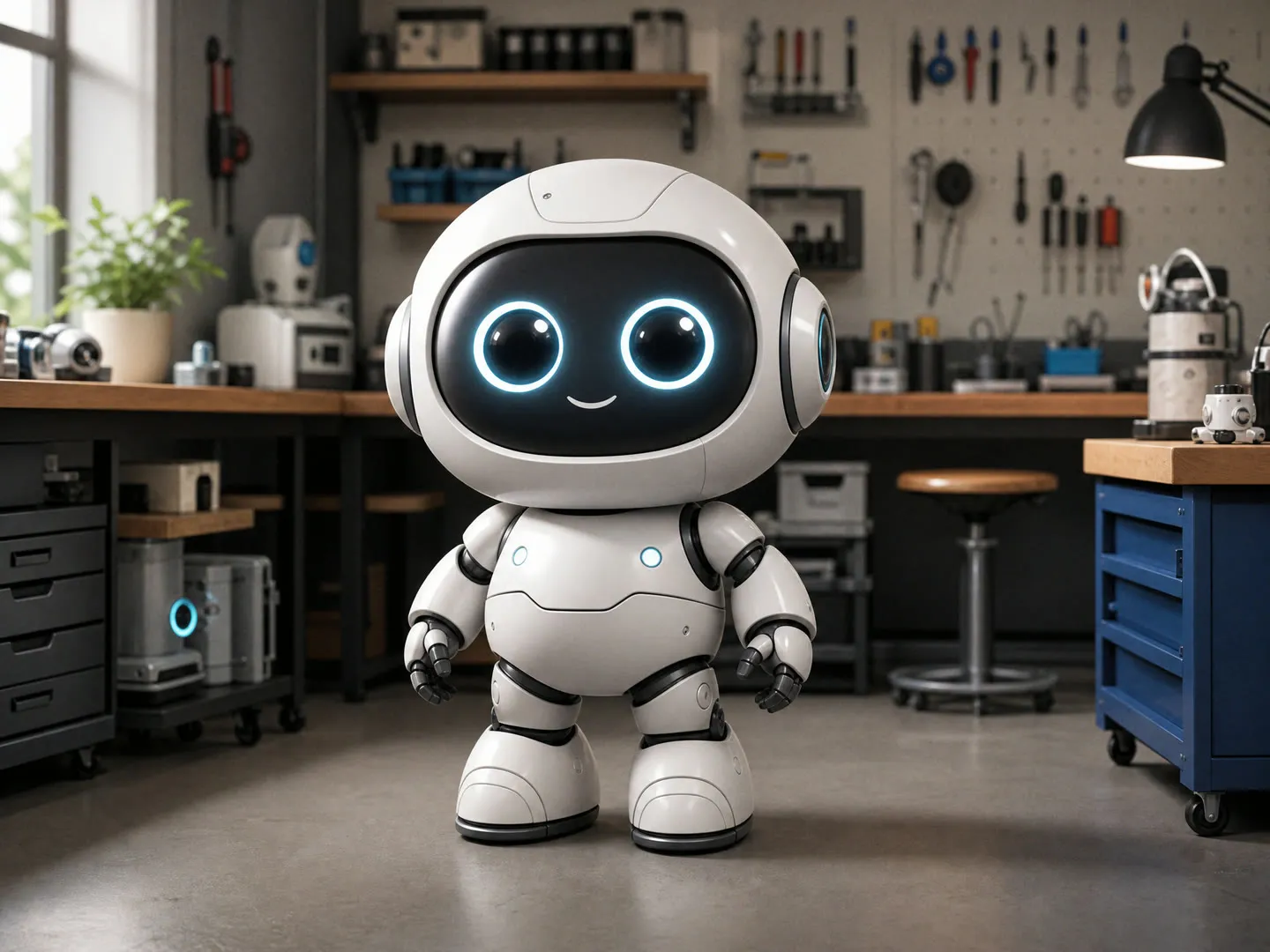
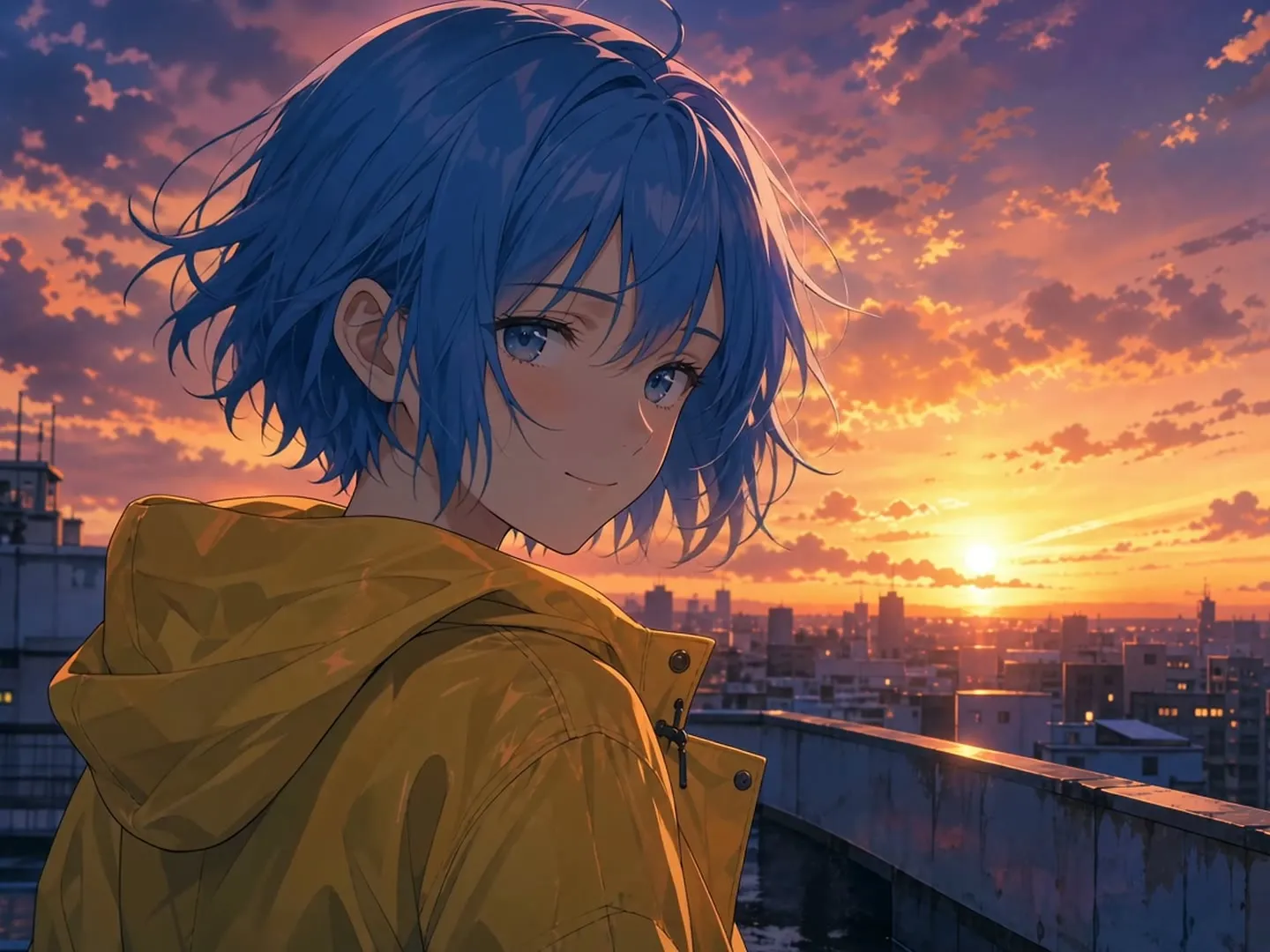
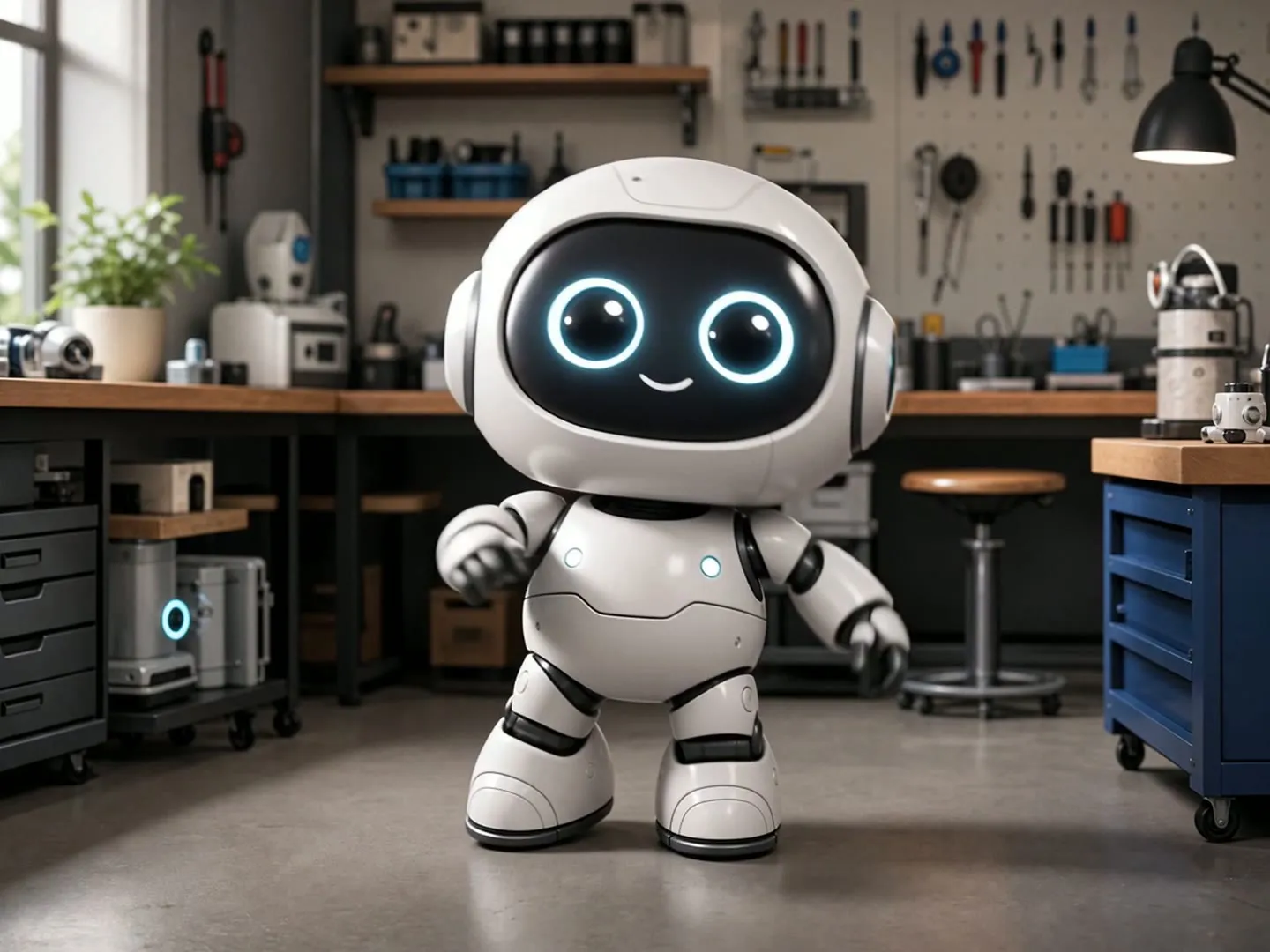
    Upload one drawing, illustration or character, and say what it should do if you like. You get one 5-second 720p MP4 that starts from your drawing and aims to keep its art style, like a cartoon fox that waves and hops in its meadow or a pixel art knight raising his sword. The clip comes with sound effects, no music or speech. Generating needs a paid Magnific plan.

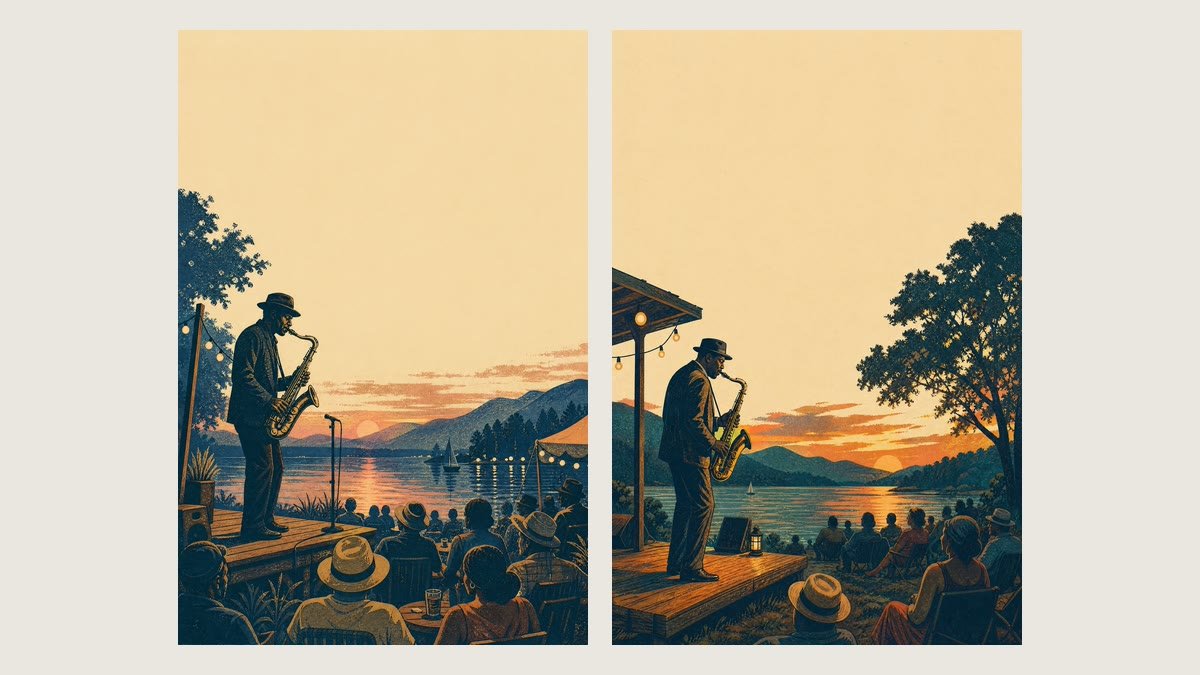
    Original
    Original
    Animated

    Your inputs

    Add an imageJPG, PNG or WEBP
    Optional

    How the Magnific AI animation generator works

    • A cartoon, an anime character, a 3D render, pixel art, a watercolor or a photo of a child's drawing. The animation uses this image as its first frame.

    Upload your drawing

    Cartoon and anime characters that move

    A 2D mascot waves and hops, an anime heroine turns her head as the wind catches her hair. The animation aims to keep the line work, flat colors and cel shading from the first frame to the last, so it still looks hand drawn. Five seconds fits one clear action, so name the subject, one movement and, if you want, the camera, like "the fox waves, then hops once, camera stays still". Long chains of actions tend to get rushed, and fast moves can soften small details.

    Cartoon and anime characters that move

    Pixel art and 3D characters for previews and posts

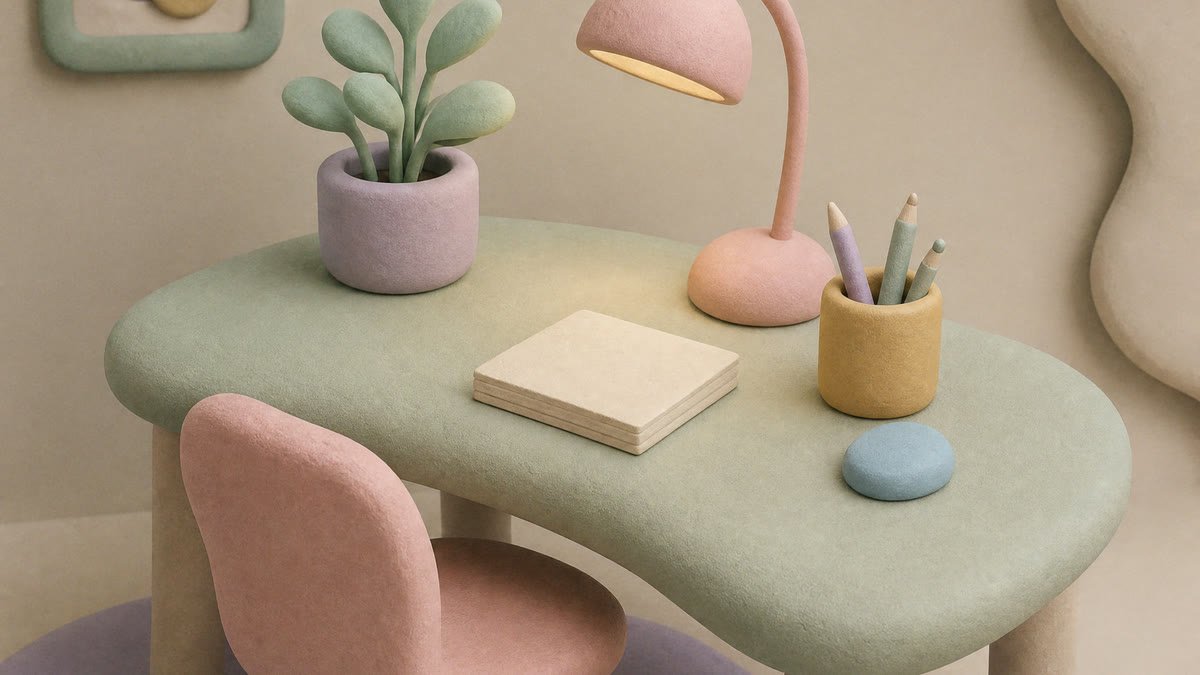
    Give a pixel art character or a 3D render an action: a knight raises his sword, a robot dances. The clip aims to keep pixels crisp and 3D materials looking the same, which makes quick previews for game pitches and social posts. It is a video, not a sprite sheet you can drop into a game engine. For something longer, line up several clips in a video editor and add music or titles there.

    Pixel art and 3D characters for previews and posts

    Kids' drawings and paintings come alive

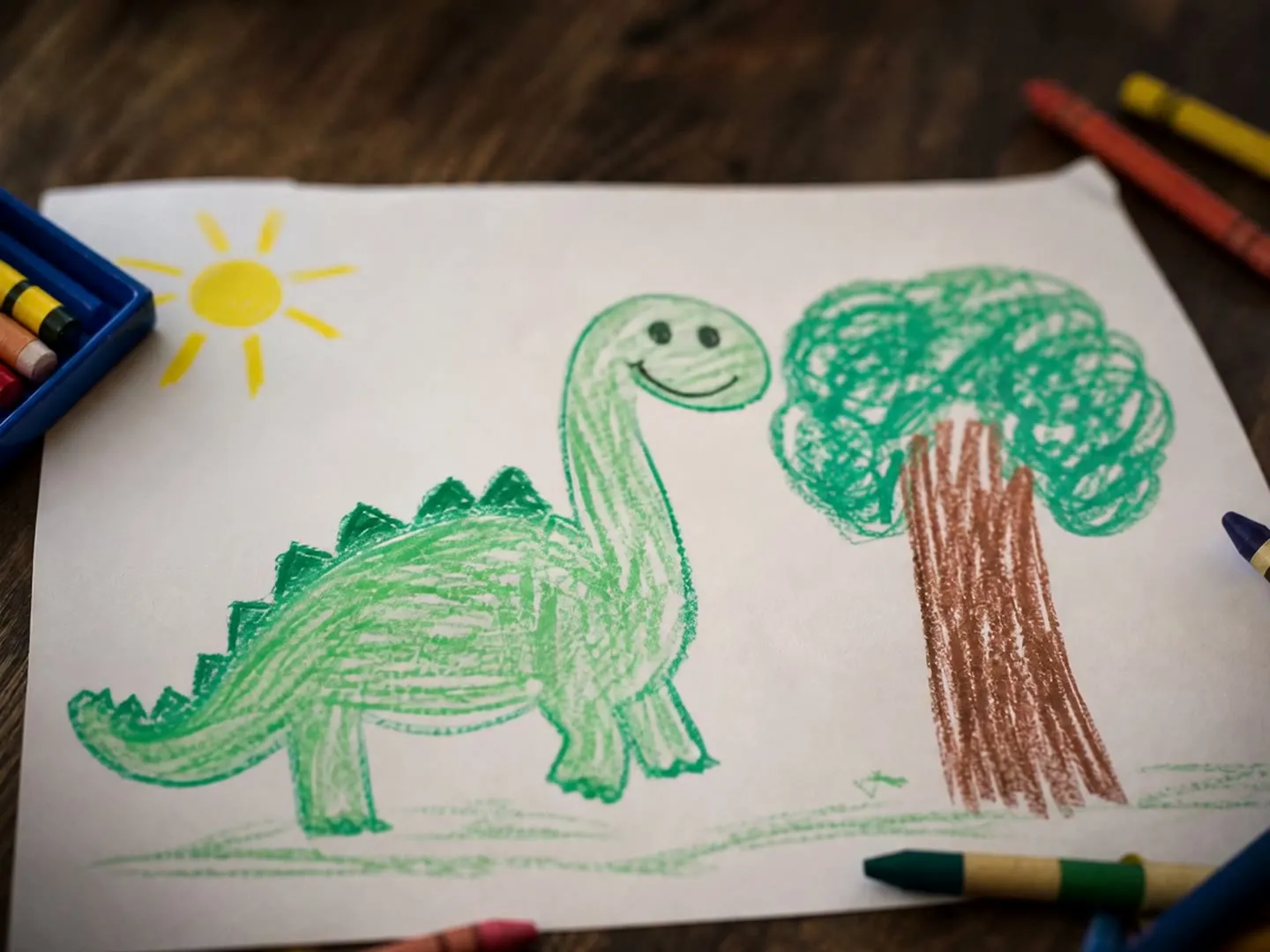
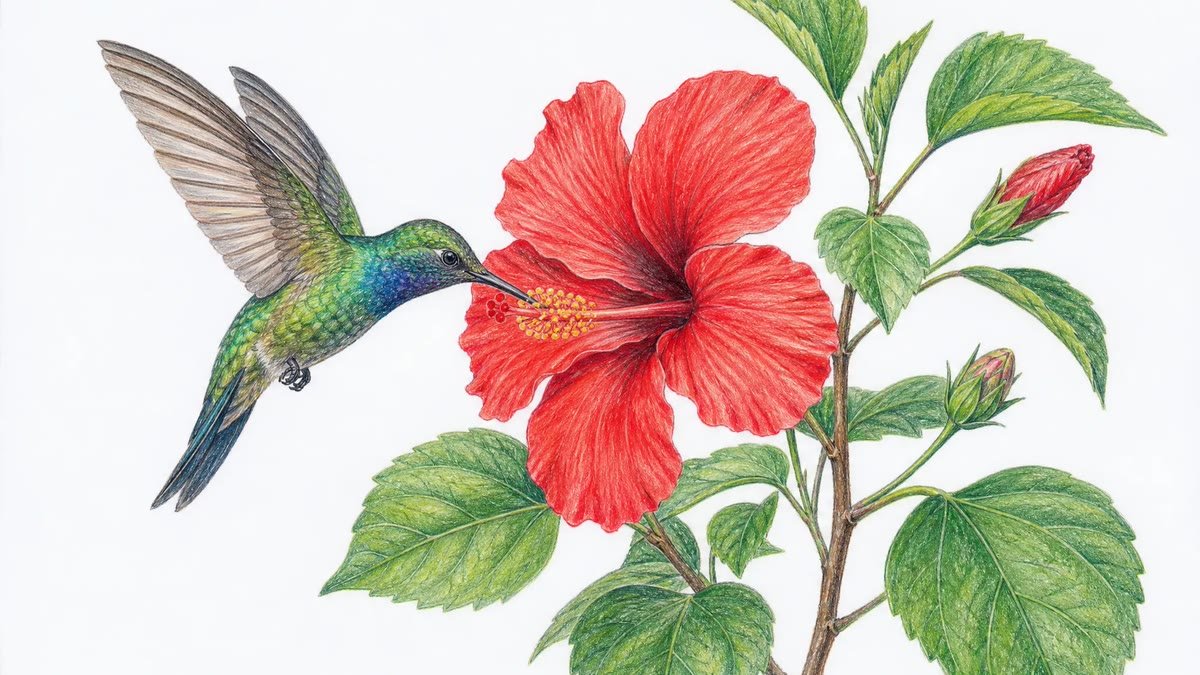
    Take a photo of a crayon drawing or a watercolor and watch it move: a dinosaur bobs its head on the paper, a whale glides through painted water. The animation aims to keep the paper texture, strokes and colors of the original.

    Kids' drawings and paintings come alive

    More flows to skyrocket your creativity

    Connect Magnific MCP to your favorite AI tools

    Access the Magnific creative suite, agents, stock library, and much more directly from your AI assistant.

    1. Click the Add to Claude button
    2. Check the prefilled Magnific URL and click Add
    3. Click Connect and sign in to Magnific
    https://mcp.magnific.com
    Read the full setup docs

    Trusted by teams who hold the same standards

    RG/A

    “Magnific's Creative Suite provided us with access to best-in-class models and workflow tools through a single unified interface. This gave us the ability to create a shared collaboration environment for AI work, and management tools to understand usage patterns across clients and projects. By making cross-departmental and team collaboration simpler, Magnific has been a key unlock as we've woven AI into our workflows end to end.”

    RG/A

    Damm

    “Visual storytelling is in Damm's DNA. Magnific gives our teams the freedom to experiment and iterate, elevating our product and lifestyle images to a level of detail that was previously impossible at this speed.”

    Damm

    Job&Talent

    “Magnific is a key part of our marketing stack. It helps us create high-quality content at scale as we expand our AI-native workforce platform, powering our global staffing marketplace.”

    Job&Talent

    Delivery Hero

    “At Delivery Hero, we are very satisfied with Magnific's tool performance and impact. It consistently delivers high-quality, reliable results and supports our workflows and efficiency. The tool's models and features enable testing and boost execution across the design teams using it.”

    Delivery Hero

    Haworth

    “As a global manufacturer operating across diverse markets, the ability to localise our creative output is essential. Magnific gives our teams in all markets the tools to move from global brand direction to market-ready content quickly — adapting visuals to local audiences. Think global, act local has always been our approach; Magnific makes it genuinely executable at scale.”

    Haworth

    Phantom X

    “Magnific helps us move fast, iterate, and experiment. It's a creative toolkit, not a writer or director. The story, the shots, the emotional beats, that's all us.”

    Phantom X

    Native Foreign

    “Magnific is a go-to tool for the team at Native Foreign because it gives us access to all the latest & greatest tools, and has a super efficient and clean workflow process. We're able to bring things to life that would have never been possible because AI expands the palette of what's possible visually.”

    Native Foreign

    Guess

    “Visual storytelling and iconic aesthetics are in GUESS's DNA. Magnific gives our marketing and product design teams the freedom to experiment and iterate, elevating our fashion and lifestyle imagery to a level of detail that was previously impossible at this speed.”

    Guess

    Explore Magnific Enterprise

    Frequently asked questions

    • Cartoons, anime, 3D renders, pixel art, watercolors, comics and photos of hand-made drawings. One clear character or subject gives the best result. Explicit or violent images can be blocked by the video model.
    • It aims to. The animation starts on your drawing as its first frame and tries to keep its line work, colors and shading, so a cartoon stays a cartoon and pixel art stays pixel art. Very fast or big actions can soften small details, so watch the clip and run it again if the style drifts.
    • No. Leave it empty and your character breathes, blinks and gives a small wave while the background moves gently. Write a sentence to choose the action, for example "jumps and waves both arms" or "swims forward and flicks its tail".
    • There is no loop setting, so the last frame will not reliably match the first. You can ask for a camera move or a still camera in the action text, such as "camera stays still" or "slow zoom in", and the model aims to follow it.
    • 5 seconds, as a 720p MP4 with sound effects that fit the action and the scene, such as footsteps, whooshes or waves. It is set up for no music or speech, but check the audio before you post. To remove the sound or add narration, mute or replace the audio track in your video editor.
    • The animation follows the shape of your drawing. A horizontal drawing gives a horizontal clip for YouTube or your website, and a vertical one gives a vertical clip for Reels, TikTok or Shorts.
    • Each run is 5 seconds. You can continue a clip with the AI video extender or join several clips in an editor. The output is an MP4 with a background: convert it to GIF with any converter, but it is not a transparent video or a game-ready sprite sheet.
    • You can open this page and try the form for free. Generating an animation needs a paid Magnific plan, and your animations stay in your feed.

    Last updated: