










Freepik is now Magnific

    AI melody generator: a short solo melody on one instrument, from a mood

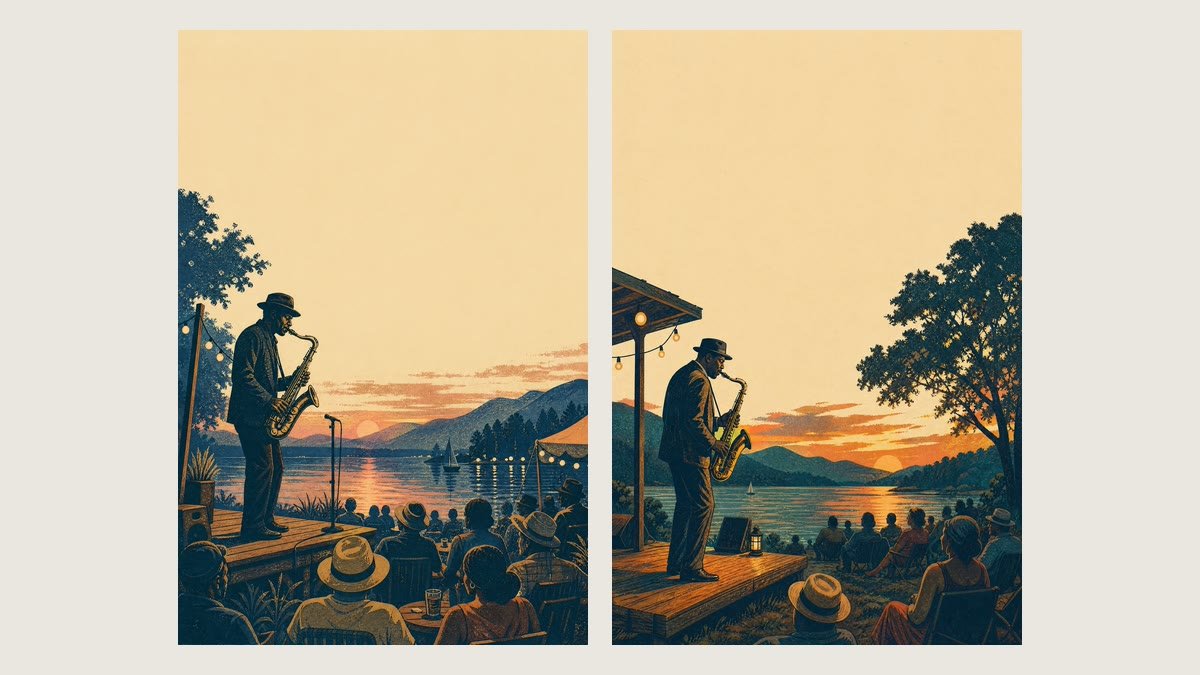
    Type a mood, like nostalgic on a rainy afternoon or hopeful at sunrise, and name an instrument and a key if you have them in mind. You get one 20-second instrumental melody as an MP3, played on that single instrument (piano if you leave it empty), plus a 2048×1536 picture of the instrument in a matching setting. This is a melody, not a full song: for longer tracks with several instruments, use Text to music. Generating needs a paid Magnific plan.

    AI melody generator: a short solo melody on one instrument, from a mood
    Made with this flow

    Pick an example to see it bigger

    Your inputs

    Optional
    Optional

    How the Magnific AI melody generator works

    • Write how the melody should feel, in a few words: nostalgic on a rainy afternoon, playful and curious, mysterious in an old castle. You can add a scene. Any language works.

    Describe the mood

    Short melodies for videos, intros and kids content

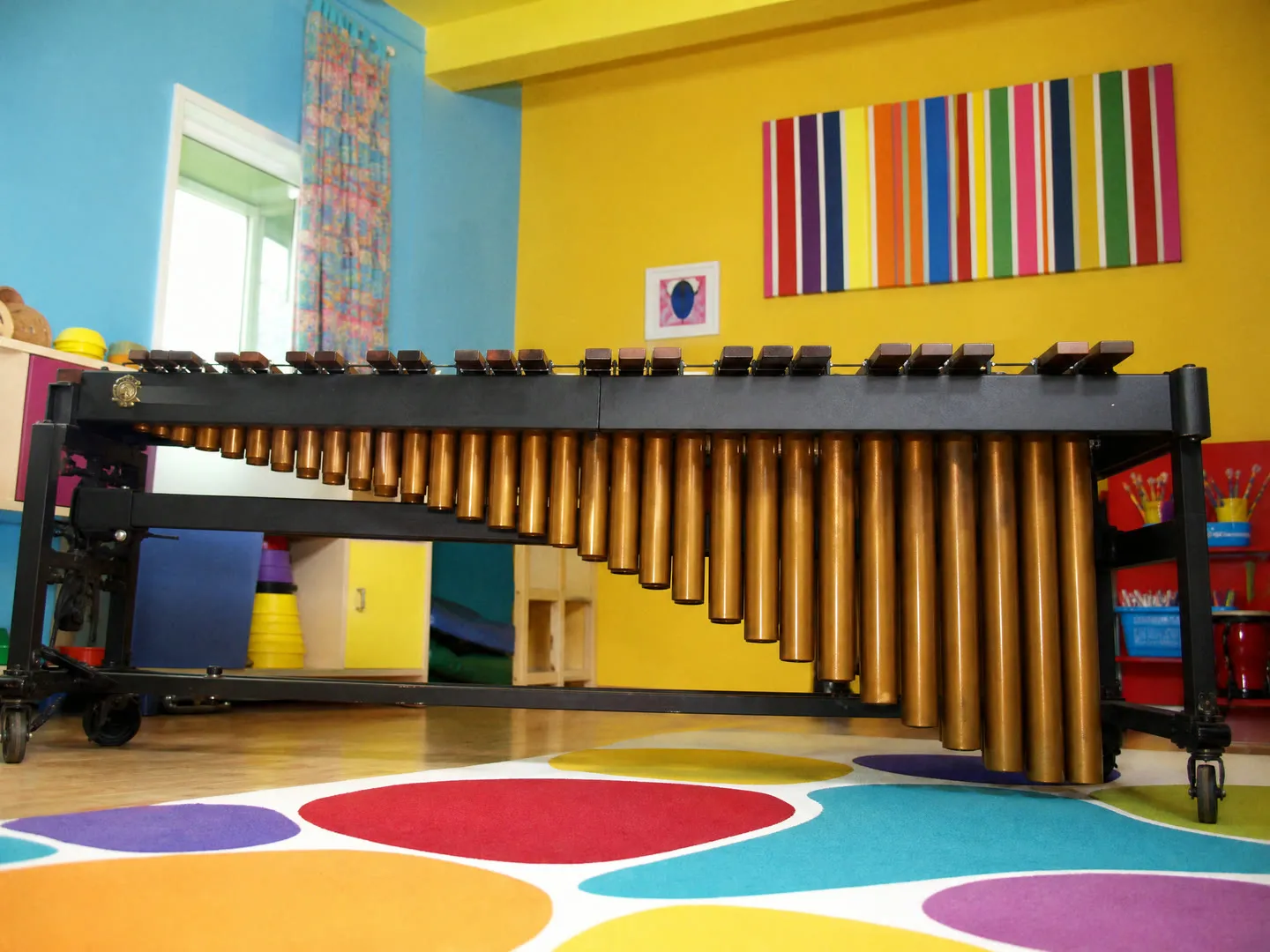
    A 20-second solo melody is the right size for an intro, an outro, a loading screen or a short reel. A playful marimba in C major suits a kids video; a music box suits a cozy winter clip. Each run writes a new melody, so check it and run again if it is not the one you want.

    Short melodies for videos, intros and kids content

    Describe a playable musical idea

    Describe the moment instead of the genre: a brave journey across the mountains, a mystery in an old library. You can add hints like "slow and gentle" or "bouncy, like a waltz", and the generator treats them as guidance, not exact settings. The melody usually follows the mood with a simple phrase that repeats with a variation. It is not built as a seamless loop: the end often rings out, so if you want to loop it, trim it in an editor and check the joint by ear.

    Describe a playable musical idea

    Use a generated melody in your DAW

    Stuck on a melody? Name a mood, an instrument and a key and listen to what comes out. Drag the MP3 onto an audio track in your DAW, set the project tempo to match by ear, and play along or layer chords under it. To change notes, transcribe the parts you like or run the audio through your DAW's audio-to-MIDI tool and replay them on your own instrument. You get audio only, not MIDI or sheet music.

    Use a generated melody in your DAW

    More flows to skyrocket your creativity

    Connect Magnific MCP to your favorite AI tools

    Access the Magnific creative suite, agents, stock library, and much more directly from your AI assistant.

    1. Click the Add to Claude button
    2. Check the prefilled Magnific URL and click Add
    3. Click Connect and sign in to Magnific
    https://mcp.magnific.com
    Read the full setup docs

    Trusted by teams who hold the same standards

    RG/A

    “Magnific's Creative Suite provided us with access to best-in-class models and workflow tools through a single unified interface. This gave us the ability to create a shared collaboration environment for AI work, and management tools to understand usage patterns across clients and projects. By making cross-departmental and team collaboration simpler, Magnific has been a key unlock as we've woven AI into our workflows end to end.”

    RG/A

    Damm

    “Visual storytelling is in Damm's DNA. Magnific gives our teams the freedom to experiment and iterate, elevating our product and lifestyle images to a level of detail that was previously impossible at this speed.”

    Damm

    Job&Talent

    “Magnific is a key part of our marketing stack. It helps us create high-quality content at scale as we expand our AI-native workforce platform, powering our global staffing marketplace.”

    Job&Talent

    Delivery Hero

    “At Delivery Hero, we are very satisfied with Magnific's tool performance and impact. It consistently delivers high-quality, reliable results and supports our workflows and efficiency. The tool's models and features enable testing and boost execution across the design teams using it.”

    Delivery Hero

    Haworth

    “As a global manufacturer operating across diverse markets, the ability to localise our creative output is essential. Magnific gives our teams in all markets the tools to move from global brand direction to market-ready content quickly — adapting visuals to local audiences. Think global, act local has always been our approach; Magnific makes it genuinely executable at scale.”

    Haworth

    Phantom X

    “Magnific helps us move fast, iterate, and experiment. It's a creative toolkit, not a writer or director. The story, the shots, the emotional beats, that's all us.”

    Phantom X

    Native Foreign

    “Magnific is a go-to tool for the team at Native Foreign because it gives us access to all the latest & greatest tools, and has a super efficient and clean workflow process. We're able to bring things to life that would have never been possible because AI expands the palette of what's possible visually.”

    Native Foreign

    Guess

    “Visual storytelling and iconic aesthetics are in GUESS's DNA. Magnific gives our marketing and product design teams the freedom to experiment and iterate, elevating our fashion and lifestyle imagery to a level of detail that was previously impossible at this speed.”

    Guess

    Explore Magnific Enterprise

    Frequently asked questions

    • The melody generator makes one short tune of about 20 seconds on a single instrument, with no drums, bass or band. Text to music makes longer instrumental tracks, 60 seconds by default, with several instruments. Use this page when you want a simple melody, and Text to music for background tracks.
    • Two files: a 20-second instrumental melody as an MP3 (44.1 kHz stereo) and a 2048×1536 PNG picture of the instrument in a setting that matches your mood, with no people and no text. The length is fixed at 20 seconds. The last second or two is usually the final note ringing out.
    • Yes. Type one instrument, such as cello, flute or ukulele; if you name several, the first one is used, and an empty field means piano. Type a key such as D minor and the melody aims for it, but the model does not always land on that key; it sometimes ends up in a nearby key. Check by ear or with a tuner and run it again if it matters.
    • No. There are fields for mood, instrument and key only. You can write tempo or feel into the mood, like "slow, around 70 BPM" or "in three, like a waltz", but the model may not follow it exactly, and it does not take a chord progression. Check the result by ear.
    • The flow asks for a solo instrument with no vocals, drums, bass or other instruments, and requests for lyrics or a singer are left out. AI music can still slip in something you did not ask for, so listen to the result and run it again if it does.
    • You get audio only, as an MP3, so you can't edit single notes in the file and there is no MIDI or sheet music. To rework it, transcribe it or use an audio-to-MIDI tool in your DAW. Whether you can use it commercially depends on the terms of your Magnific plan. Names of real artists, songs or films in the mood are replaced with a plain description, so the flow does not try to copy a specific song.
    • It is not made as a seamless loop: the last second or two is usually the final note ringing out, so trim it and check the joint before looping. Each run writes a new melody from scratch, so running the same mood again gives a different tune, not a variation of the one you liked.
    • You can open this page and try the form for free. Generating needs a paid Magnific plan.

    Last updated: