Freepik is now Magnific

    AI pixel art generator for 8-bit scenes, sprites and isometric rooms

    Describe what to draw or upload your photo, then pick 8-bit, 16-bit, isometric, sprite or scene. You get one 1024×768 PNG in pixel art style. Generating needs a paid Magnific plan.

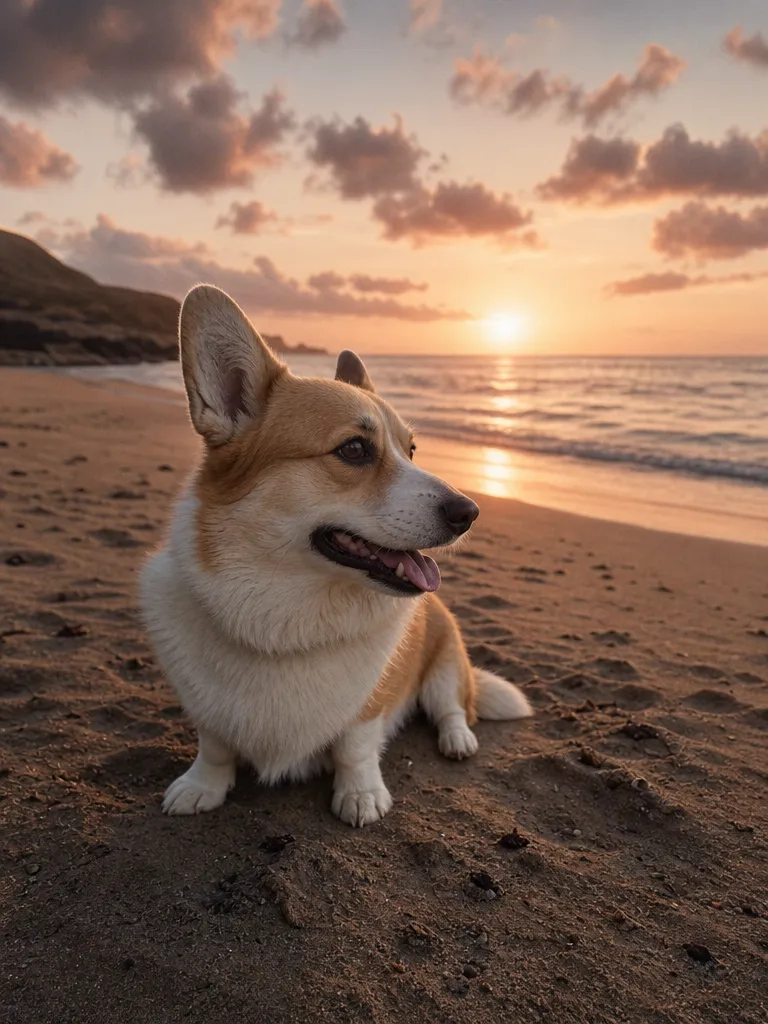
    Original
    Original
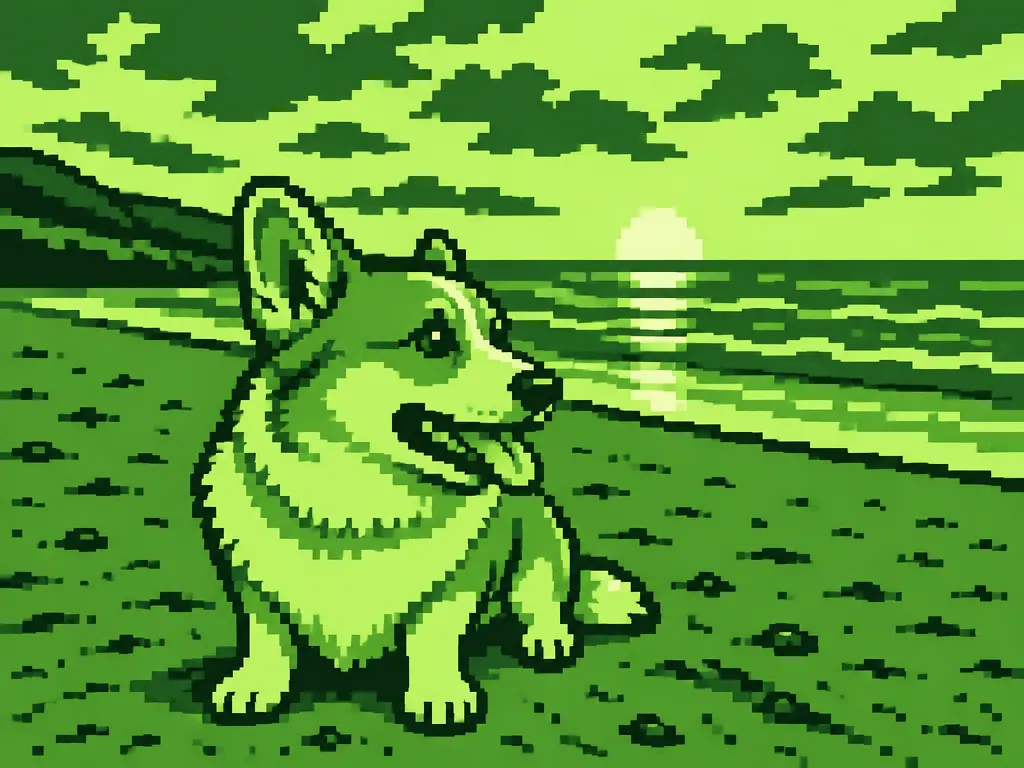
    8-bit, four greens
    8-bit, four greens
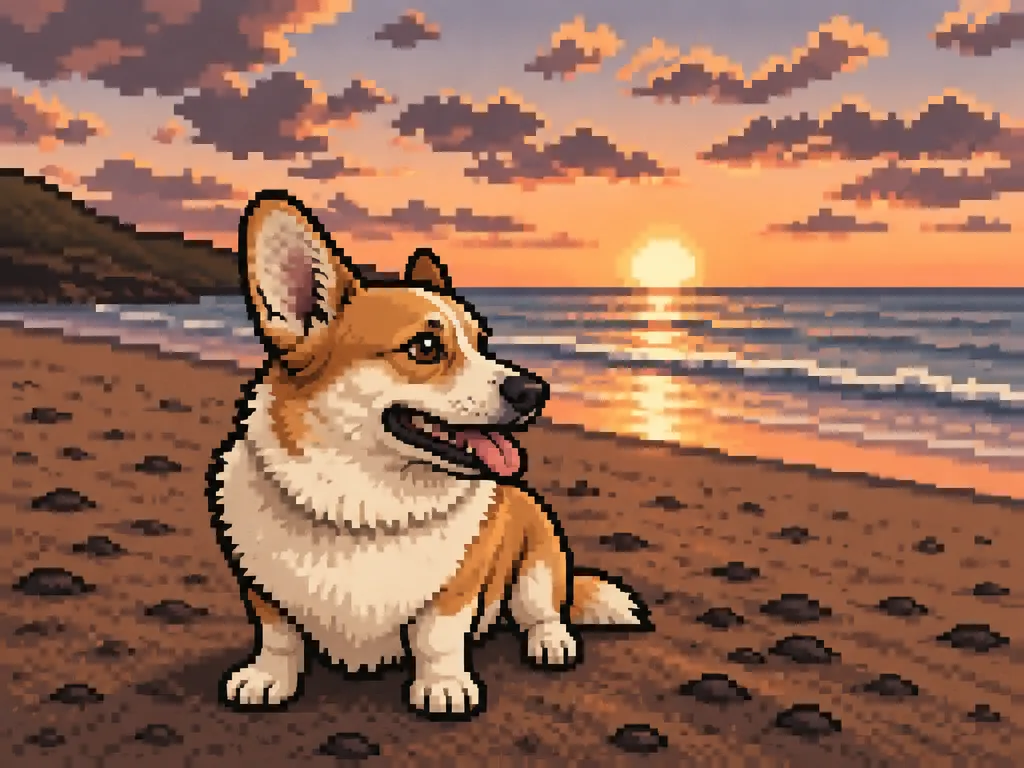
    16-bit
    16-bit

    Your inputs

    Optional
    Optional
    Optional
    OptionalAdd an imageJPG, PNG or WEBP

    How the Magnific AI pixel art generator works

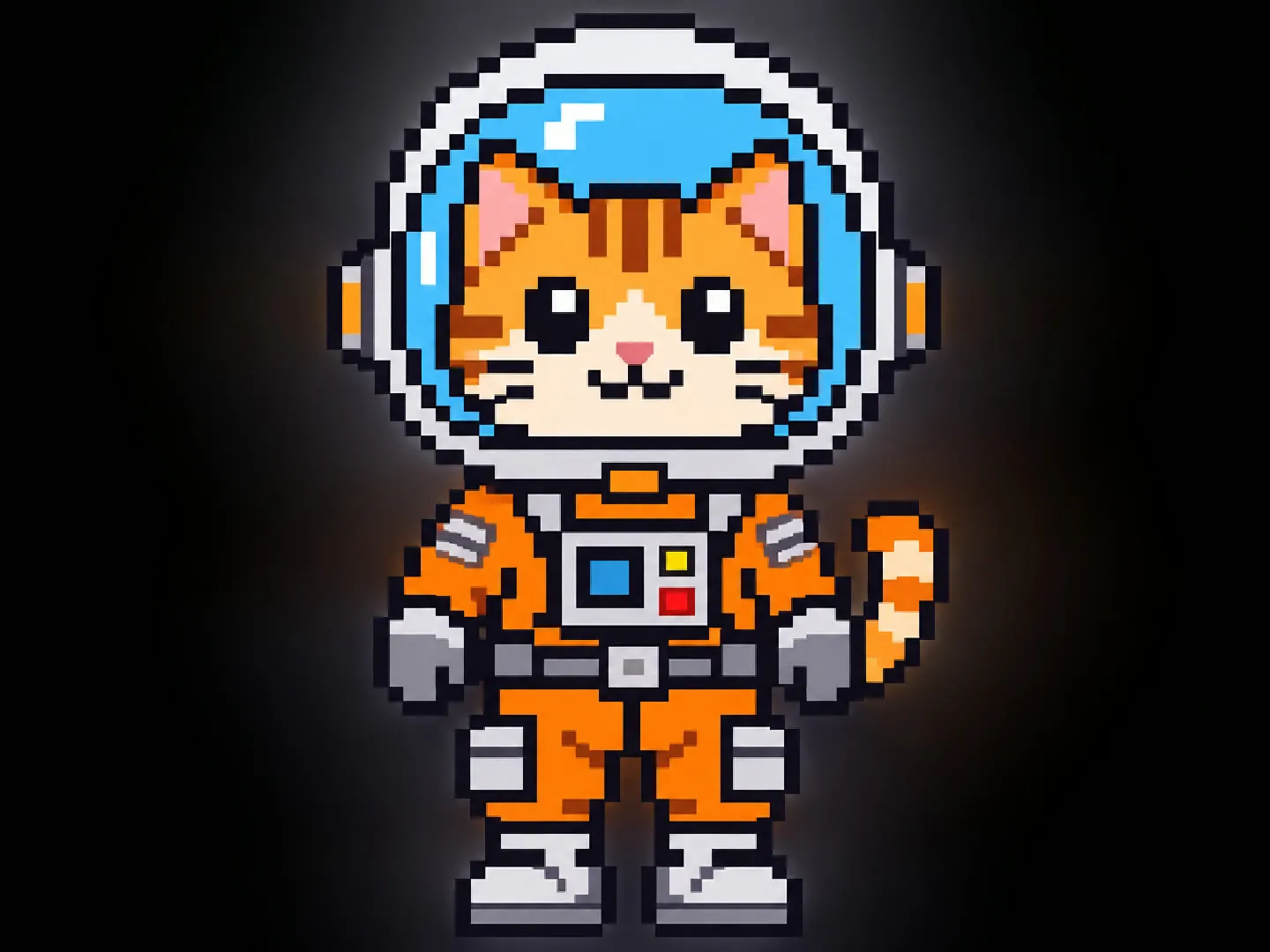
    • Write the subject in plain words, such as a cat astronaut in an orange spacesuit. Leave it short or add details like the setting and time of day.

    Describe what to draw

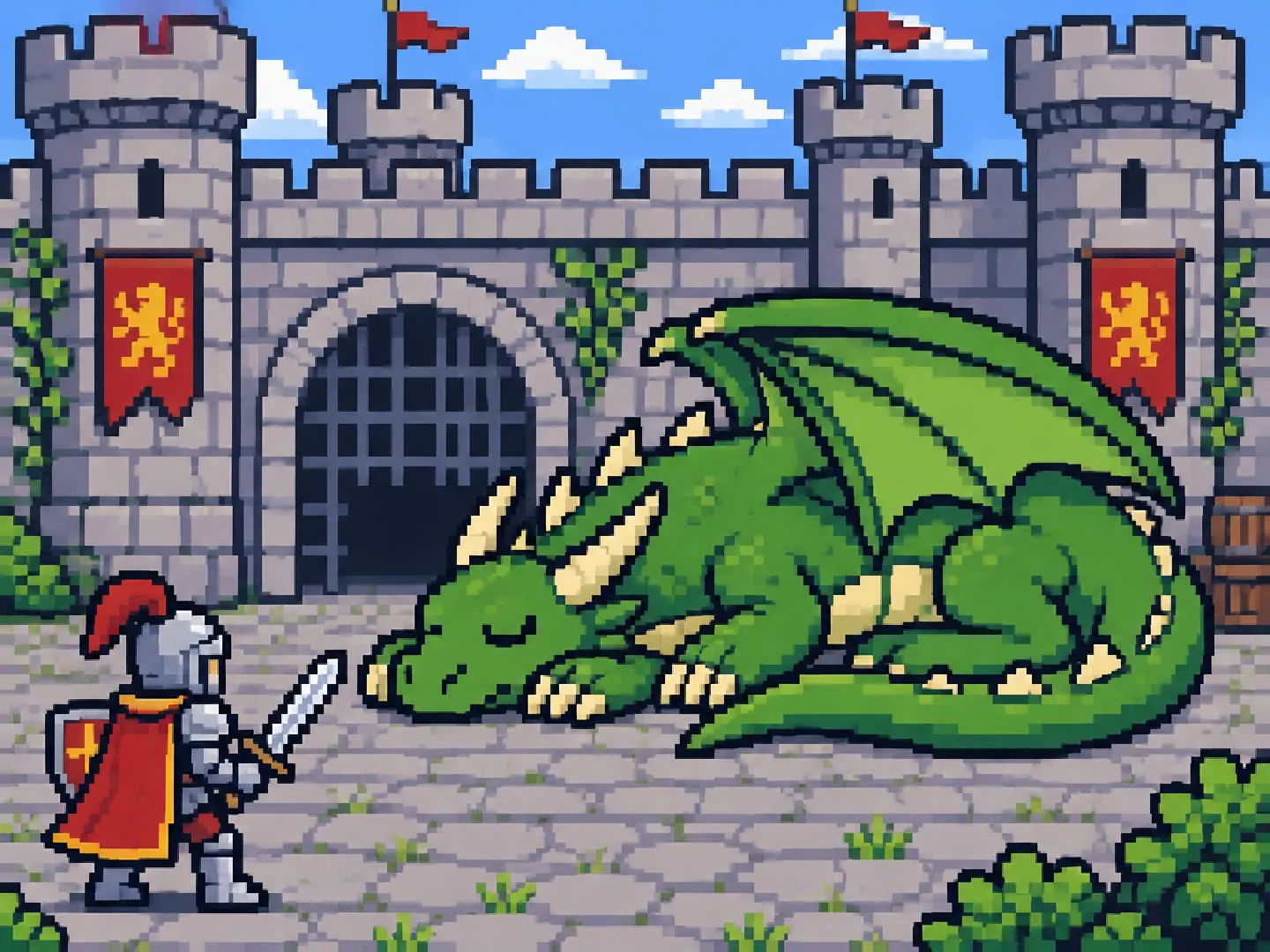
    Pixel art scenes and backgrounds for game ideas

    Describe a place and a moment, like a knight facing a sleeping dragon in a castle courtyard, and get a 16-bit style background to pitch a game idea or mock up a level. Use it as concept art or a reference, then rebuild the tiles you need in your pixel editor.

    Pixel art scenes and backgrounds for game ideas

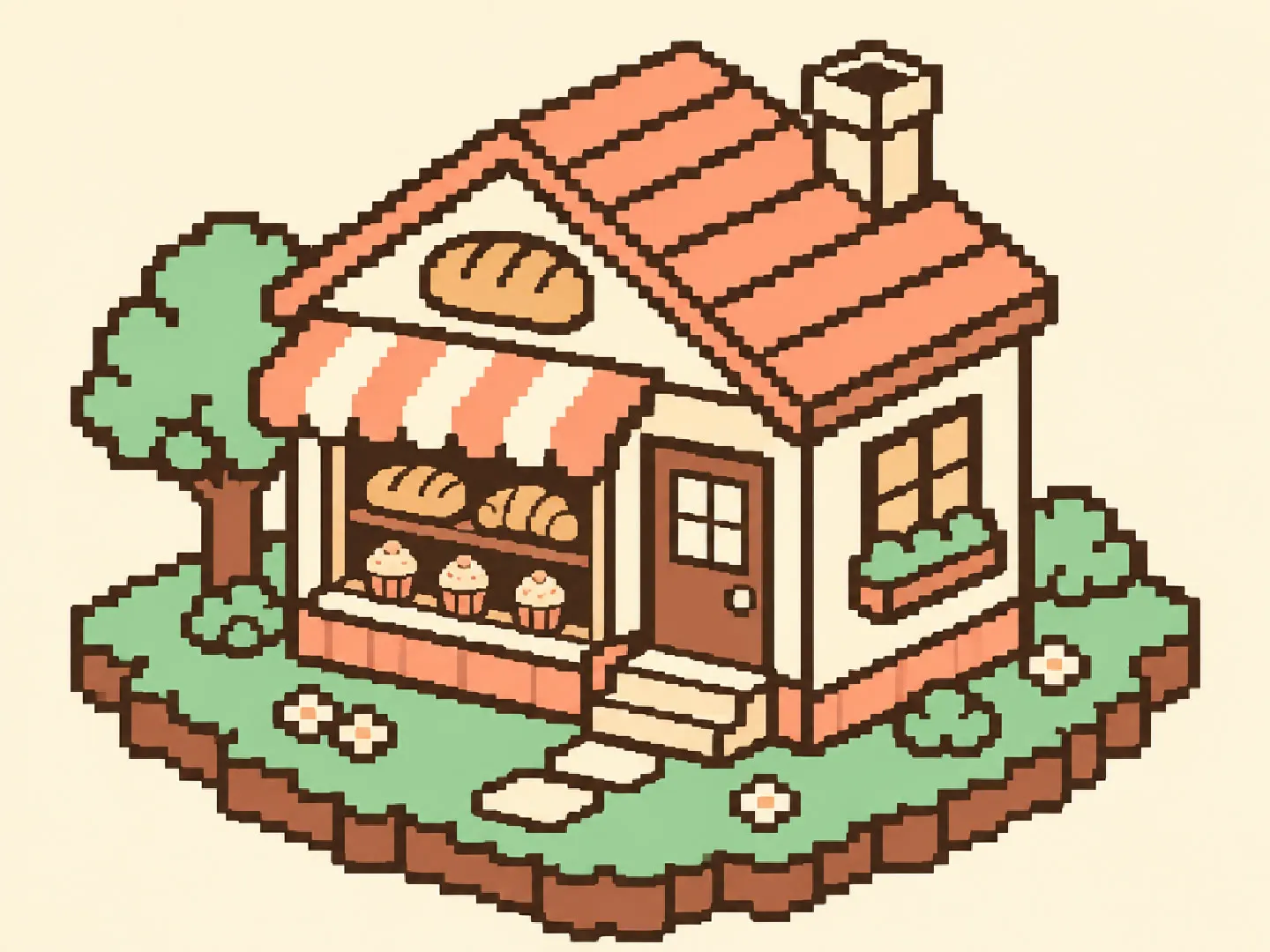
    Isometric pixel art rooms and buildings

    Choose isometric to draw a bakery, a bedroom or a small island from a 2:1 angle, the look of many cozy builder games. Add a palette in plain words, such as cream, peach, mint and brown, to keep a set of images in the same colors.

    Isometric pixel art rooms and buildings

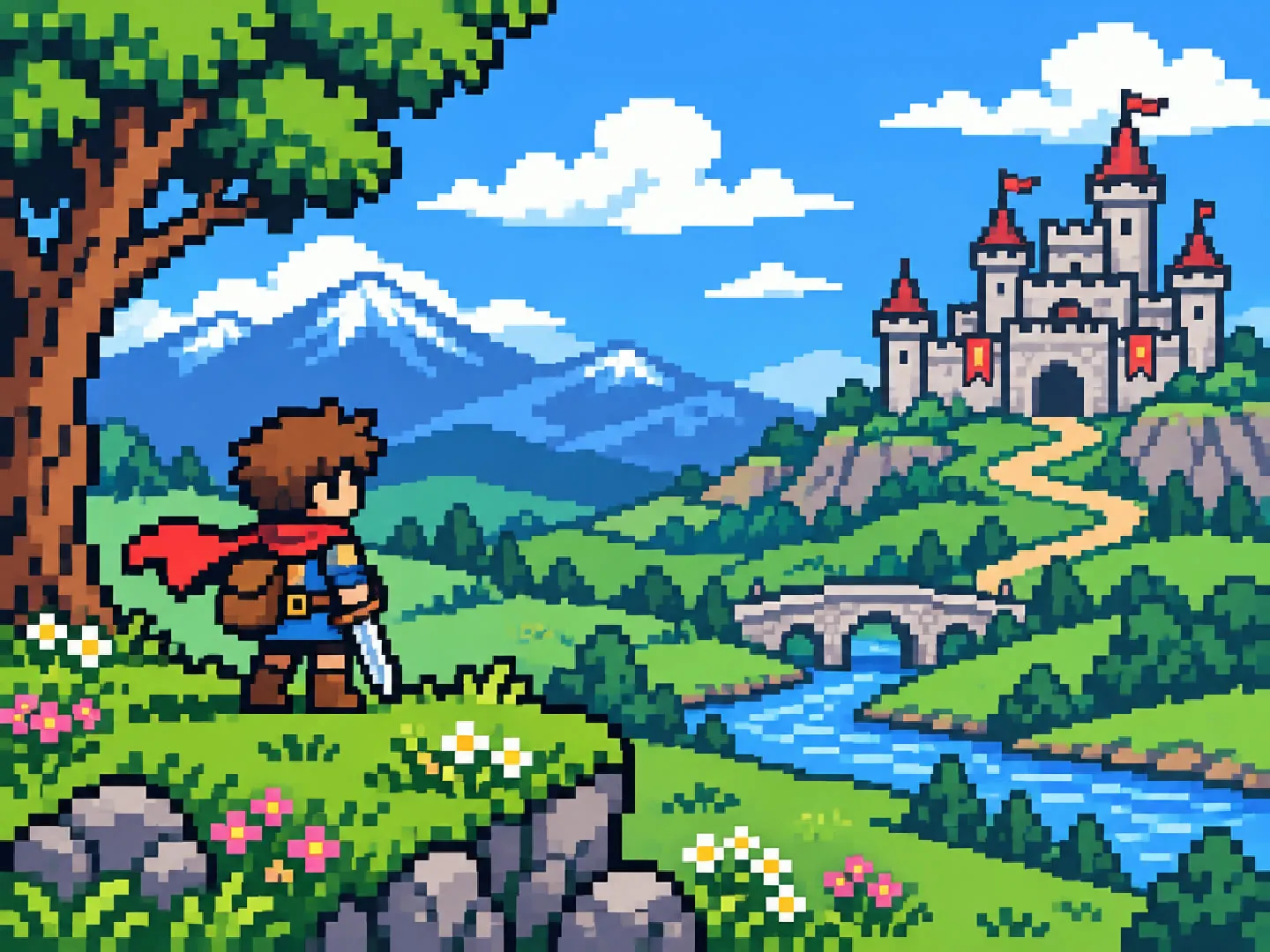
    Retro 8-bit and 16-bit art from a few words

    Even an empty form gives a result: a small adventurer in a meadow with a castle. Type a subject and pick 8-bit or 16-bit to set how chunky the pixels are, then rerun until the composition fits your thumbnail, avatar or poster.

    Retro 8-bit and 16-bit art from a few words

    More flows to skyrocket your creativity

    Connect Magnific MCP to your favorite AI tools

    Access the Magnific creative suite, agents, stock library, and much more directly from your AI assistant.

    1. Click the Add to Claude button
    2. Check the prefilled Magnific URL and click Add
    3. Click Connect and sign in to Magnific
    https://mcp.magnific.com
    Read the full setup docs

    Trusted by teams who hold the same standards

    RG/A

    “Magnific's Creative Suite provided us with access to best-in-class models and workflow tools through a single unified interface. This gave us the ability to create a shared collaboration environment for AI work, and management tools to understand usage patterns across clients and projects. By making cross-departmental and team collaboration simpler, Magnific has been a key unlock as we've woven AI into our workflows end to end.”

    RG/A

    Damm

    “Visual storytelling is in Damm's DNA. Magnific gives our teams the freedom to experiment and iterate, elevating our product and lifestyle images to a level of detail that was previously impossible at this speed.”

    Damm

    Job&Talent

    “Magnific is a key part of our marketing stack. It helps us create high-quality content at scale as we expand our AI-native workforce platform, powering our global staffing marketplace.”

    Job&Talent

    Delivery Hero

    “At Delivery Hero, we are very satisfied with Magnific's tool performance and impact. It consistently delivers high-quality, reliable results and supports our workflows and efficiency. The tool's models and features enable testing and boost execution across the design teams using it.”

    Delivery Hero

    Haworth

    “As a global manufacturer operating across diverse markets, the ability to localise our creative output is essential. Magnific gives our teams in all markets the tools to move from global brand direction to market-ready content quickly — adapting visuals to local audiences. Think global, act local has always been our approach; Magnific makes it genuinely executable at scale.”

    Haworth

    Phantom X

    “Magnific helps us move fast, iterate, and experiment. It's a creative toolkit, not a writer or director. The story, the shots, the emotional beats, that's all us.”

    Phantom X

    Native Foreign

    “Magnific is a go-to tool for the team at Native Foreign because it gives us access to all the latest & greatest tools, and has a super efficient and clean workflow process. We're able to bring things to life that would have never been possible because AI expands the palette of what's possible visually.”

    Native Foreign

    Guess

    “Visual storytelling and iconic aesthetics are in GUESS's DNA. Magnific gives our marketing and product design teams the freedom to experiment and iterate, elevating our fashion and lifestyle imagery to a level of detail that was previously impossible at this speed.”

    Guess

    Explore Magnific Enterprise

    Frequently asked questions

    • Scenes, game backgrounds, character sprites, isometric rooms and buildings, pets, places and portraits. Describe them in your own words. Names of real people, brands, and characters or games owned by others are replaced with a generic description, so describe your own ideas instead.
    • The flow asks for a small canvas (64x48 for 8-bit and sprites, 96x72 for 16-bit, isometric and scenes) scaled up with flat, single-color square pixels and no anti-aliasing. Most results show clear square blocks, but the file is a 1024x768 image drawn by an AI model, not a true low-resolution sprite: zoom in and some block edges can be slightly soft or uneven. For an exact grid, scale it down with nearest-neighbor in your pixel editor and clean up the pixels you need.
    • Yes. Upload a photo of yourself, your pet, a place, or people who agreed to it. The flow redraws it as pixel art and aims to keep the subject, pose, framing and main colors. Faces become simple pixel shapes, so check the result and run it again if it misses.
    • Yes. Type a palette in plain words, such as four shades of green, autumn oranges and browns, or magenta, cyan and deep purple. Left empty, it uses about 16 colors for 8-bit and about 32 for 16-bit, or colors taken from your photo.
    • No. Each run gives one still 4:3 image with a background. Character sprites are usually drawn on a plain background, but it can be dark or include scenery. Remove the background in an editor if you need a transparent sprite. Run it again for more poses or frames.
    • One 1024x768 PNG per run. The flow asks for no text in the image, so add titles or game text afterwards in your editor.
    • That depends on the terms of your Magnific plan. Check them before you sell the art or put it in a released game.
    • You can open this page and try the form for free. Generating needs a paid Magnific plan.

    Last updated: