

Freepik is now Magnific

    AI video effects: add snow, fire, explosions or neon to your own clip

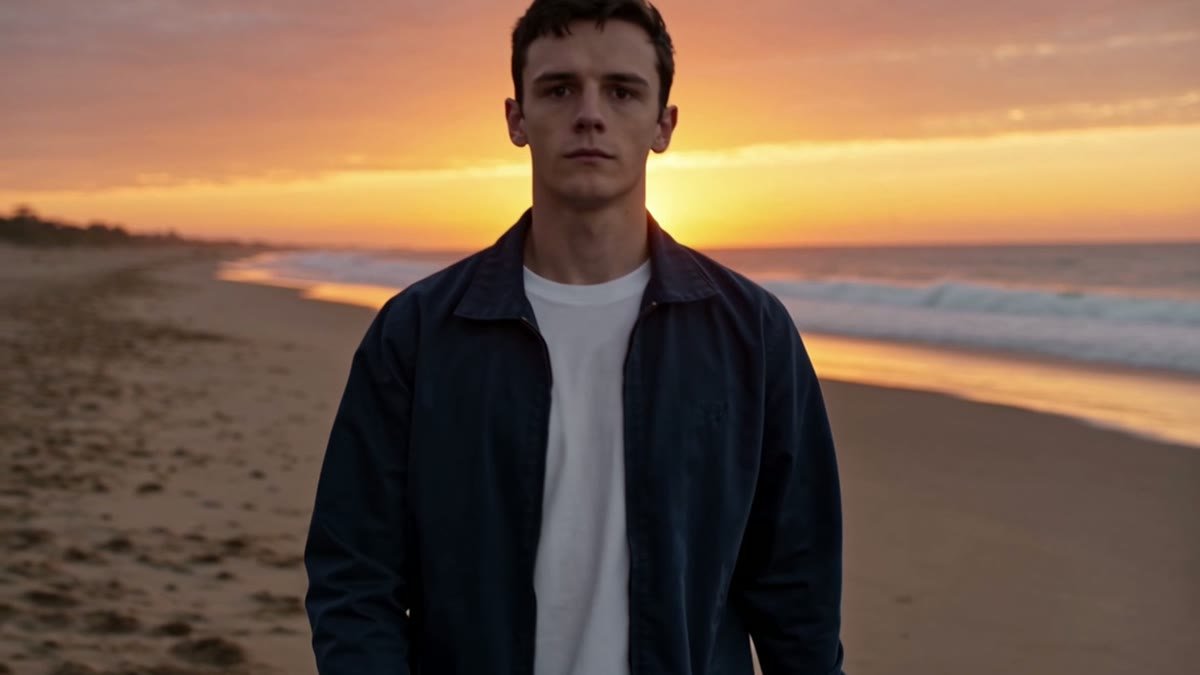
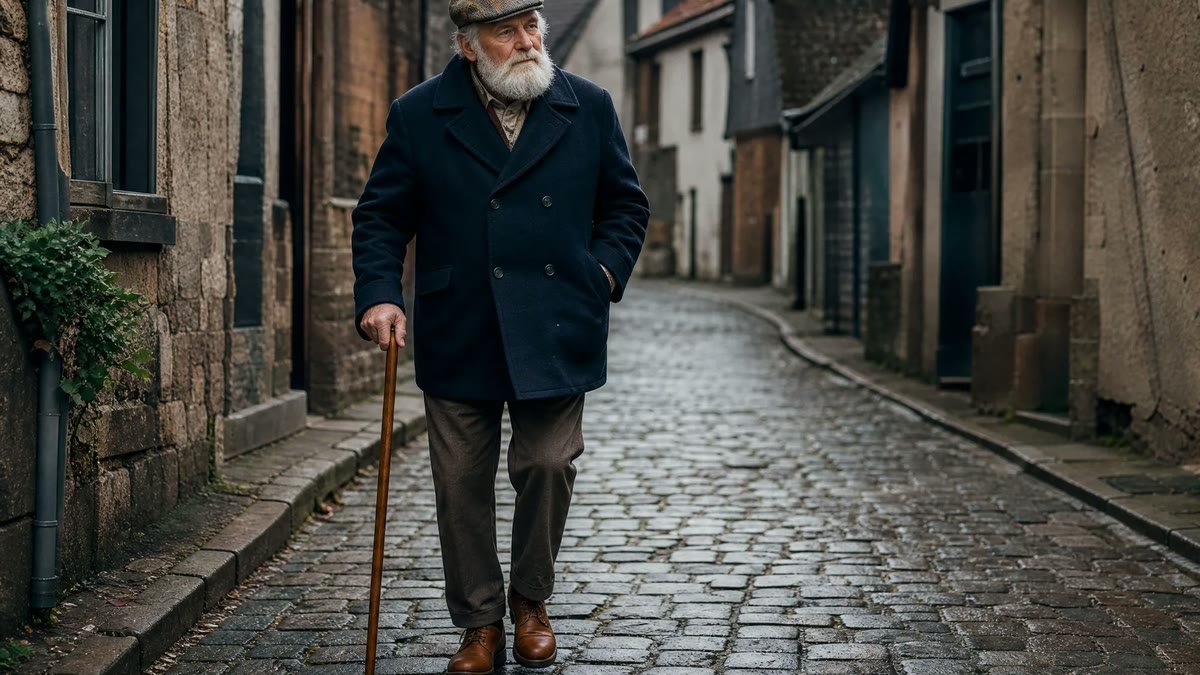
    Upload a video of 3 to 30 seconds and type the effect you want, like an explosion behind a car, a ring of fire around a dancer or snow falling on a city street. You get one MP4 back at 720p, the same length and shape as your clip, with the effect drawn into the scene while the people, motion and camera aim to stay as they were. Generating needs a paid Magnific plan.

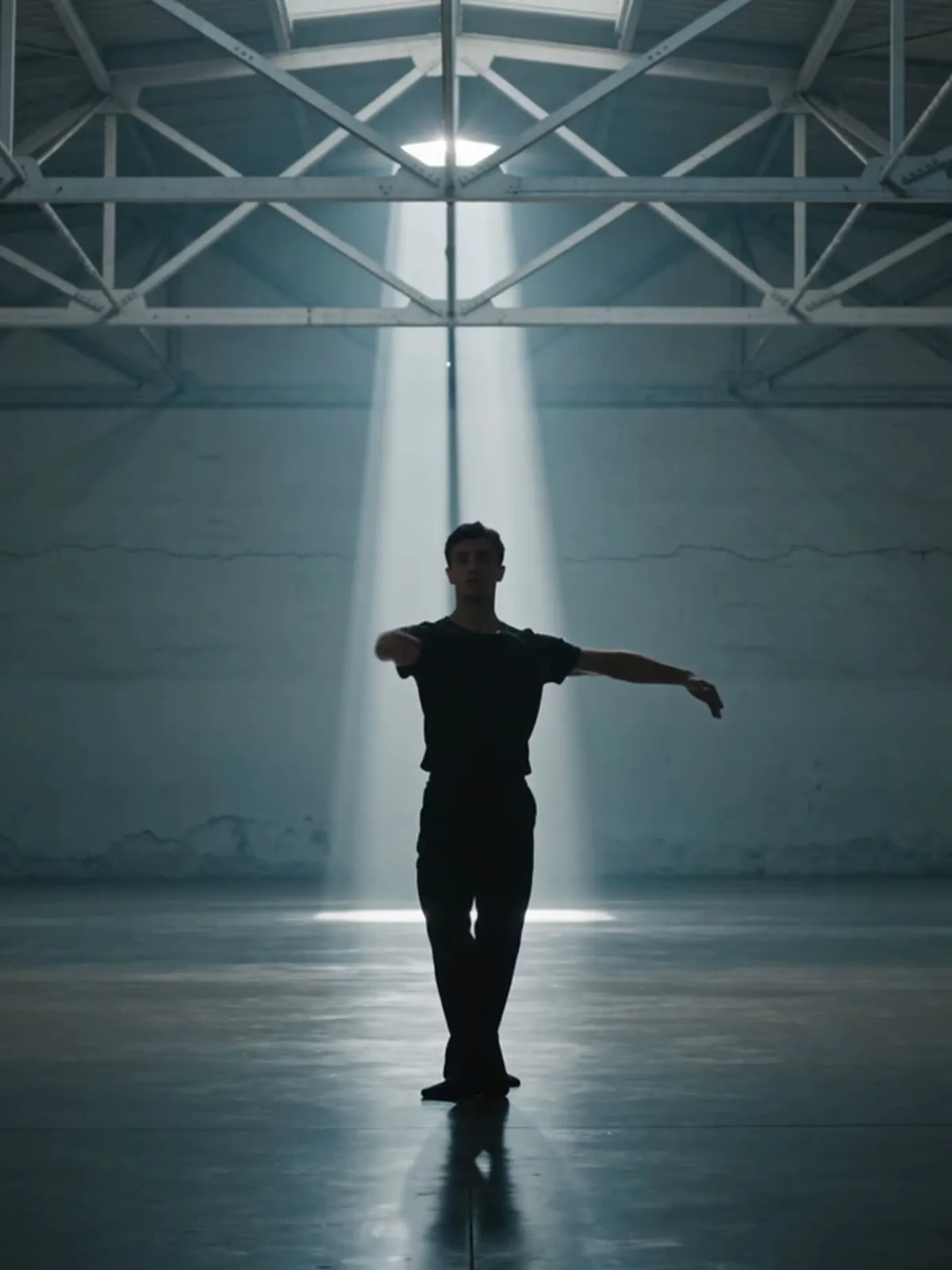
    Original
    Original
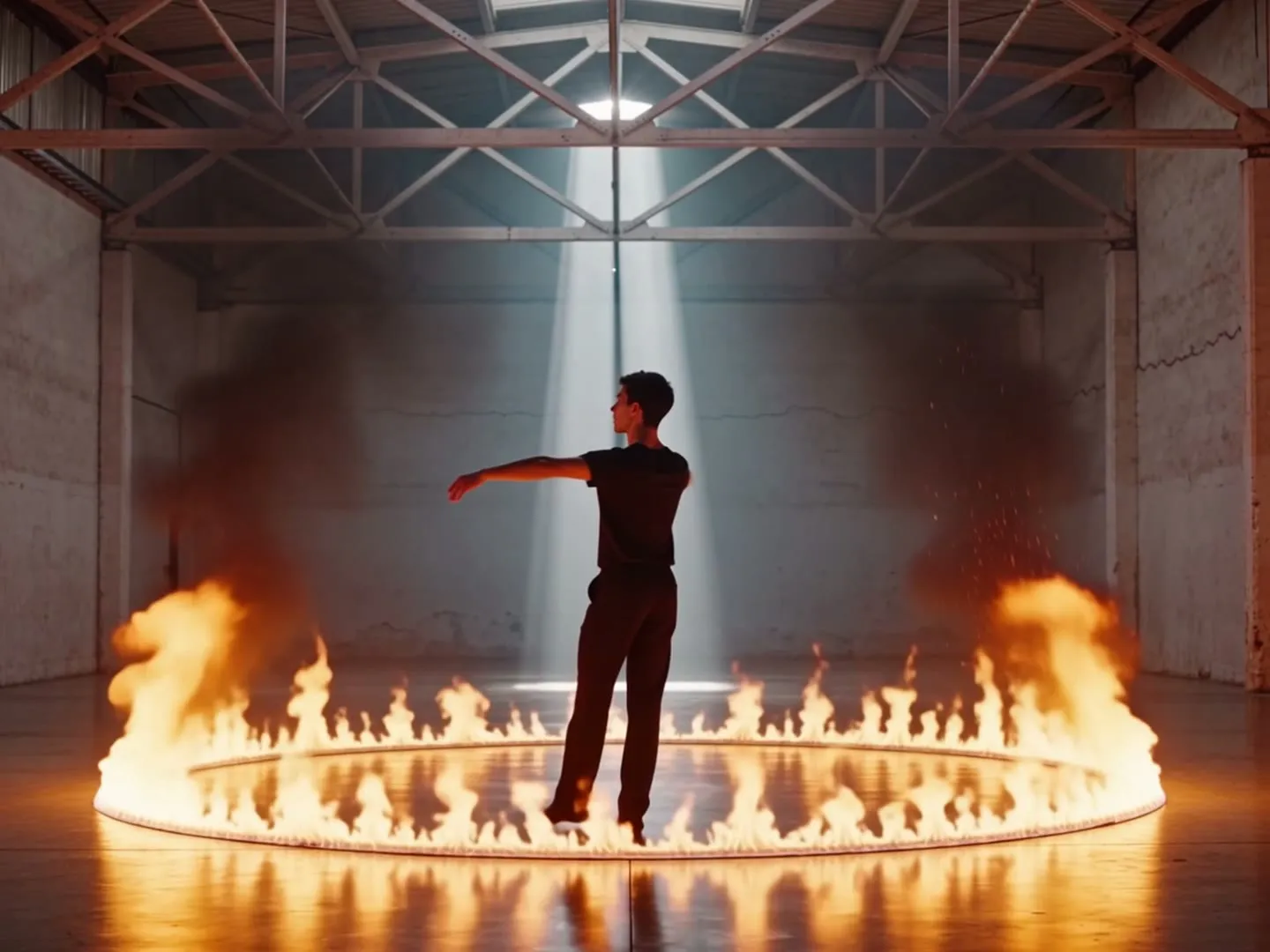
    Ring of fire
    Neon

    Your inputs

    Add a videoMP4, MOV or WEBM
    Optional

    How the Magnific AI video effects works

    • Add one clip of 3 to 30 seconds, at least 700 px on each side. One continuous shot with a clear subject, like a person walking, a car driving or a pet running, works best. Only upload videos you have the rights to edit, and only of people who agreed to it.

    Upload your video

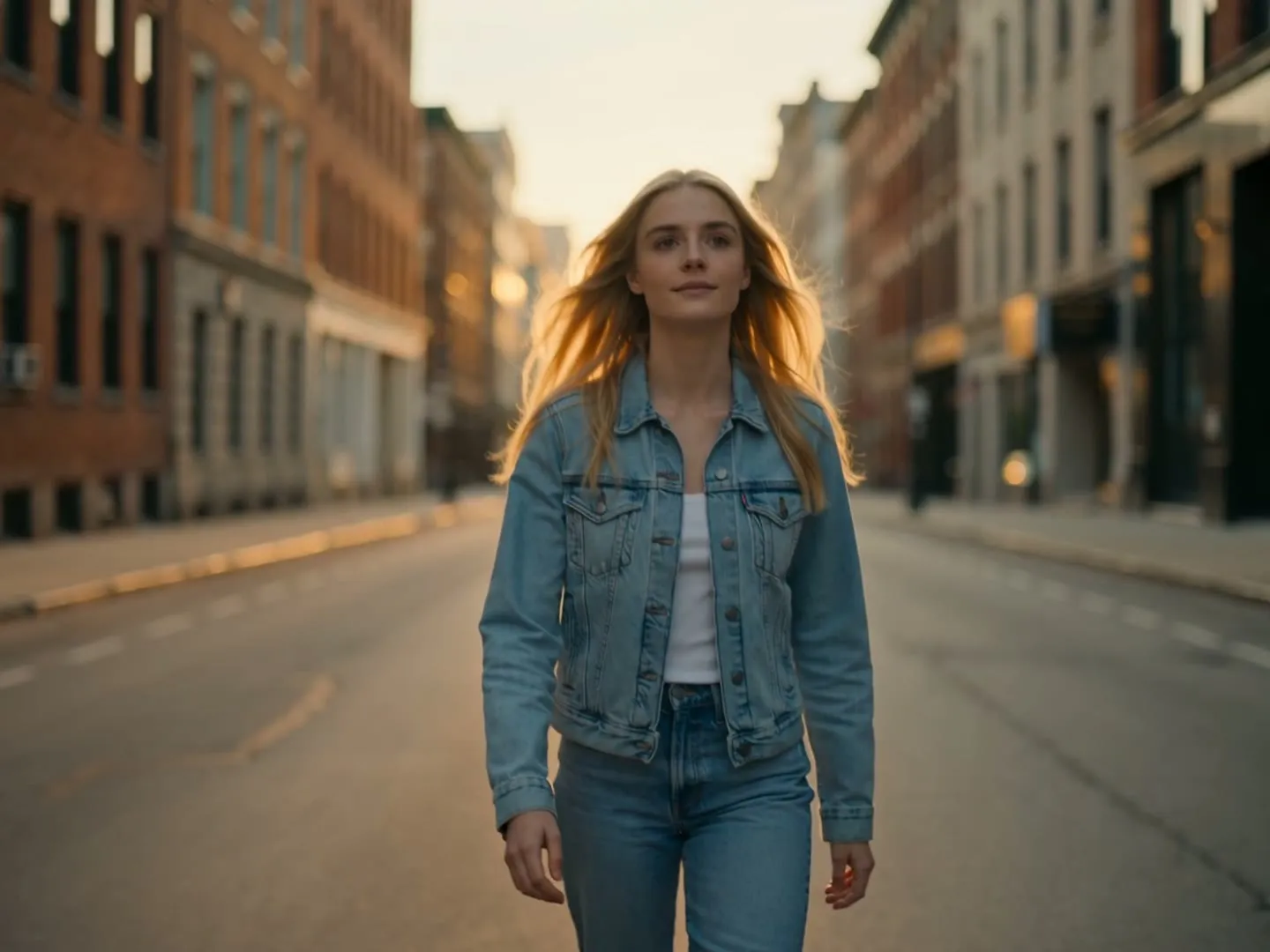
    Weather effects: snow, rain and lightning

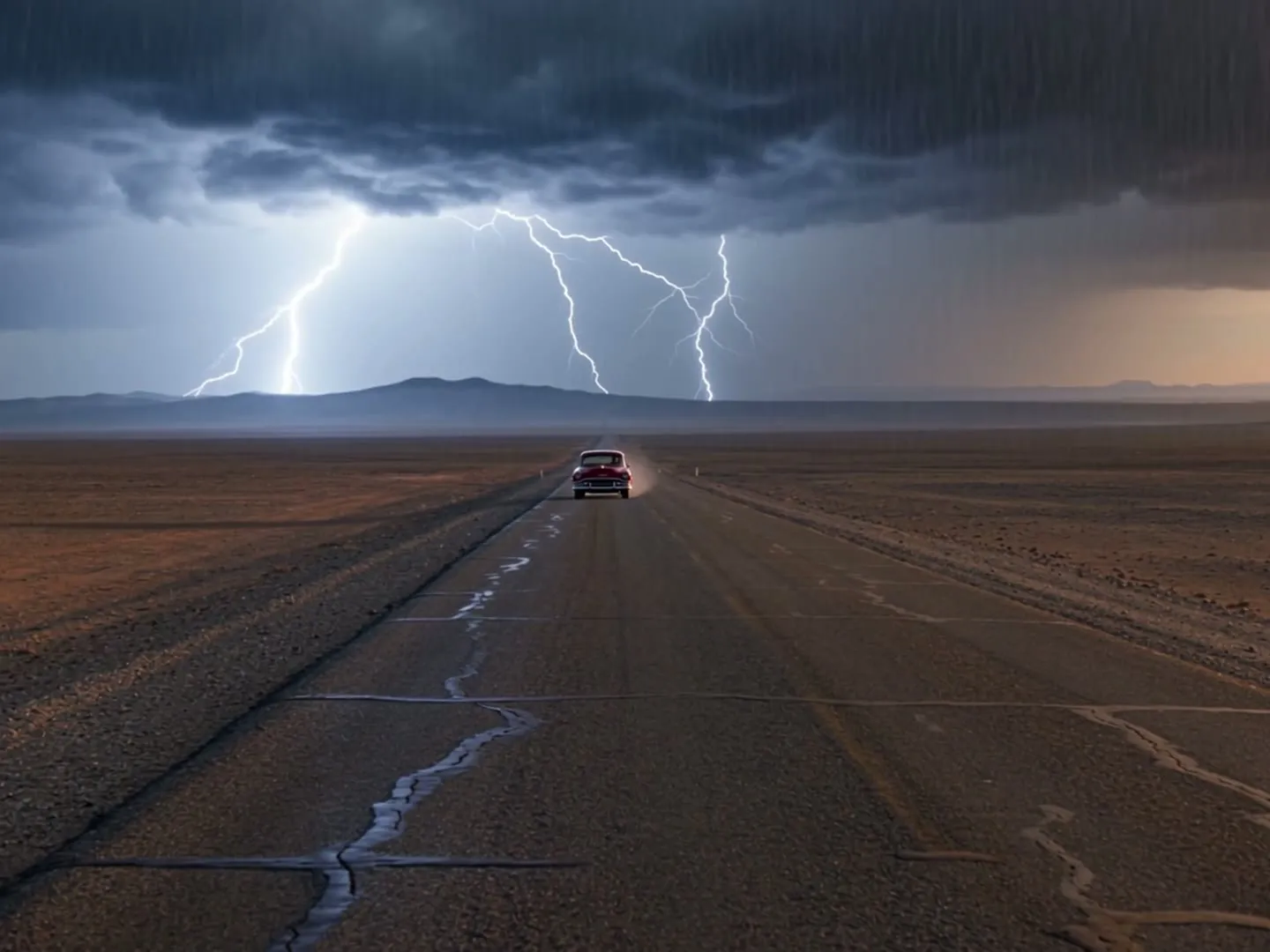
    Turn a summer street into a snowy one, or put a storm with lightning behind a car on an empty road. The weather is drawn into the scene with matching light, so the ground can turn white or wet and the sky darker, not just pasted on top as an overlay. Light snow can come out thinner than you expect, so ask for heavy snowfall if you want it to show.

    Weather effects: snow, rain and lightning

    Fire, explosions and sparks for action shots

    Add a fireball behind a car, a ring of flames around a dancer or sparks under a skateboard. Describe where it should happen and the effect lights the scene orange around it. The flow asks the model to keep fire and explosions off people and animals, so check the result before you post it.

    Fire, explosions and sparks for action shots

    Generative effects, not filters or overlay packs

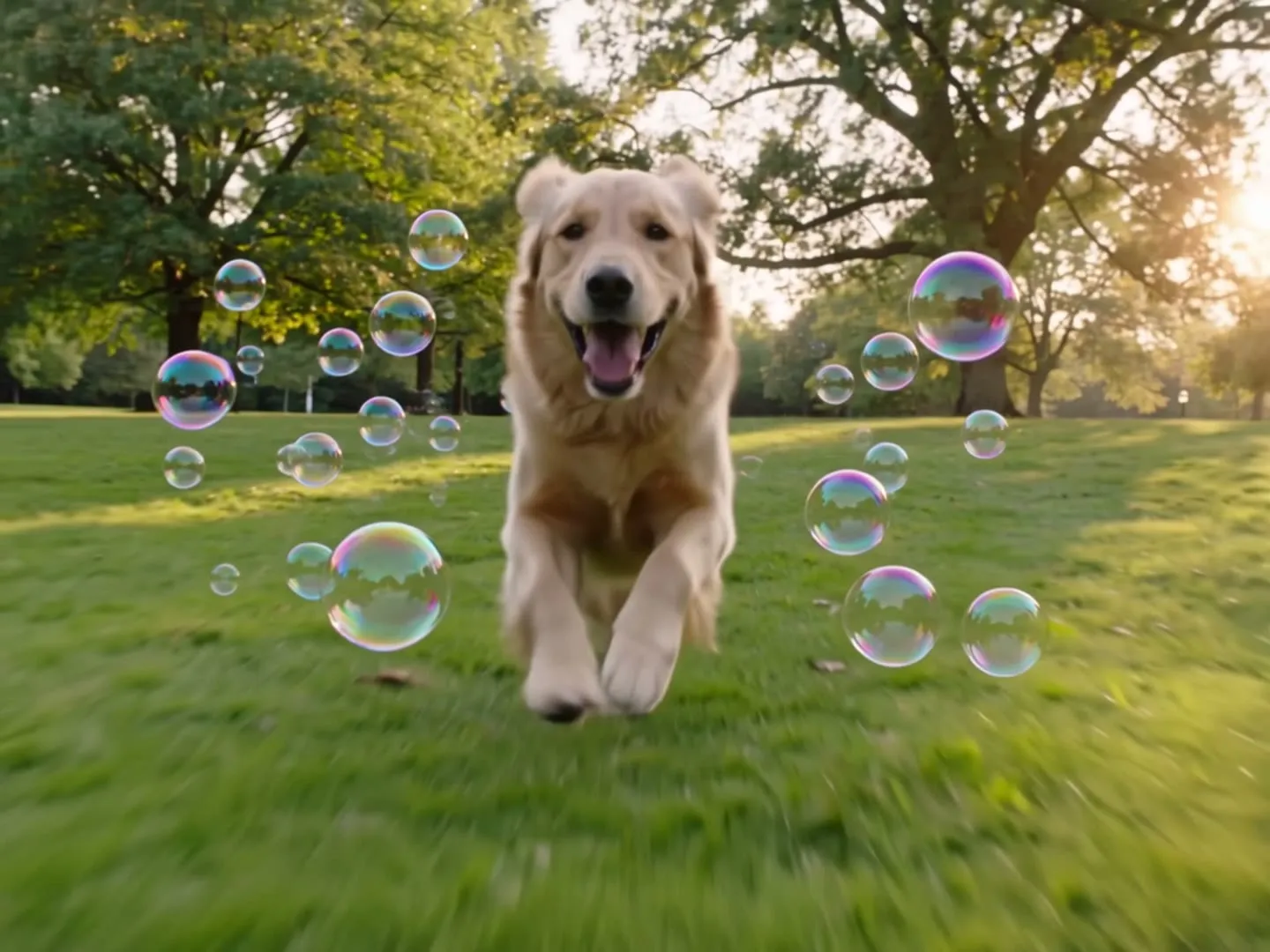
    Outline a dancer in glowing neon, fill a park with soap bubbles or let cherry blossom petals drift past a skater. These suit music videos, Reels and TikToks. The effect is painted into a new version of your clip, so you get one finished video, not a separate effect layer, a filter you can tweak or a pack of overlays. If you need a transparent effect file to stack in your editor, an overlay library is the better fit.

    Generative effects, not filters or overlay packs

    More flows to skyrocket your creativity

    Connect Magnific MCP to your favorite AI tools

    Access the Magnific creative suite, agents, stock library, and much more directly from your AI assistant.

    1. Click the Add to Claude button
    2. Check the prefilled Magnific URL and click Add
    3. Click Connect and sign in to Magnific
    https://mcp.magnific.com
    Read the full setup docs

    Trusted by teams who hold the same standards

    RG/A

    “Magnific's Creative Suite provided us with access to best-in-class models and workflow tools through a single unified interface. This gave us the ability to create a shared collaboration environment for AI work, and management tools to understand usage patterns across clients and projects. By making cross-departmental and team collaboration simpler, Magnific has been a key unlock as we've woven AI into our workflows end to end.”

    RG/A

    Damm

    “Visual storytelling is in Damm's DNA. Magnific gives our teams the freedom to experiment and iterate, elevating our product and lifestyle images to a level of detail that was previously impossible at this speed.”

    Damm

    Job&Talent

    “Magnific is a key part of our marketing stack. It helps us create high-quality content at scale as we expand our AI-native workforce platform, powering our global staffing marketplace.”

    Job&Talent

    Delivery Hero

    “At Delivery Hero, we are very satisfied with Magnific's tool performance and impact. It consistently delivers high-quality, reliable results and supports our workflows and efficiency. The tool's models and features enable testing and boost execution across the design teams using it.”

    Delivery Hero

    Haworth

    “As a global manufacturer operating across diverse markets, the ability to localise our creative output is essential. Magnific gives our teams in all markets the tools to move from global brand direction to market-ready content quickly — adapting visuals to local audiences. Think global, act local has always been our approach; Magnific makes it genuinely executable at scale.”

    Haworth

    Phantom X

    “Magnific helps us move fast, iterate, and experiment. It's a creative toolkit, not a writer or director. The story, the shots, the emotional beats, that's all us.”

    Phantom X

    Native Foreign

    “Magnific is a go-to tool for the team at Native Foreign because it gives us access to all the latest & greatest tools, and has a super efficient and clean workflow process. We're able to bring things to life that would have never been possible because AI expands the palette of what's possible visually.”

    Native Foreign

    Guess

    “Visual storytelling and iconic aesthetics are in GUESS's DNA. Magnific gives our marketing and product design teams the freedom to experiment and iterate, elevating our fashion and lifestyle imagery to a level of detail that was previously impossible at this speed.”

    Guess

    Explore Magnific Enterprise

    Frequently asked questions

    • Yes. Upload one clip of 3 to 30 seconds, at least 700 px on each side, in a common format like MP4 or MOV. One continuous shot works better than a clip with hard cuts. Only use videos you have the rights to edit, and of people who agreed to it.
    • Effects that can exist inside the scene work best: snow, rain, lightning, fog, fire, explosions, sparks, smoke, neon lights, bubbles, petals or falling leaves. Screen filters such as glitch, VHS or film grain are not what this flow does: in our tests they barely showed up. If you leave the field empty, you get heavy snowfall.
    • It aims to keep the people, faces, clothes, motion, camera and framing, and to add only the effect. The whole frame is redrawn, so the light and colors change with the effect and small details can shift; now and then the motion near the end differs from your clip. Watch the result and run it again if something changed that you wanted kept.
    • One MP4 at 720p, the same length and shape as your clip: a horizontal video stays horizontal and a vertical one stays vertical. The result can come with sound the model adds to match the effect, like the boom of an explosion, so check the audio before you post. Your original sound is not guaranteed to be kept; if you need it, put it back on in your video editor.
    • Only through your words. Say what appears, where in the frame, how strong and roughly when, for example "a large explosion behind the car with black smoke". There are no sliders or timeline, so the AI may not follow timing exactly. If the effect is too faint or in the wrong place, reword it and run again: every run gives a new version.
    • You can name two in one description, like "snow falling and neon signs on the buildings", but one clear effect gives the most reliable result. For more, run the flow again on the video you got back.
    • No. You get one finished MP4 with the effect painted into the scene, not a separate layer or a file with transparency, so you can't move or fade the effect later. To change it, edit your description and run the flow again on your original clip.
    • You can open this page and try the form for free. Generating needs a paid Magnific plan. Whether you can use the result commercially depends on the terms of your Magnific plan.

    Last updated: