
AI Face Swap
Swap faces in any photo with Freepik's AI face swap. Upload an image, pick a new face, and get a realistic result in seconds. Perfect for creative projects, memes, or just having fun.

Swap faces with a single click
Forget complex editing software. With Freepik's AI face swap, upload two photos and get a realistic face swap in a single click. No Photoshop skills needed.

Place yourself in any scene
Turn yourself into a movie character, a classical painting subject, or a magazine cover model. The AI adapts your face to any style while keeping it recognizable.

Keep lighting, angle, and expression natural
The AI automatically matches lighting, skin tone, angle, and expression for a natural result. Fine-tune the output with sliders for blend intensity, lighting, and angle correction.

Swap multiple faces in one photo
Swap one, several, or all faces in the same picture. Perfect for group photos, team shots, and family pictures where you want to change how everyone looks at once.
How to swap faces with AI
Upload the face you want to use. A clear, well-lit portrait works best for accurate swaps.

Tools to skyrocket your creative freedom
More tools and features coming soon! Want to test them before anyone? Become our Creative Partner.

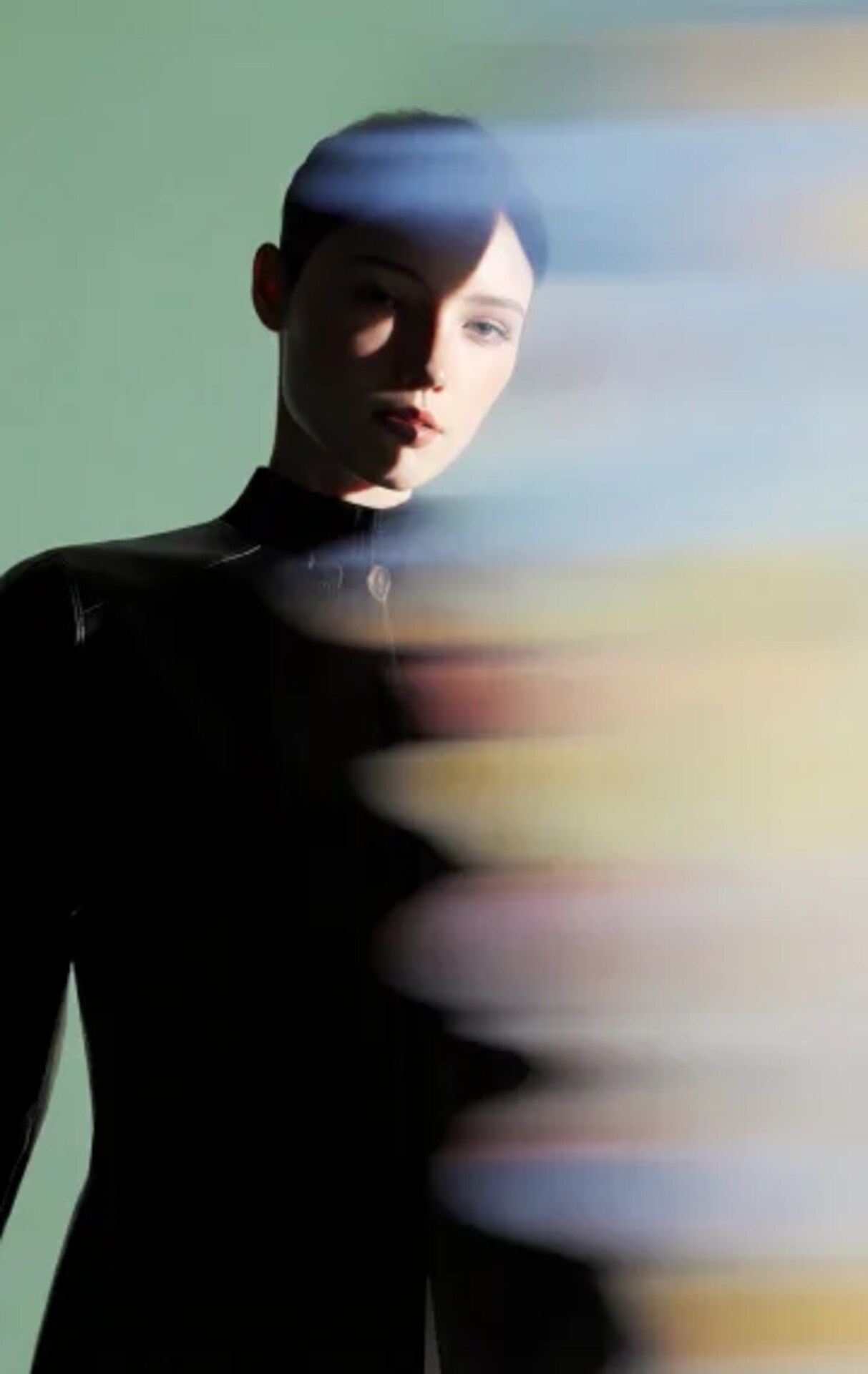
Transform your photos with AI Editing tools
Discover how our AI tools turn photo editing into effortless, professional results in seconds.
Frequently asked questions
- The AI face swap is a tool powered by artificial intelligence that replaces a face in a photo with another one while keeping the lighting, angle, and expression natural. Upload a source face and a target image, and the AI blends them seamlessly.
- Upload the face you want to use as the source, then upload the target image where you want that face placed. The AI analyzes both images, matches the lighting and angle, and generates a natural-looking result in seconds.
- Yes! You get 20 free image generations daily. If you need more, along with access to our stock content, tools, and additional features, check out our pricing plans to find the best fit for you.
- The AI face swap works with portraits, group photos, creative scenes, and artistic compositions. You can swap faces into movie-style scenes, album covers, renaissance paintings, magazine covers, and much more.
- Yes, the AI can handle multiple faces in the same photo. Upload a group picture and swap one, several, or all faces at once while keeping the rest of the image untouched.
- Only swap faces of people who have given you permission. Do not use the AI face swap to impersonate others, create misleading content, or violate anyone's privacy. Use it responsibly for creative and personal projects.
If you need further information, please contact us