


Freepik is now Magnific

    AI virtual try on: see how a garment fits before you buy

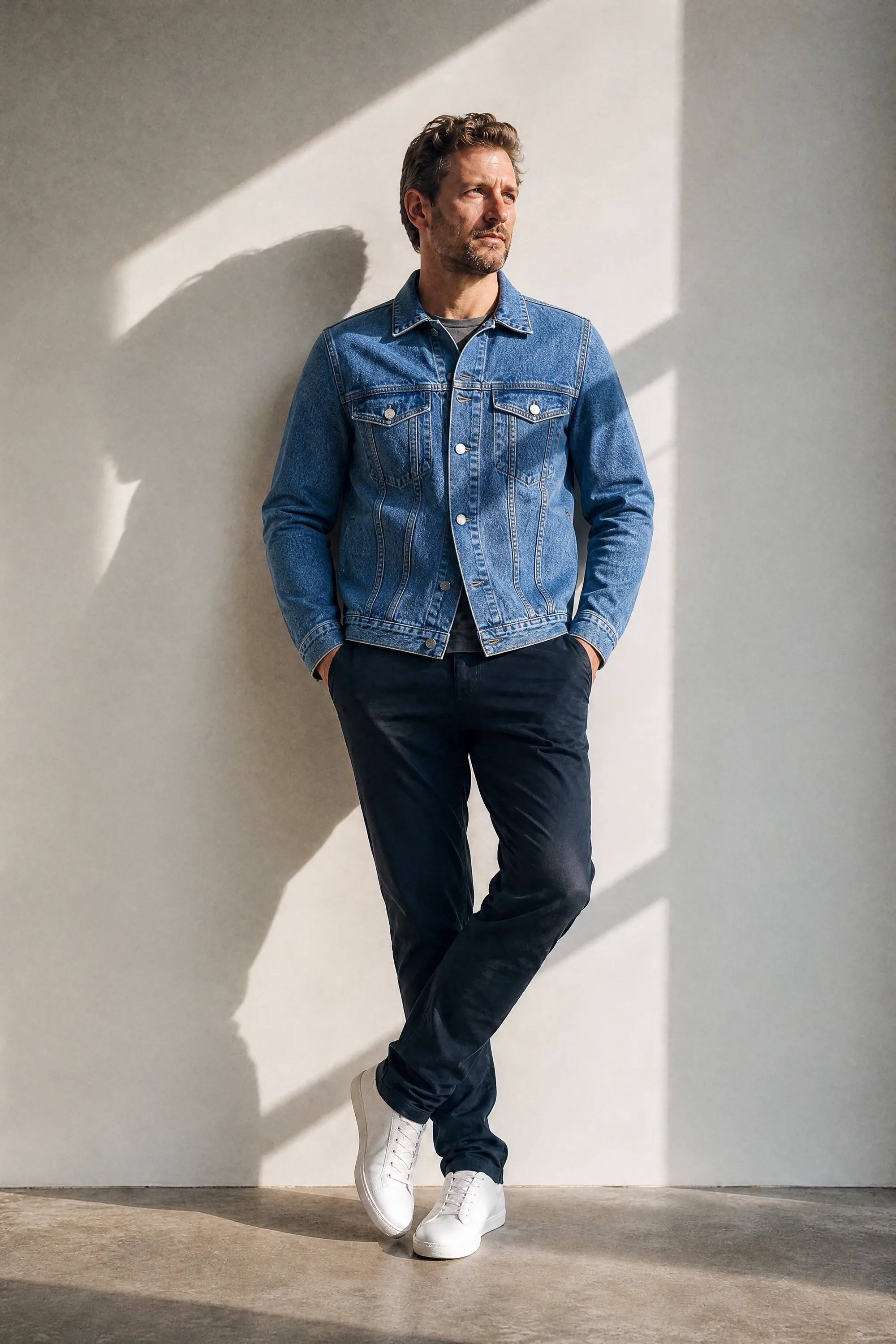
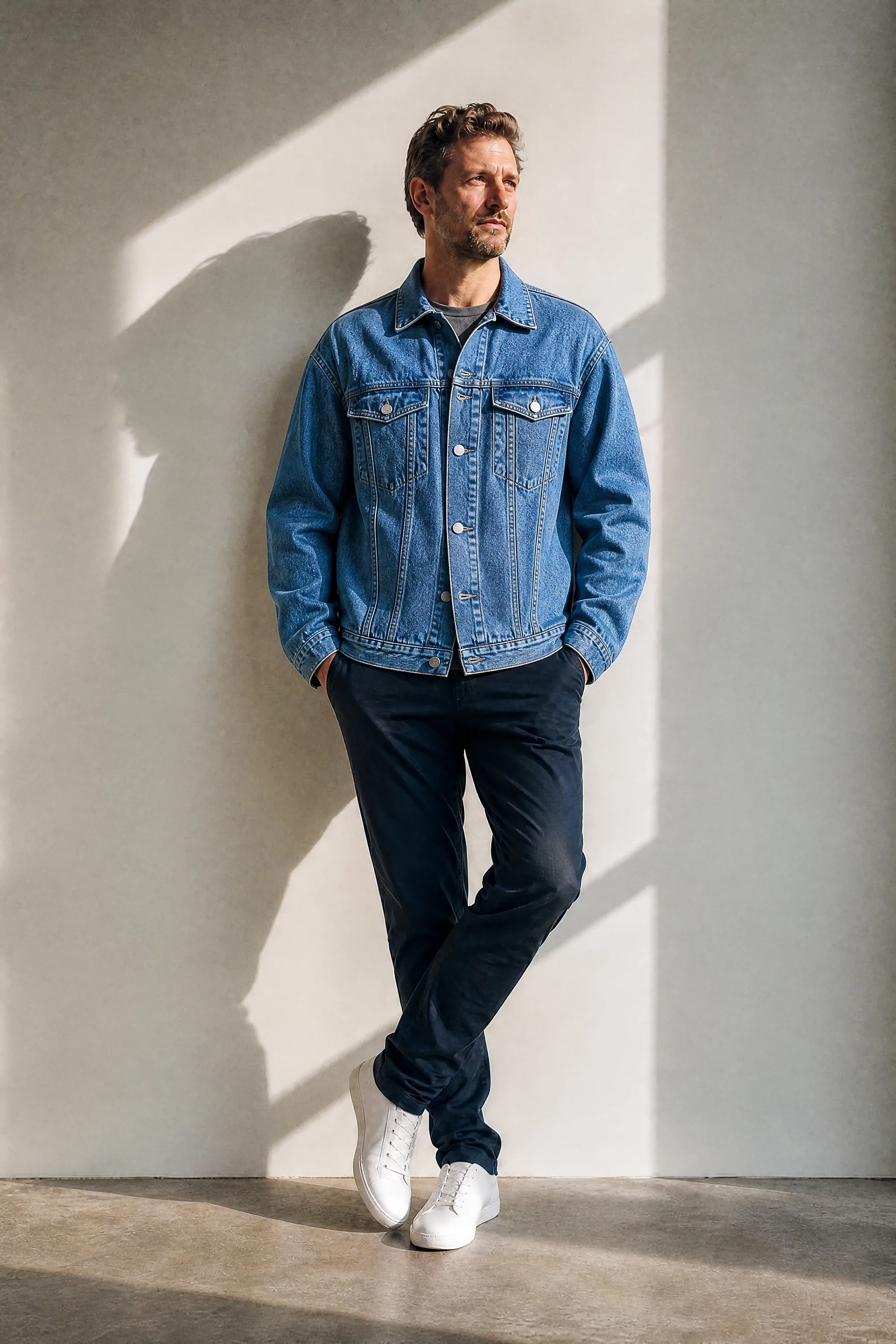
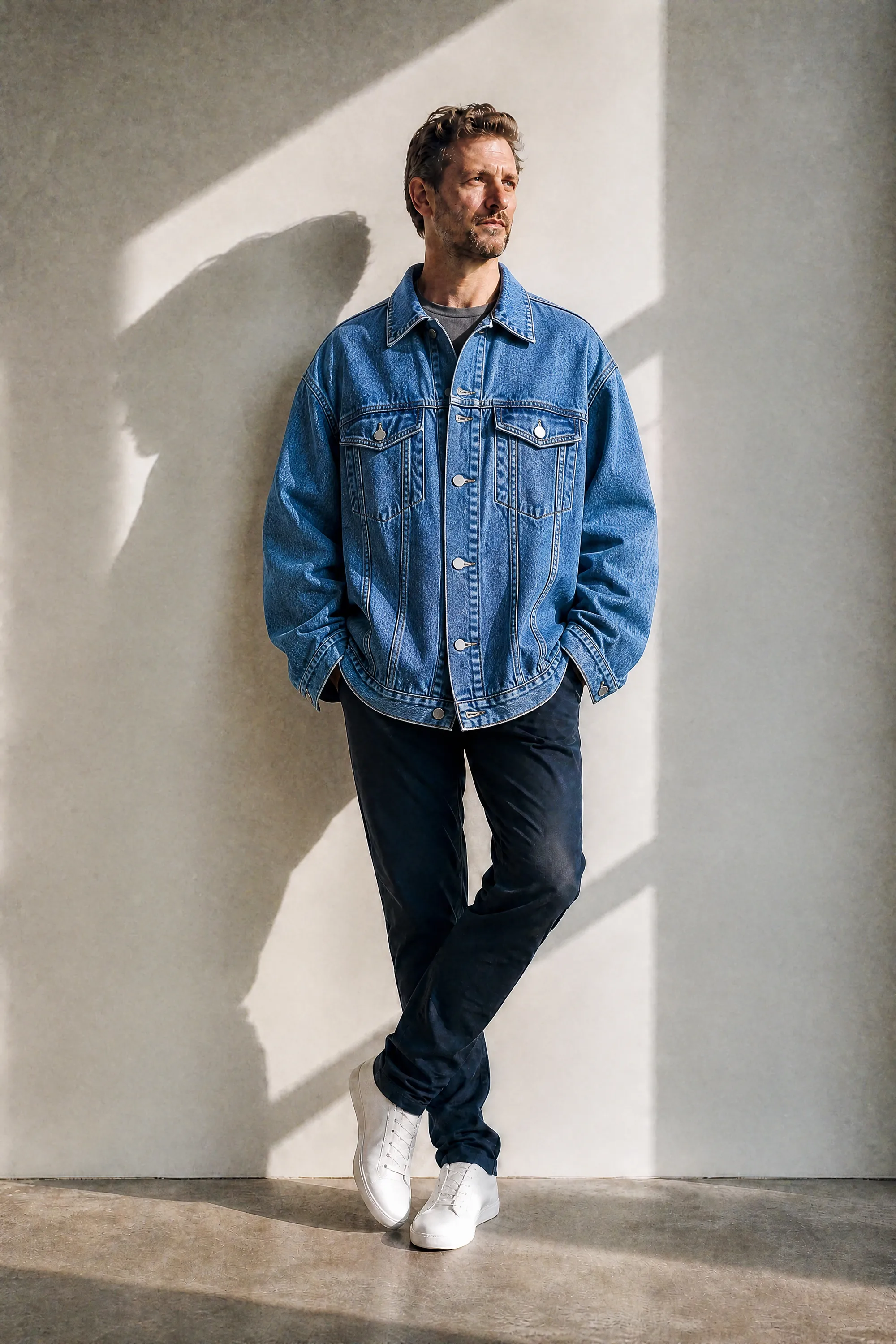
    Upload a photo of a person and a photo of a garment, then type its design fit: regular, slim or oversized. You get photos of that person wearing the garment in several sizes, from smaller to larger, like a denim jacket going from snug to roomy or a hoodie going from fitted to oversized.

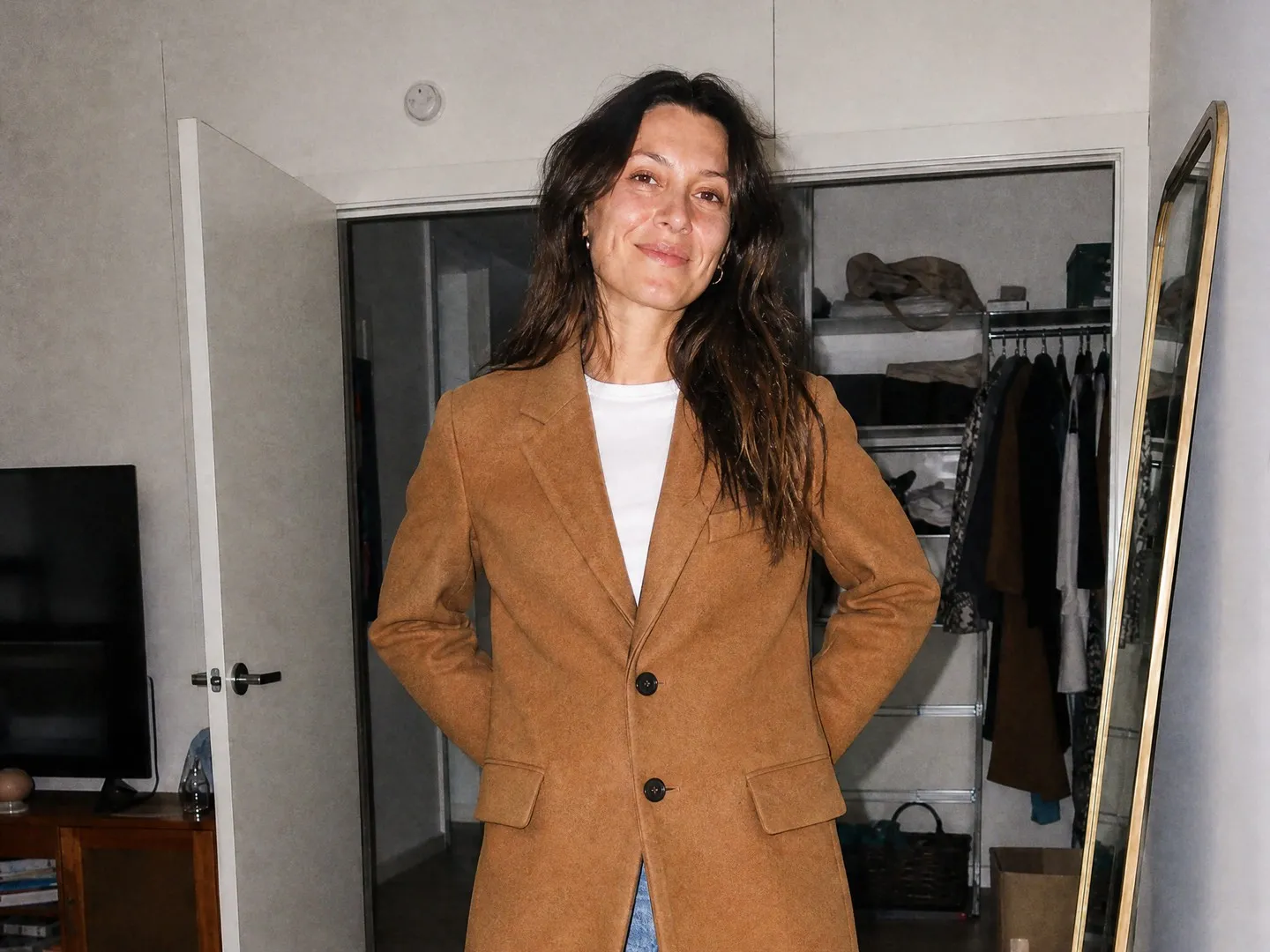
    Original
    Original
    One size down
    One size down
    True size
    True size
    One size up
    One size up
    Two sizes up
    Two sizes up

    Your inputs

    Add an imageJPG, PNG or WEBP
    Add an imageJPG, PNG or WEBP
    Optional

    How the Magnific AI virtual try on works

    • Add a clear photo of one person, full body or from the knees up. Their face, pose, background and other clothes are kept.

    Upload a photo of the person

    Check the fit before you order

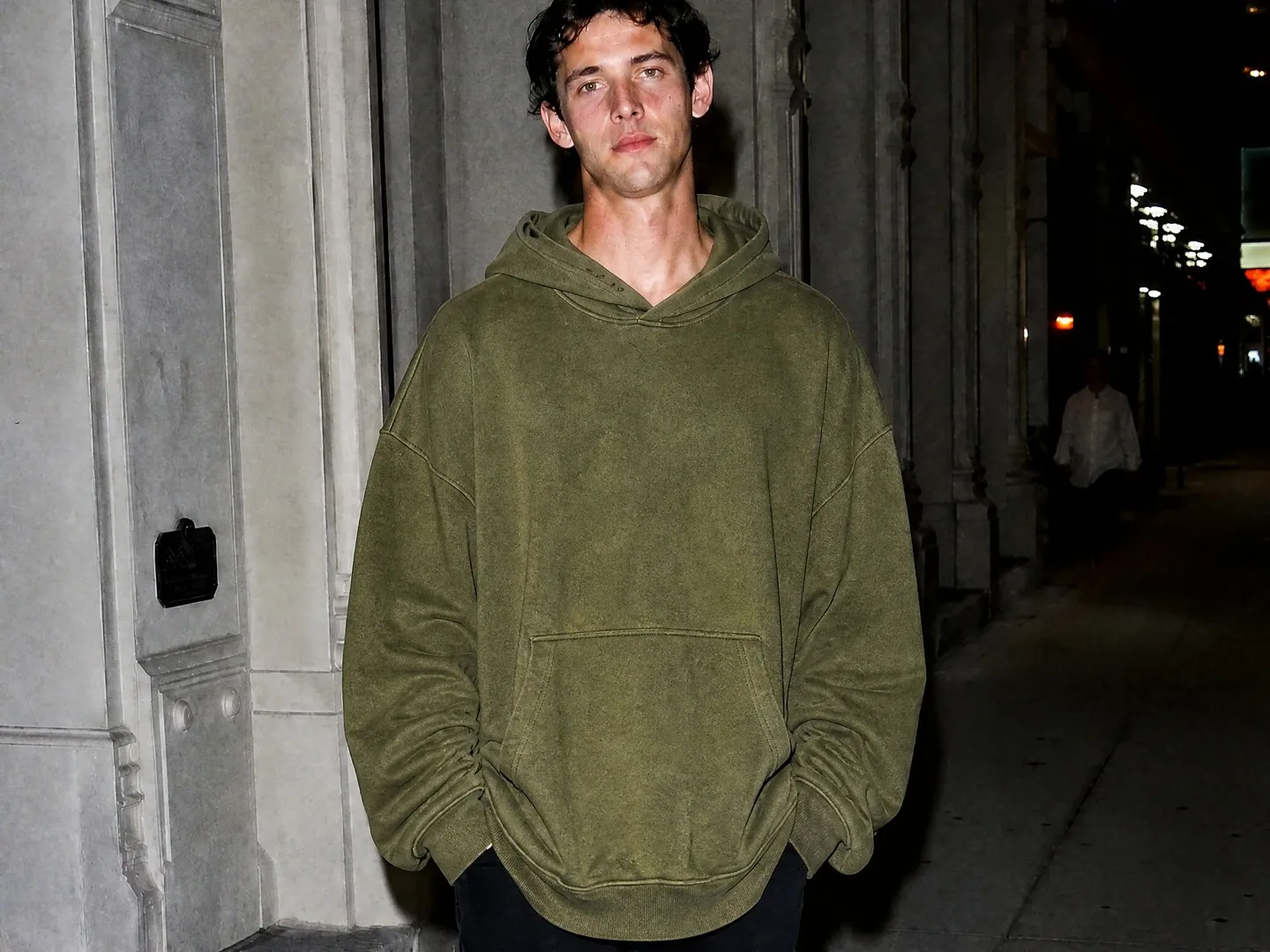
    Not sure whether to size up? Put the coat on a photo of yourself and see how one size down or one size up changes the shoulders, the sleeves and the length. Use it as a visual preview next to the store's size chart.

    Check the fit before you order

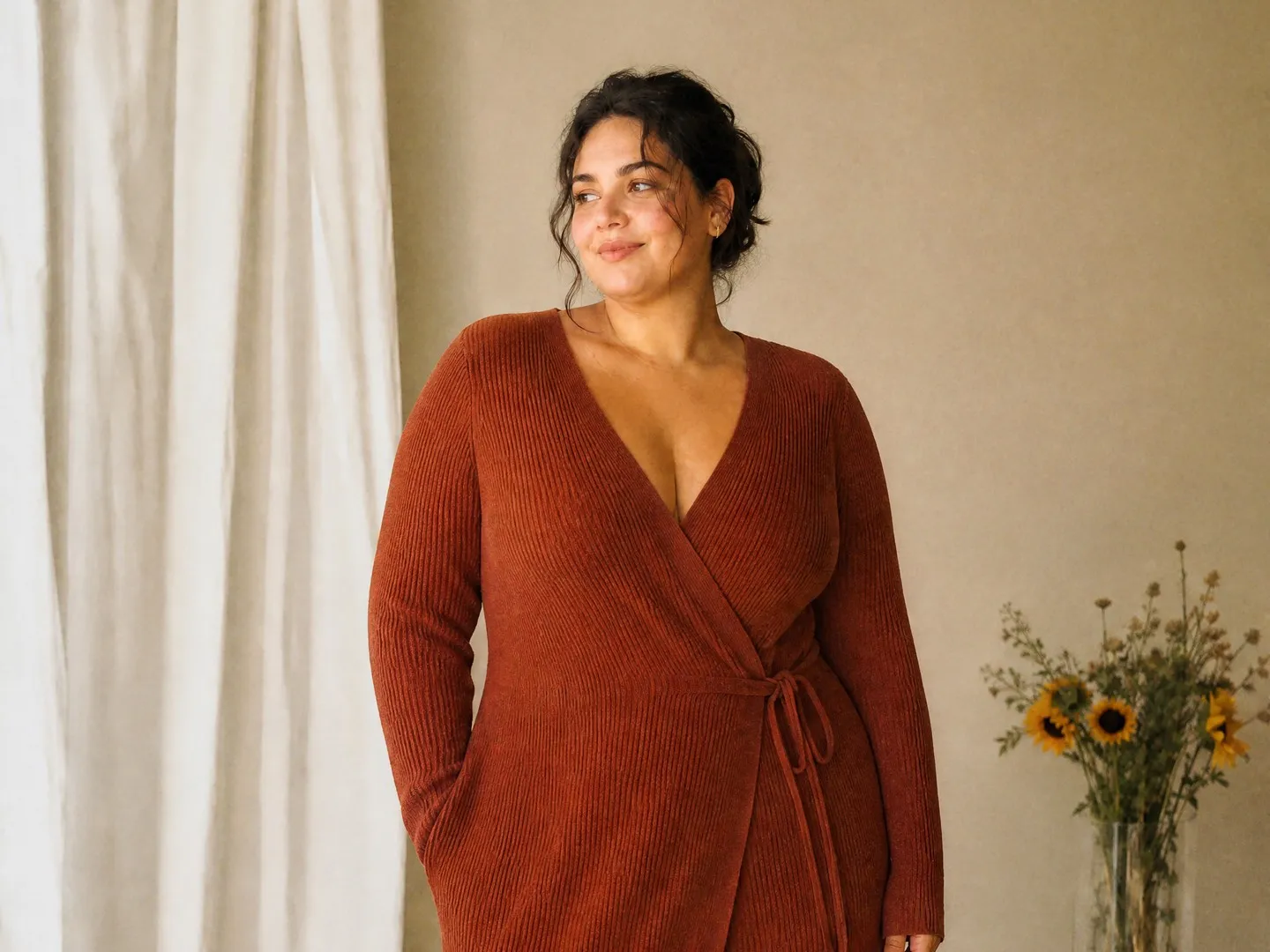
    Show fit on different bodies on product pages

    Fashion stores can show one garment on models of different ages and body types without a new shoot. Each result keeps the model's face, pose and set, so the fit is what changes from one photo to the next.

    Show fit on different bodies on product pages

    Plan oversized looks on purpose

    Some styles look best a size or two up. Compare the true size with the larger sizes to see where the shoulders drop, how far the sleeves fall over the hands and how long the hem gets, then pick the look you want.

    Plan oversized looks on purpose

    More flows to skyrocket your creativity

    Connect Magnific MCP to your favorite AI tools

    Access the Magnific creative suite, agents, stock library, and much more directly from your AI assistant.

    1. Click the Add to Claude button
    2. Check the prefilled Magnific URL and click Add
    3. Click Connect and sign in to Magnific
    https://mcp.magnific.com
    Read the full setup docs

    Trusted by teams who hold the same standards

    RG/A

    “Magnific's Creative Suite provided us with access to best-in-class models and workflow tools through a single unified interface. This gave us the ability to create a shared collaboration environment for AI work, and management tools to understand usage patterns across clients and projects. By making cross-departmental and team collaboration simpler, Magnific has been a key unlock as we've woven AI into our workflows end to end.”

    RG/A

    Damm

    “Visual storytelling is in Damm's DNA. Magnific gives our teams the freedom to experiment and iterate, elevating our product and lifestyle images to a level of detail that was previously impossible at this speed.”

    Damm

    Job&Talent

    “Magnific is a key part of our marketing stack. It helps us create high-quality content at scale as we expand our AI-native workforce platform, powering our global staffing marketplace.”

    Job&Talent

    Delivery Hero

    “At Delivery Hero, we are very satisfied with Magnific's tool performance and impact. It consistently delivers high-quality, reliable results and supports our workflows and efficiency. The tool's models and features enable testing and boost execution across the design teams using it.”

    Delivery Hero

    Haworth

    “As a global manufacturer operating across diverse markets, the ability to localise our creative output is essential. Magnific gives our teams in all markets the tools to move from global brand direction to market-ready content quickly — adapting visuals to local audiences. Think global, act local has always been our approach; Magnific makes it genuinely executable at scale.”

    Haworth

    Phantom X

    “Magnific helps us move fast, iterate, and experiment. It's a creative toolkit, not a writer or director. The story, the shots, the emotional beats, that's all us.”

    Phantom X

    Native Foreign

    “Magnific is a go-to tool for the team at Native Foreign because it gives us access to all the latest & greatest tools, and has a super efficient and clean workflow process. We're able to bring things to life that would have never been possible because AI expands the palette of what's possible visually.”

    Native Foreign

    Guess

    “Visual storytelling and iconic aesthetics are in GUESS's DNA. Magnific gives our marketing and product design teams the freedom to experiment and iterate, elevating our fashion and lifestyle imagery to a level of detail that was previously impossible at this speed.”

    Guess

    Explore Magnific Enterprise

    Frequently asked questions

    • For the person, a clear photo of one person, full body or from the knees up, with the garment area visible. For the garment, a product photo on a hanger, laid flat or on a plain background, showing the whole piece.
    • It tells the flow how the garment is cut: regular for a classic tailored fit, slim for close to the body, oversized for loose with dropped shoulders. The true size is drawn to match that cut. The field is required, so type one of the three.
    • They are optional. Use them for details the flow must copy exactly, such as the number of buttons or pockets. Leave the field empty if the garment photo shows everything clearly.
    • A set of portrait photos (2:3) of the same person wearing the garment in several sizes, from smaller to larger, including the true size. The face, body, background and other clothes stay the same; the garment and its fit change. Small details, like where the hands rest, can vary between sizes.
    • No. It is a visual preview of how a garment looks tighter or looser on a body, not a measurement. Check the brand's size chart before you order.
    • Tops, outerwear and dresses work well: coats, denim jackets, hoodies, cardigans and knit dresses all give clear differences between sizes.