


Freepik is now Magnific

    AI ad maker: one image ad from your product, offer and headline

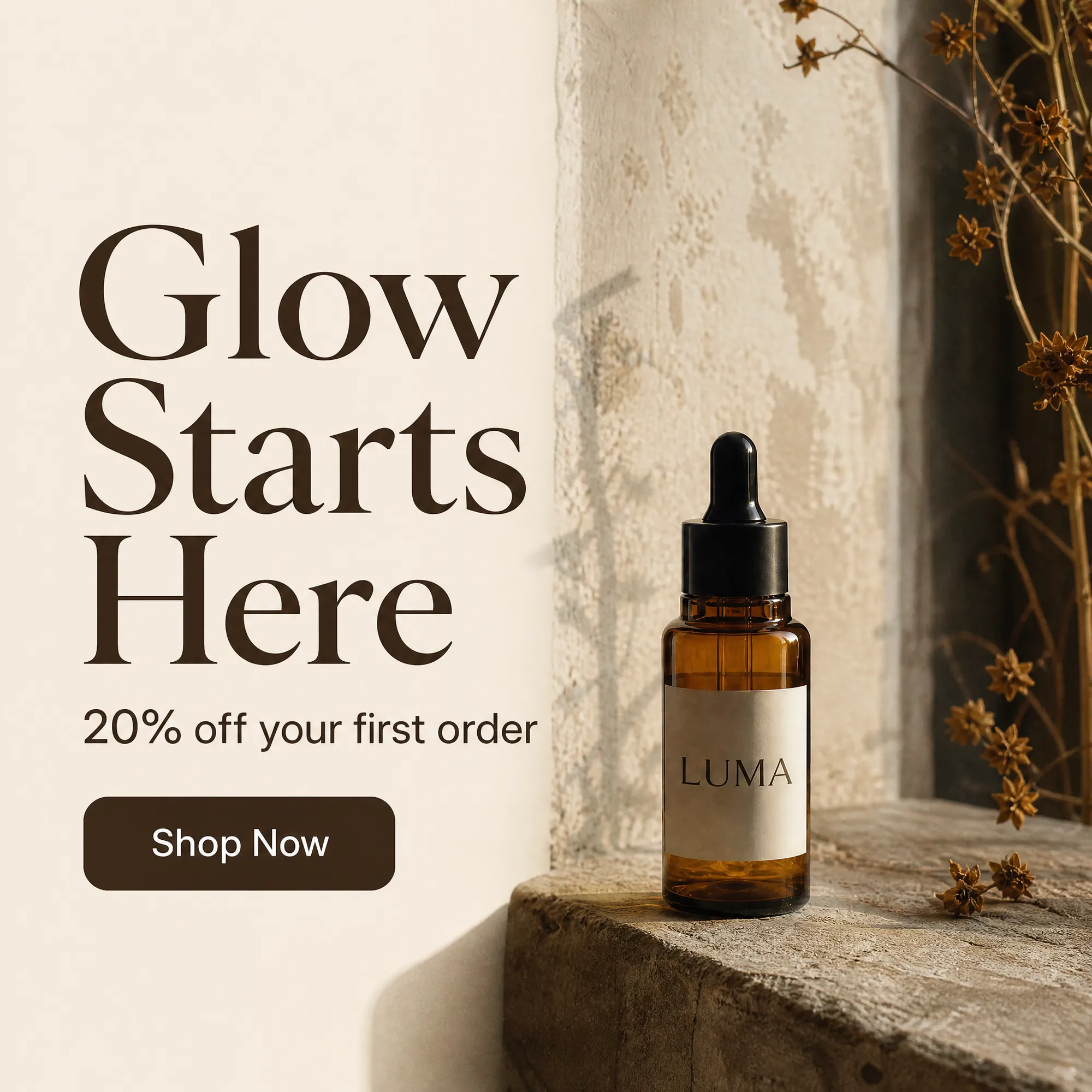
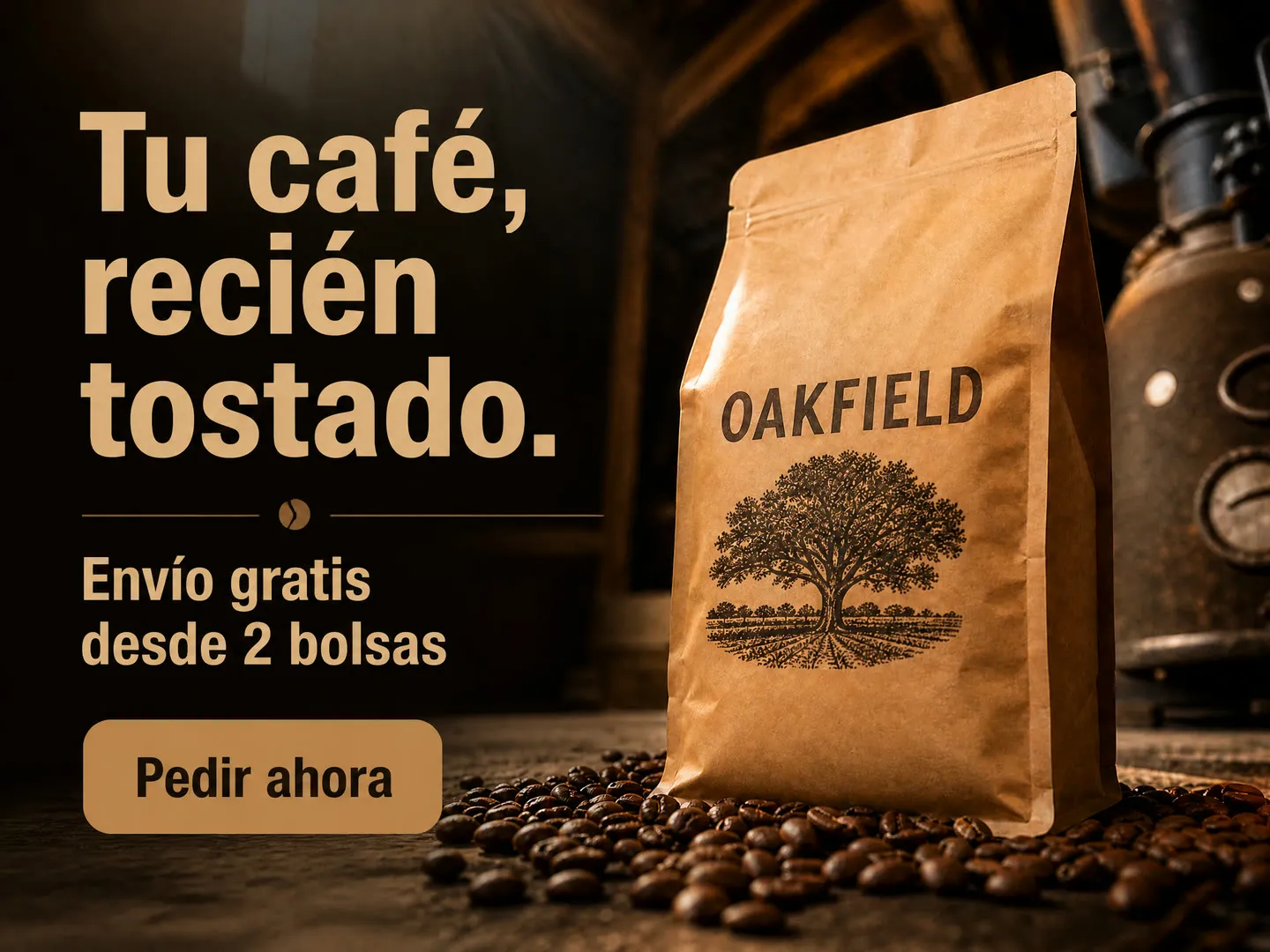
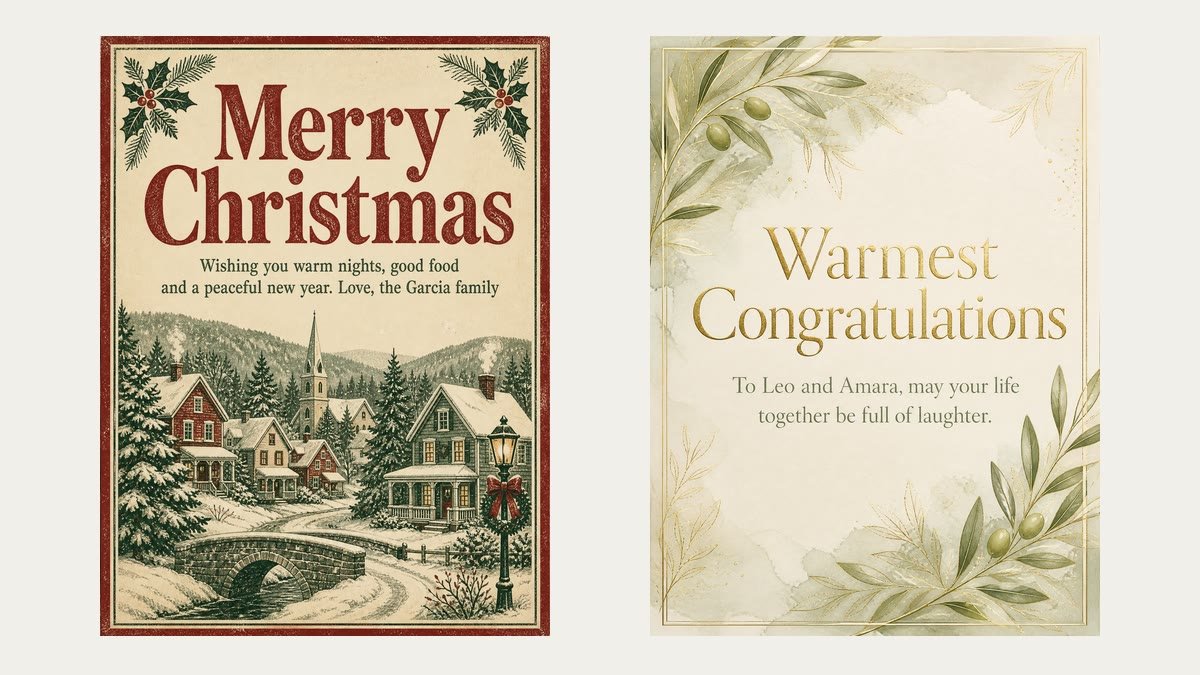
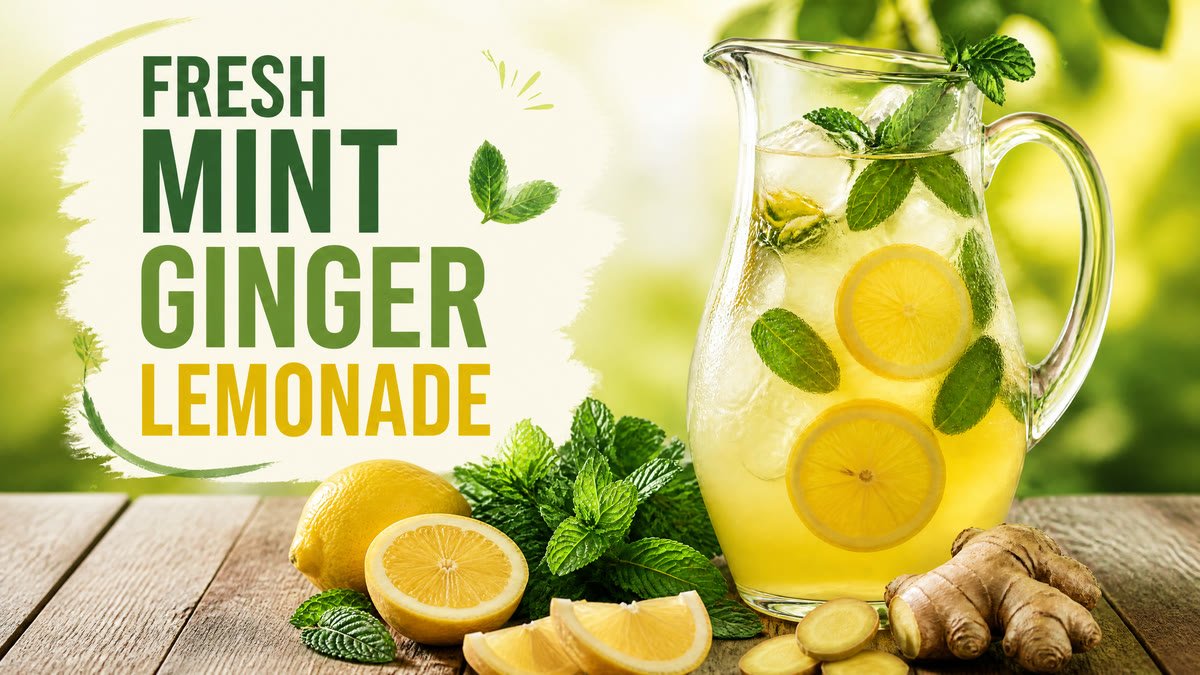
    Describe what you sell, add your offer, a headline and, if you have one, a photo of the product, then pick a format from square to 9:16 story. Each run gives one static image ad with your text and a call-to-action button drawn into the design, like a 20% off serum post for your feed or a buy 2, get 1 free coffee story. Generating needs a paid Magnific plan.

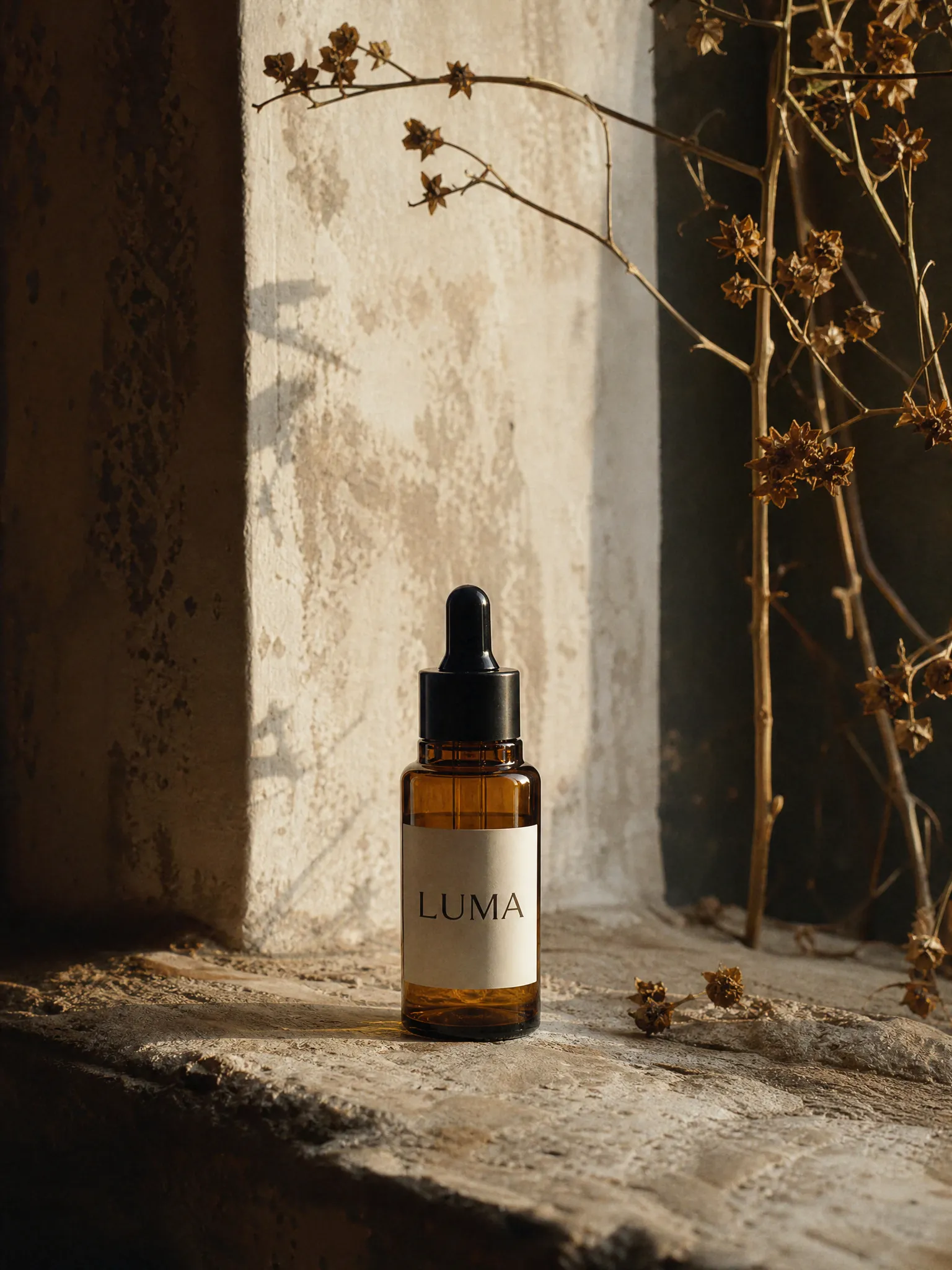
    Original
    Original
    Feed post 1:1
    Feed post 1:1

    Your inputs

    OptionalAdd an imageJPG, PNG or WEBP
    Optional
    Optional
    Optional
    FormatOptional

    How the Magnific AI ad maker works

    • Write the product, shop or service in a few words, for example sourdough bread from a neighborhood bakery. Names and numbers you type are passed into the design, so check them in the result.

    Describe what you are advertising

    Product ads from your own photo

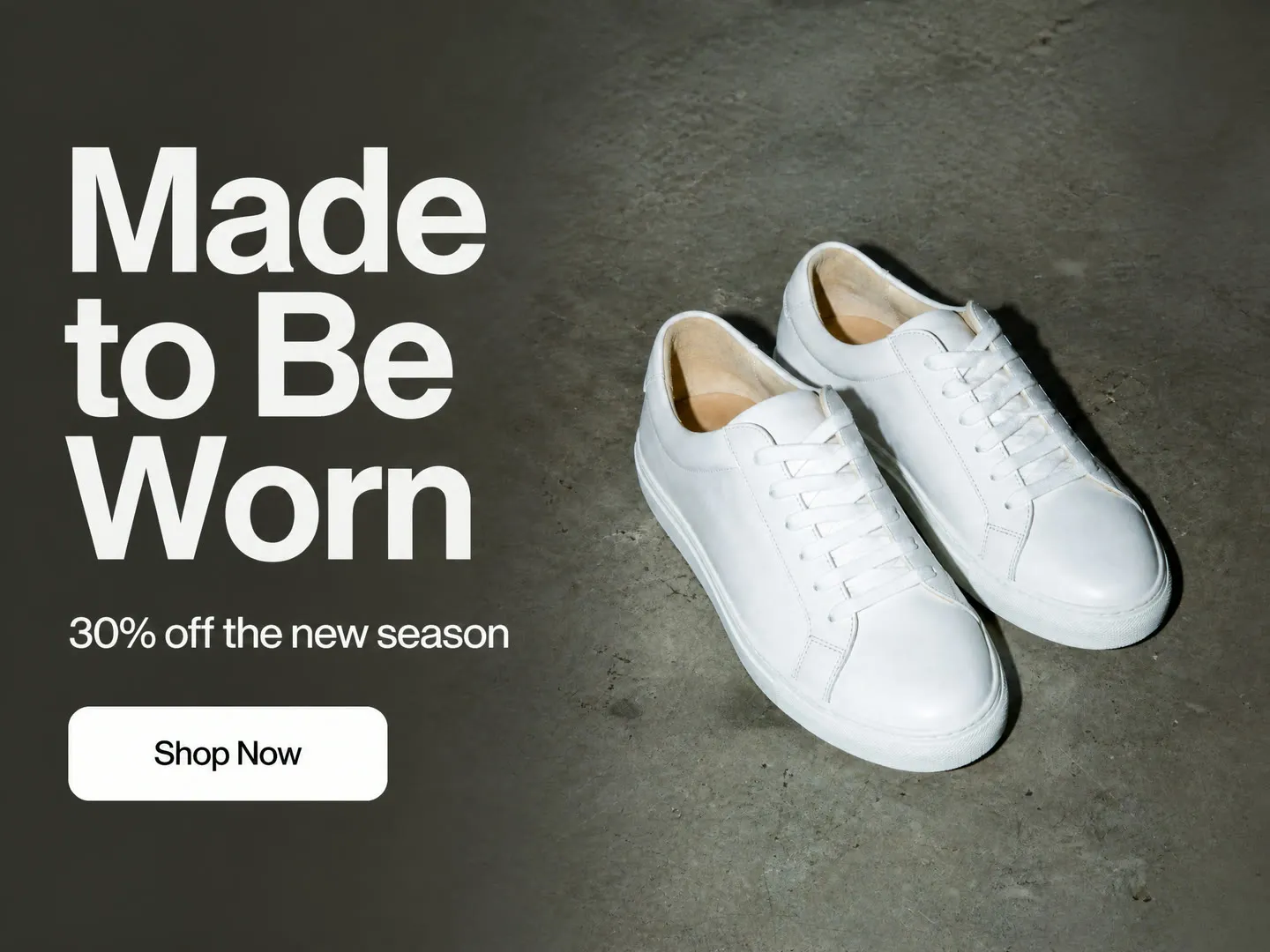
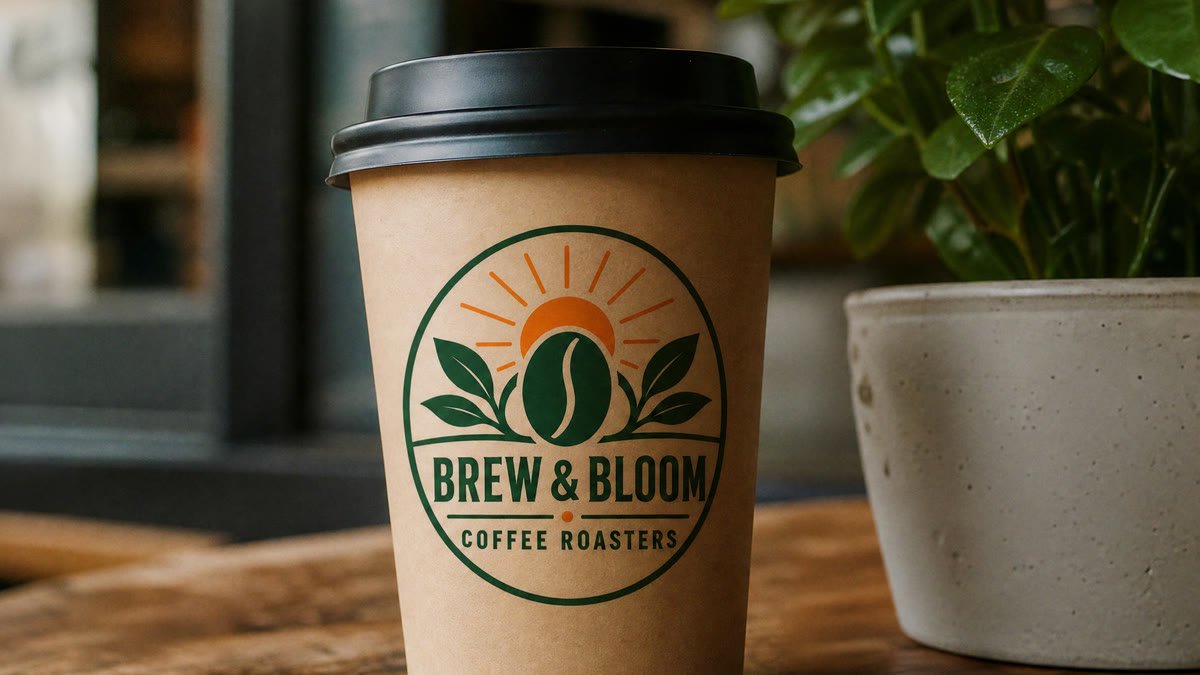
    Upload a photo of your product and the ad is built around it. It aims to keep the same bottle, bag or pair of shoes, with your headline, offer and button set in clean type next to it. Compare the product with your photo before you post. Good for launches, new collections and seasonal sales.

    Product ads from your own photo

    Ads for services and local businesses

    No product photo needed. Describe a cleaning service, a yoga studio or a restaurant, add the offer, and you get an ad with a fitting scene, like a bright living room for First clean 50% off.

    Ads for services and local businesses

    Ads in your customers' language

    Write the headline, offer and button in Spanish, French or any other language and they are set on the ad in that language. If you leave the headline empty, it is written in the language you used for the product. Check accents and spelling before you post.

    Ads in your customers' language

    More flows to skyrocket your creativity

    Connect Magnific MCP to your favorite AI tools

    Access the Magnific creative suite, agents, stock library, and much more directly from your AI assistant.

    1. Click the Add to Claude button
    2. Check the prefilled Magnific URL and click Add
    3. Click Connect and sign in to Magnific
    https://mcp.magnific.com
    Read the full setup docs

    Trusted by teams who hold the same standards

    RG/A

    “Magnific's Creative Suite provided us with access to best-in-class models and workflow tools through a single unified interface. This gave us the ability to create a shared collaboration environment for AI work, and management tools to understand usage patterns across clients and projects. By making cross-departmental and team collaboration simpler, Magnific has been a key unlock as we've woven AI into our workflows end to end.”

    RG/A

    Damm

    “Visual storytelling is in Damm's DNA. Magnific gives our teams the freedom to experiment and iterate, elevating our product and lifestyle images to a level of detail that was previously impossible at this speed.”

    Damm

    Job&Talent

    “Magnific is a key part of our marketing stack. It helps us create high-quality content at scale as we expand our AI-native workforce platform, powering our global staffing marketplace.”

    Job&Talent

    Delivery Hero

    “At Delivery Hero, we are very satisfied with Magnific's tool performance and impact. It consistently delivers high-quality, reliable results and supports our workflows and efficiency. The tool's models and features enable testing and boost execution across the design teams using it.”

    Delivery Hero

    Haworth

    “As a global manufacturer operating across diverse markets, the ability to localise our creative output is essential. Magnific gives our teams in all markets the tools to move from global brand direction to market-ready content quickly — adapting visuals to local audiences. Think global, act local has always been our approach; Magnific makes it genuinely executable at scale.”

    Haworth

    Phantom X

    “Magnific helps us move fast, iterate, and experiment. It's a creative toolkit, not a writer or director. The story, the shots, the emotional beats, that's all us.”

    Phantom X

    Native Foreign

    “Magnific is a go-to tool for the team at Native Foreign because it gives us access to all the latest & greatest tools, and has a super efficient and clean workflow process. We're able to bring things to life that would have never been possible because AI expands the palette of what's possible visually.”

    Native Foreign

    Guess

    “Visual storytelling and iconic aesthetics are in GUESS's DNA. Magnific gives our marketing and product design teams the freedom to experiment and iterate, elevating our fashion and lifestyle imagery to a level of detail that was previously impossible at this speed.”

    Guess

    Explore Magnific Enterprise

    Frequently asked questions

    • A product, a shop, a restaurant, a service or an event. Describe it in a few words, and add a photo of the product if you have one.
    • An image ad. Each run gives one static image in the format you pick, with no motion or sound.
    • No, the photo is optional. With a photo, the ad aims to show your product with the same shape, colors and label, so compare it with your photo and run again if something changed. Without one, the product is pictured from your description. Only upload photos you have the rights to use.
    • Your headline, offer and button text are passed in quotes and the ad aims to set them as you typed them, in any language. The flow asks for no other text, prices or logos. Long offers can come out shortened or misspelled, so keep lines short, read every word and run again if anything is off. Leave the headline empty and the Assistant writes one of 2 to 5 words. Leave the button empty and it says Shop Now.
    • Square 1:1 is the default. You can also pick 3:4, 2:3 or 9:16 for portrait posts and stories, 4:3, 3:2, 16:9, 2:1, 3:1 or 21:9 for wide placements and banners, or auto. 4:5 is not offered: use 3:4 for a portrait feed post. Each run makes one format. For another placement, run it again with a different format; the design will not be identical.
    • The ad is a flat image, so the text is not an editable layer. Change the form and run again for a new headline, or open the image in your editor to add your logo or adjust colors. The flow does not add a logo for you.
    • No. The button is drawn into the image. The flow does not publish ads, add links or manage campaigns. Download the image and set the link, budget and audience in your ad platform.
    • You can open this page and try the form for free. Generating needs a paid Magnific plan.