Freepik is now Magnific

    AI style transfer: redraw your photo in the style of any image

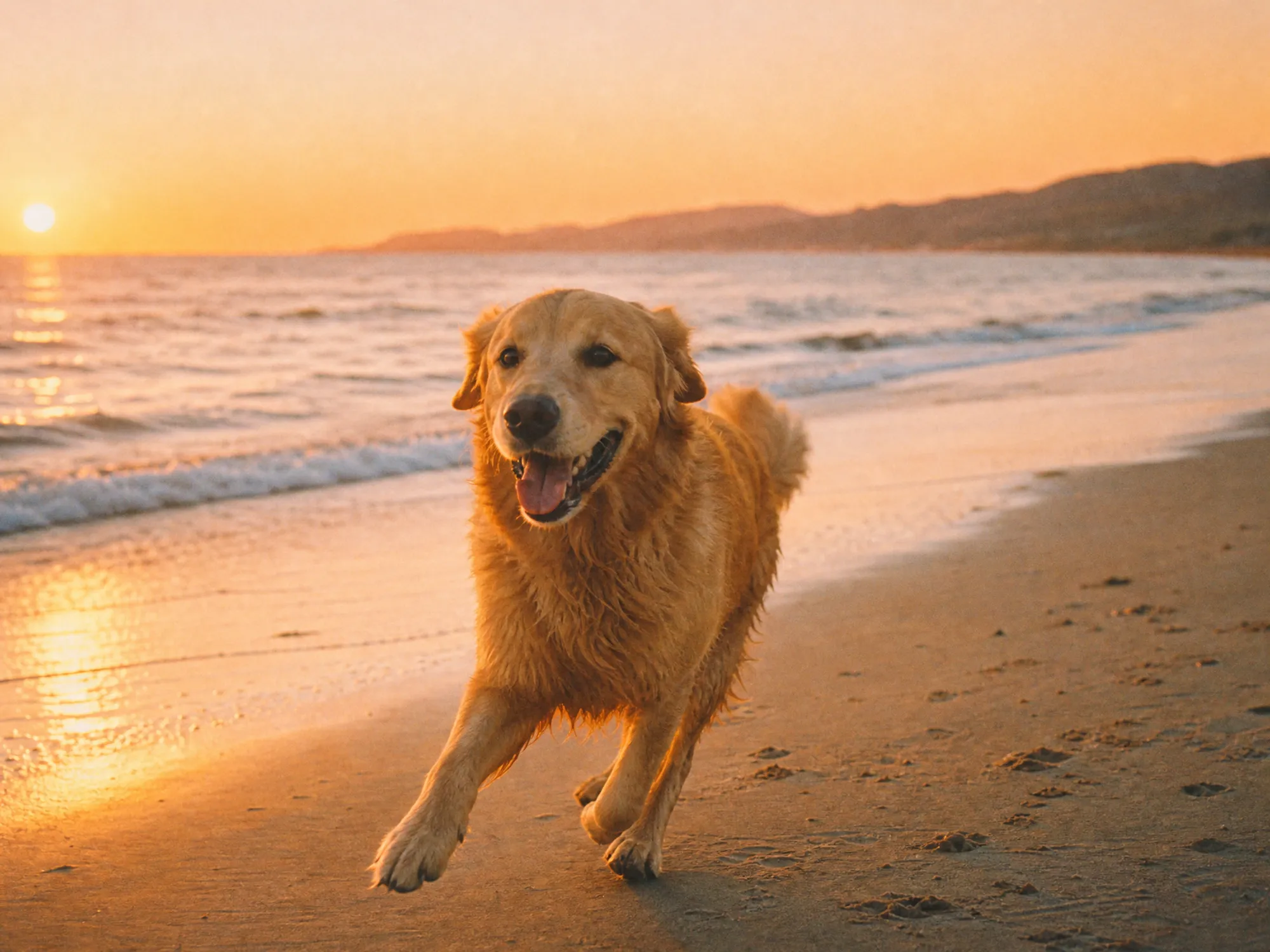
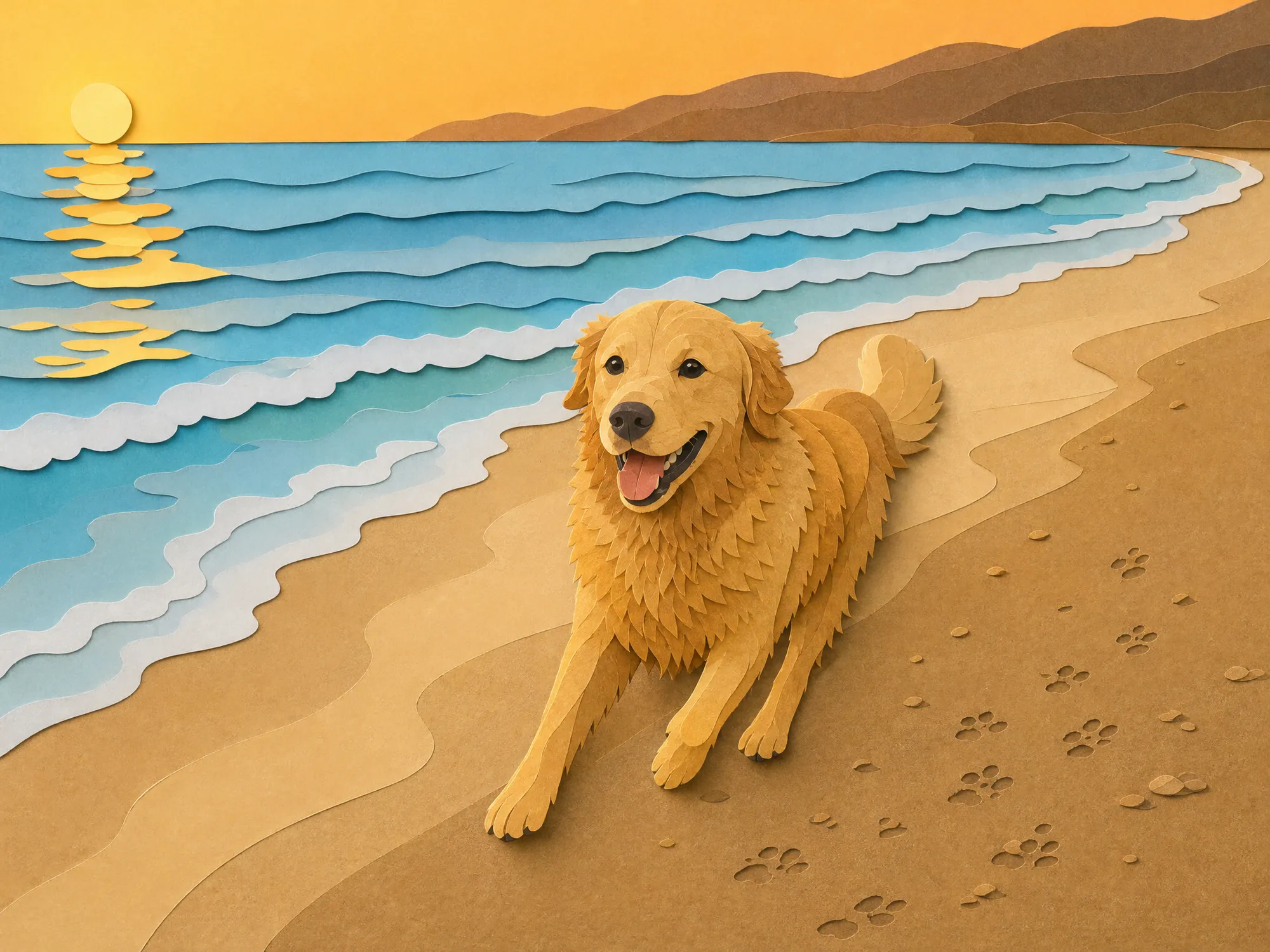
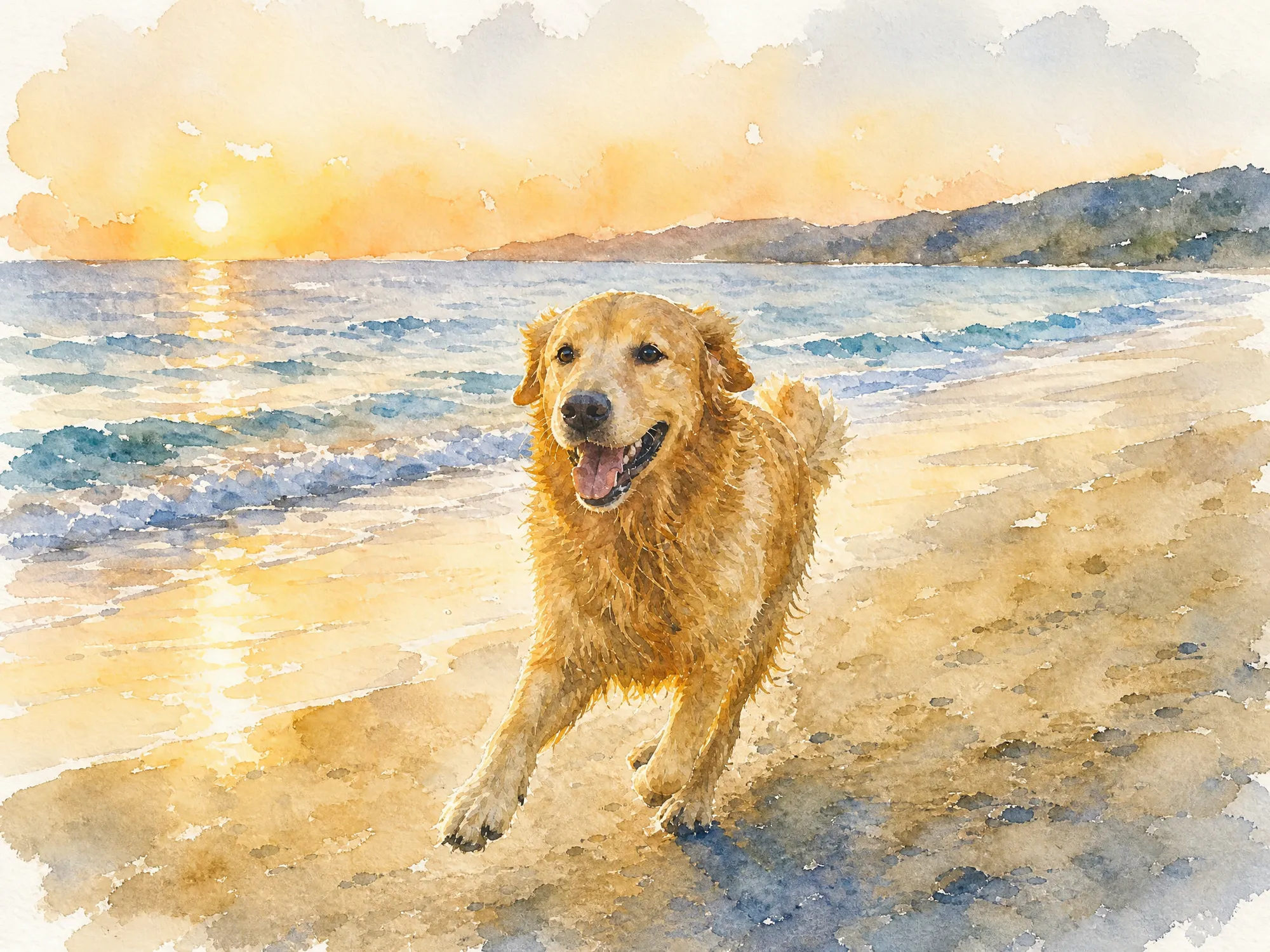
    Upload a photo and a second image whose look you like: a painting, a print, a sketch or a 3D render. You get one image of your photo redrawn in that style, 4:3 at 2048×1536 px unless you pick another aspect ratio, like a garden portrait in thick oil paint or a beach shot as layered paper cut. The AI aims to keep the same people, places and framing. Generating needs a paid Magnific plan.

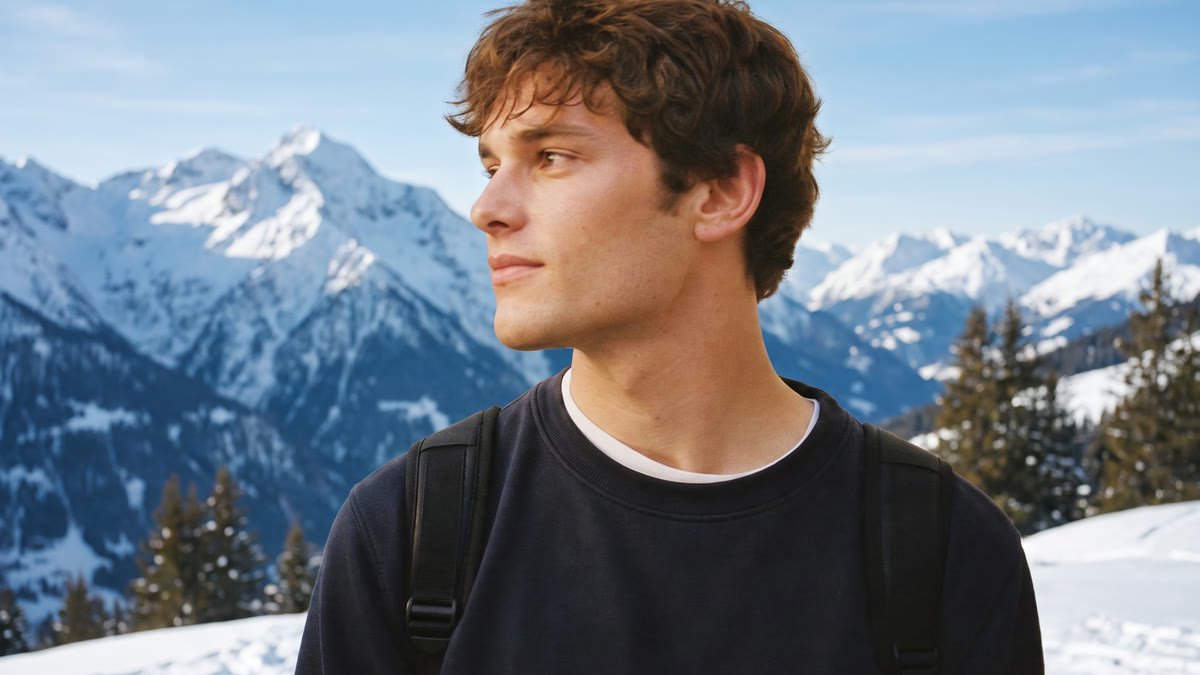
    Original
    Original
    Paper cut
    Paper cut
    Watercolor
    Watercolor

    Your inputs

    Add an imageJPG, PNG or WEBP
    Add an imageJPG, PNG or WEBP
    Optional
    Aspect ratioOptional

    How the Magnific AI style transfer works

    • Add the photo you want to restyle: a portrait, a pet, a street, a landscape. Clear, well-lit photos with one main subject give the best results. Use your own photo or one of people who agreed to it.

    Upload your photo

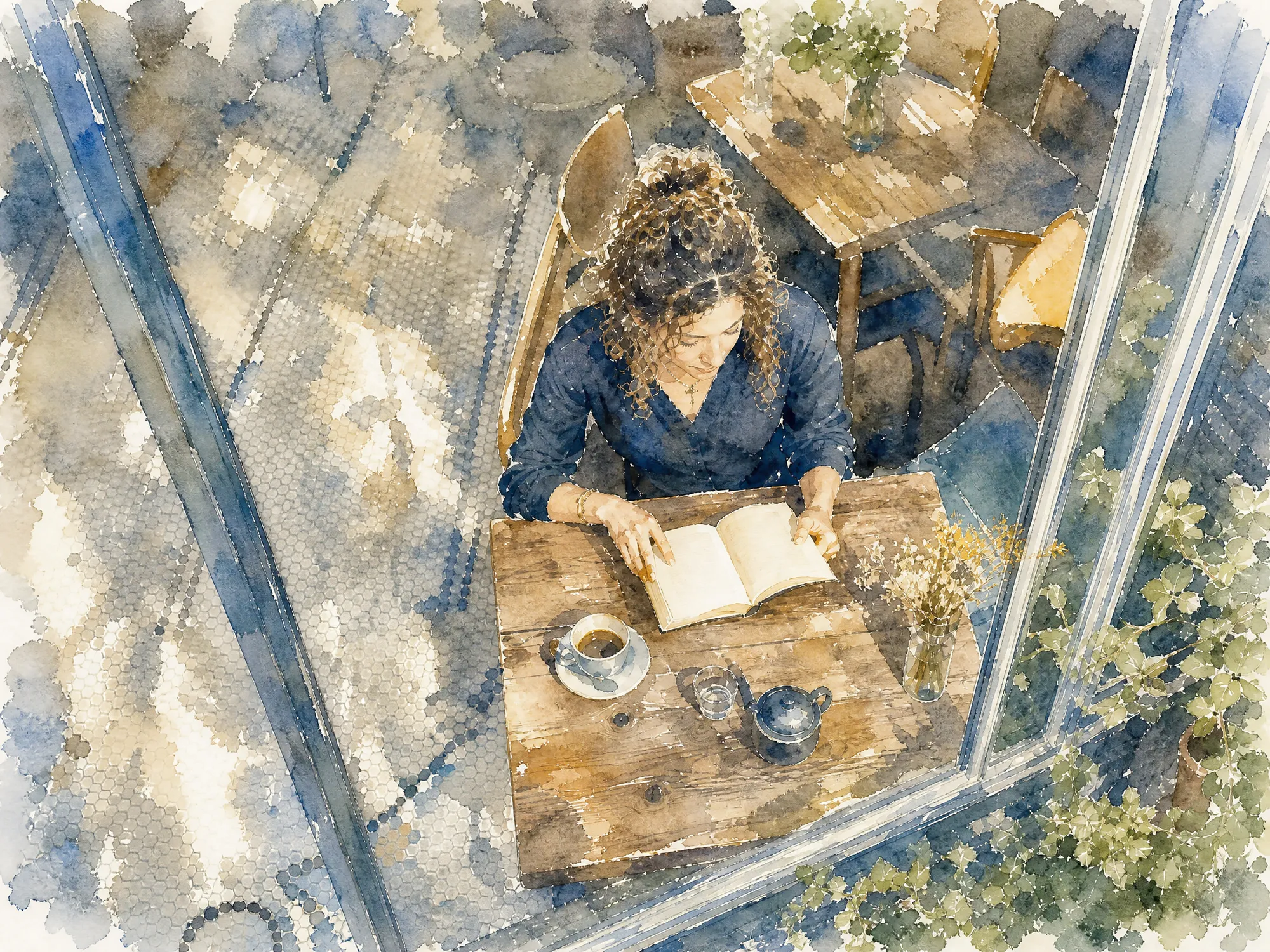
    Turn portraits into paintings

    Style transfer aims to keep the person's face, hair, pose and clothes and change only how the image is drawn. A cafe photo can become a soft watercolor, a pencil drawing or a clay figure. Strong styles can change a face more than soft ones, so compare the result with your photo and run it again if the person no longer looks like themselves.

    Turn portraits into paintings

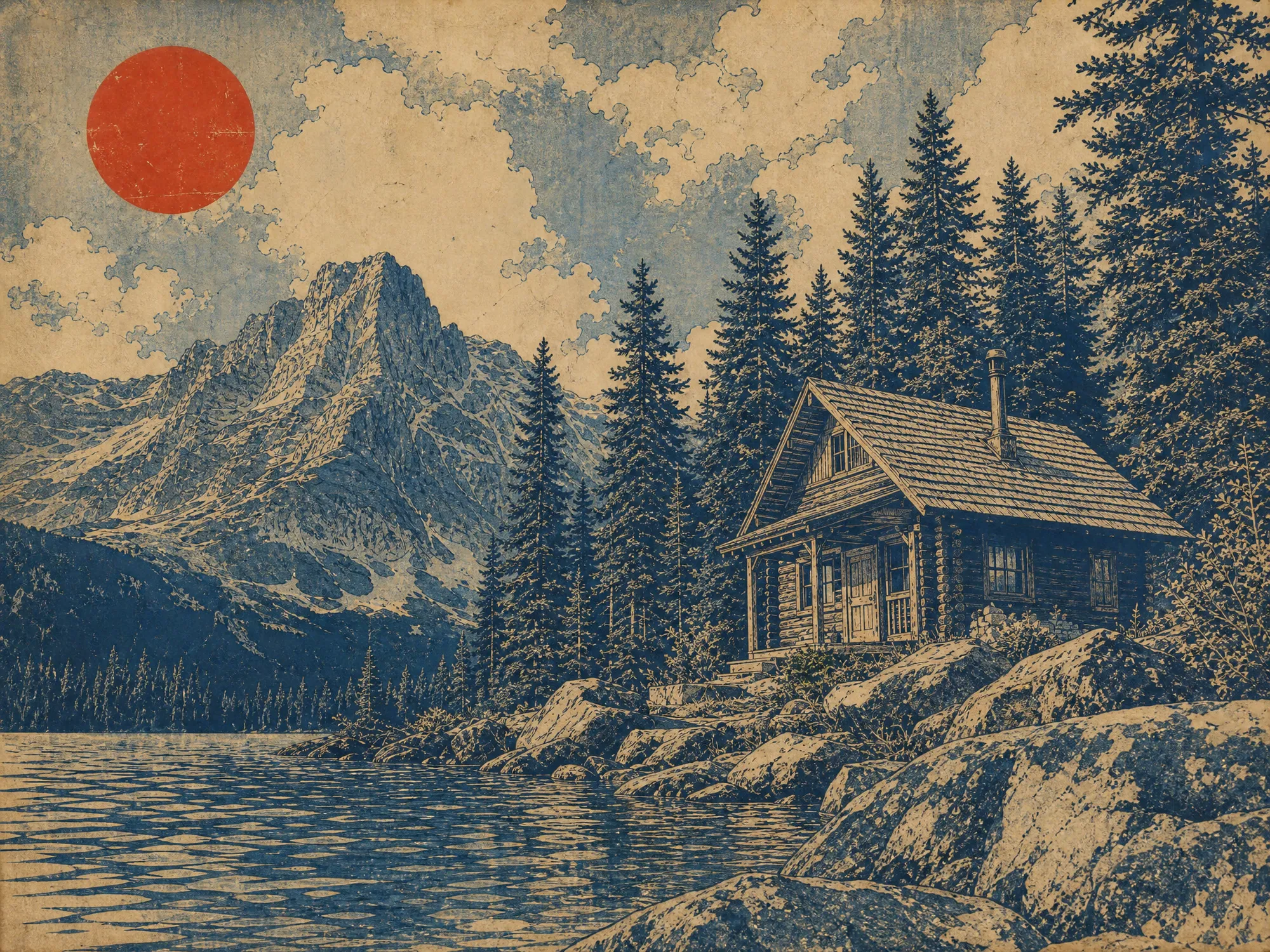
    Give travel and landscape photos a new look

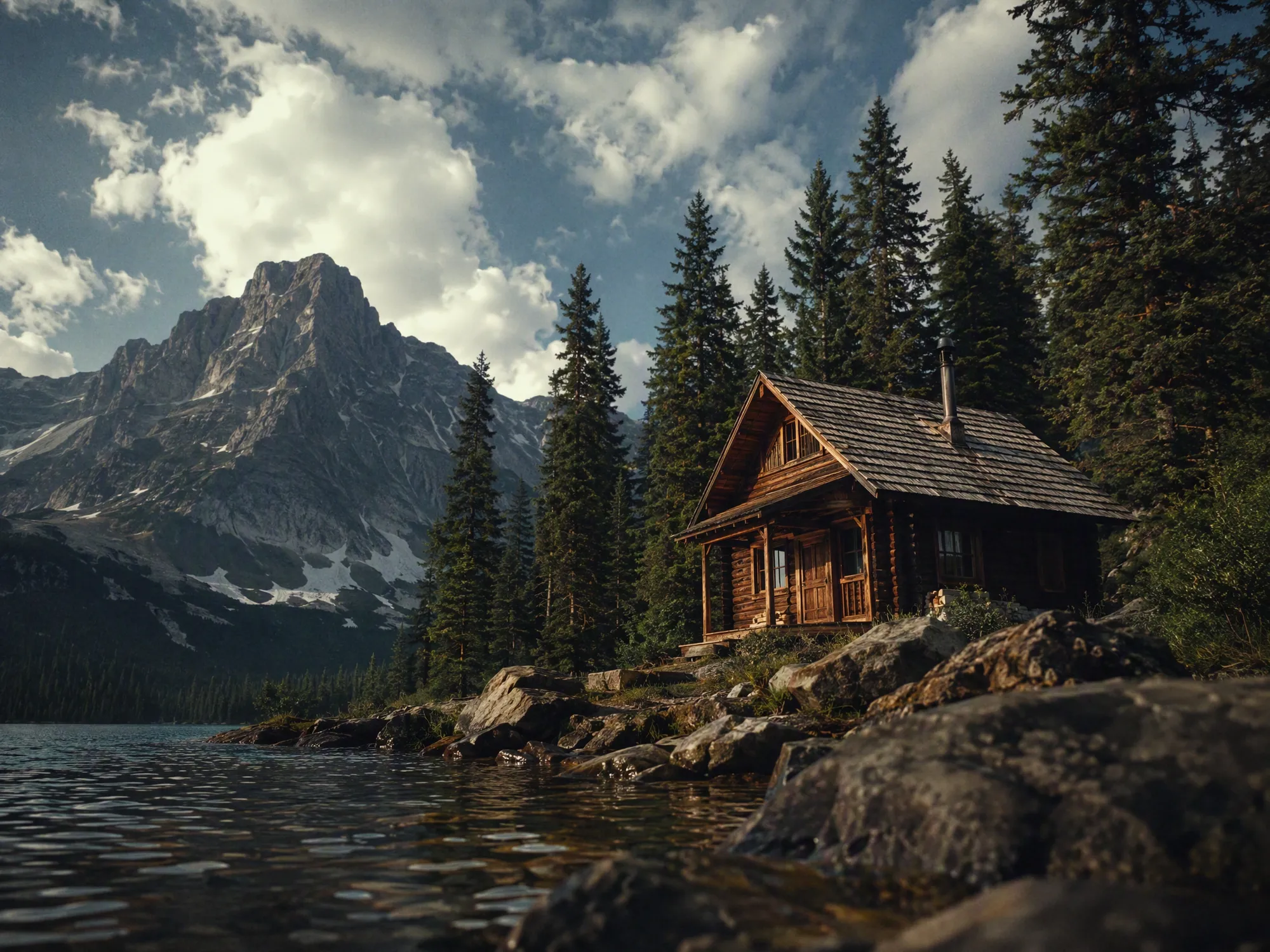
    Cabins, mountains, streets and city views keep their layout, so the place stays recognizable. Use a woodblock print as the reference for flat indigo tones and fine linework, or an oil painting for thick, swirling brushstrokes.

    Give travel and landscape photos a new look

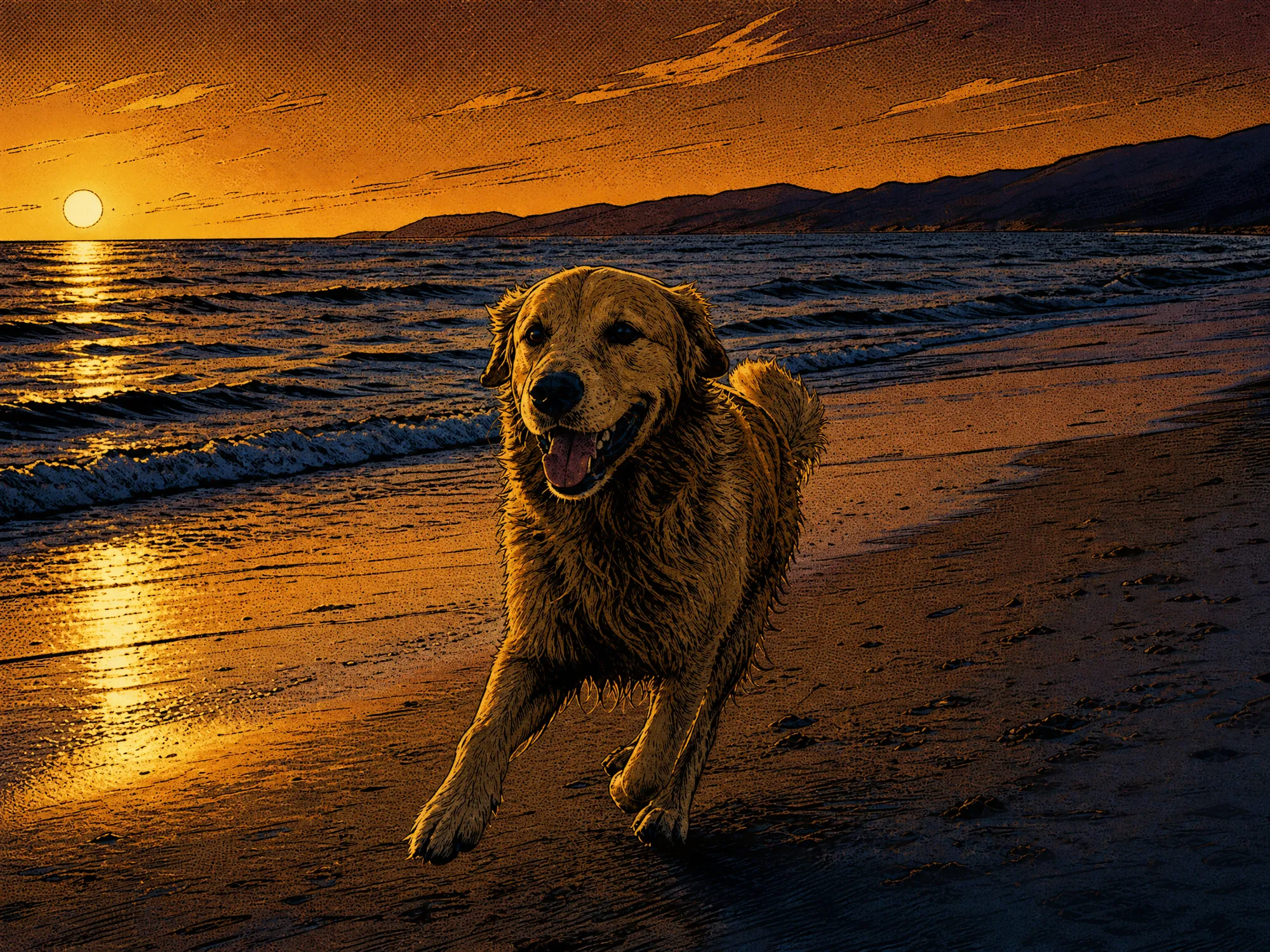
    Restyle pet photos

    Pets aim to keep their breed, coat color and pose while the style changes around them. A beach run can turn into a comic panel with ink lines and halftone texture, or into paper cut art made of colored layers.

    Restyle pet photos

    More flows to skyrocket your creativity

    Connect Magnific MCP to your favorite AI tools

    Access the Magnific creative suite, agents, stock library, and much more directly from your AI assistant.

    1. Click the Add to Claude button
    2. Check the prefilled Magnific URL and click Add
    3. Click Connect and sign in to Magnific
    https://mcp.magnific.com
    Read the full setup docs

    Trusted by teams who hold the same standards

    RG/A

    “Magnific's Creative Suite provided us with access to best-in-class models and workflow tools through a single unified interface. This gave us the ability to create a shared collaboration environment for AI work, and management tools to understand usage patterns across clients and projects. By making cross-departmental and team collaboration simpler, Magnific has been a key unlock as we've woven AI into our workflows end to end.”

    RG/A

    Damm

    “Visual storytelling is in Damm's DNA. Magnific gives our teams the freedom to experiment and iterate, elevating our product and lifestyle images to a level of detail that was previously impossible at this speed.”

    Damm

    Job&Talent

    “Magnific is a key part of our marketing stack. It helps us create high-quality content at scale as we expand our AI-native workforce platform, powering our global staffing marketplace.”

    Job&Talent

    Delivery Hero

    “At Delivery Hero, we are very satisfied with Magnific's tool performance and impact. It consistently delivers high-quality, reliable results and supports our workflows and efficiency. The tool's models and features enable testing and boost execution across the design teams using it.”

    Delivery Hero

    Haworth

    “As a global manufacturer operating across diverse markets, the ability to localise our creative output is essential. Magnific gives our teams in all markets the tools to move from global brand direction to market-ready content quickly — adapting visuals to local audiences. Think global, act local has always been our approach; Magnific makes it genuinely executable at scale.”

    Haworth

    Phantom X

    “Magnific helps us move fast, iterate, and experiment. It's a creative toolkit, not a writer or director. The story, the shots, the emotional beats, that's all us.”

    Phantom X

    Native Foreign

    “Magnific is a go-to tool for the team at Native Foreign because it gives us access to all the latest & greatest tools, and has a super efficient and clean workflow process. We're able to bring things to life that would have never been possible because AI expands the palette of what's possible visually.”

    Native Foreign

    Guess

    “Visual storytelling and iconic aesthetics are in GUESS's DNA. Magnific gives our marketing and product design teams the freedom to experiment and iterate, elevating our fashion and lifestyle imagery to a level of detail that was previously impossible at this speed.”

    Guess

    Explore Magnific Enterprise

    Frequently asked questions

    • It redraws one image in the visual style of another. You upload a photo and a style reference, and the result shows your photo's content with the reference's medium, colors, brushwork and texture.
    • Any image whose look you like and that you have the rights to use: a painting, a print, an illustration, a sketch, a 3D render or a photo with a strong look. The flow aims to take only the style, not the subject, but a striking element of the reference can sometimes show up in the result. If that happens, run it again or use a reference with a plainer subject.
    • It aims to keep the subjects, faces, poses and framing of your photo and change how they are drawn. Small details can shift to fit the style, as in any painting or drawing, so compare the result with your photo. Use only your own photos or photos of people who agreed.
    • A filter applies a fixed look or a style you describe in words. Here the style comes from an image you upload, so you can match any look you have a picture of.
    • Yes. The optional note lets you ask for changes such as warmer colors or softer pastel tones. You can also pick the aspect ratio, from 1:1 to 21:9 or vertical 9:16; the default is 4:3 landscape at 2048×1536 px. You get one image per run.
    • You can open this page and try the form for free. Generating needs a paid Magnific plan.