
Freepik is now Magnific

    AI mockup generator: see your design on real products

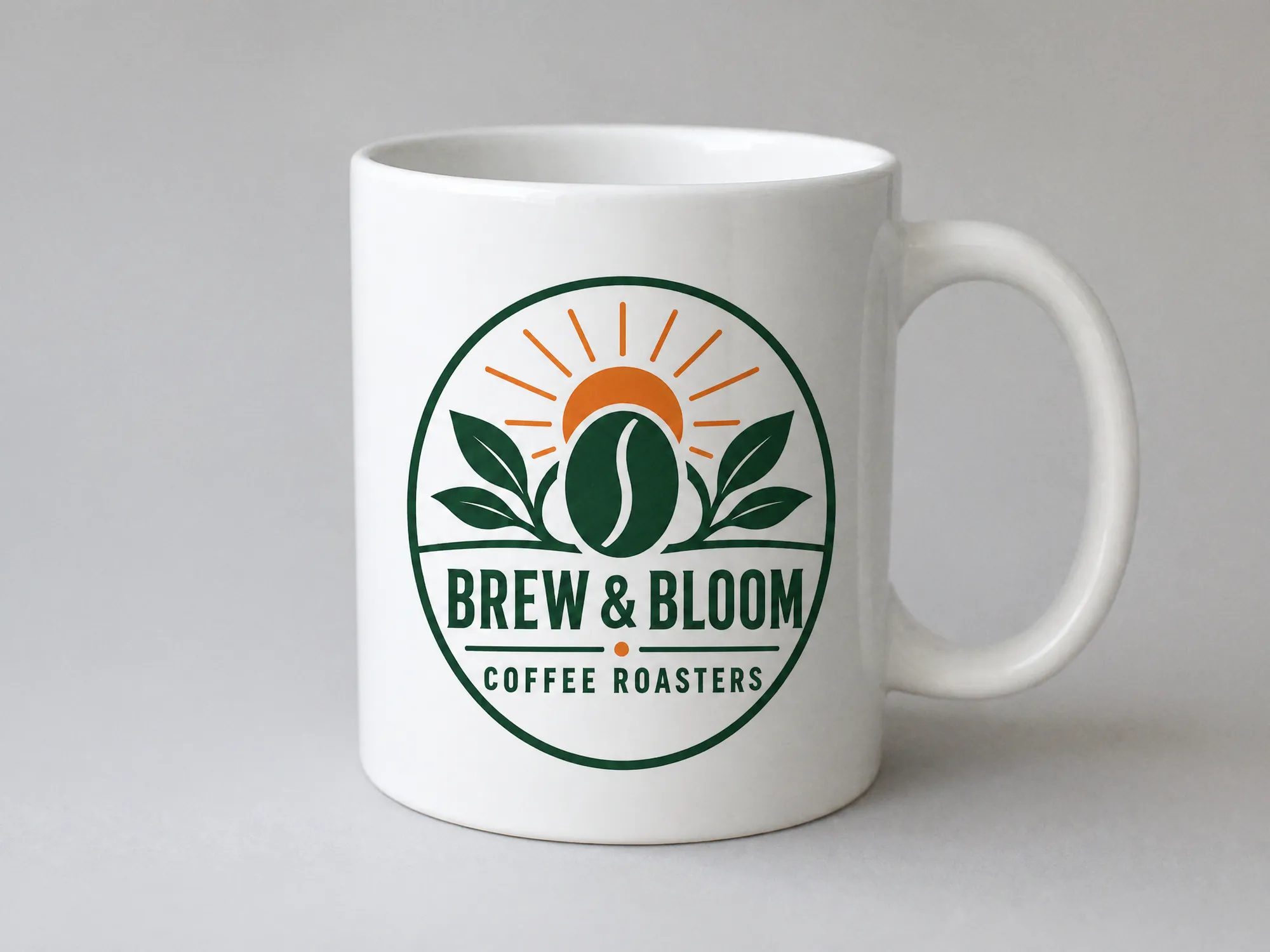
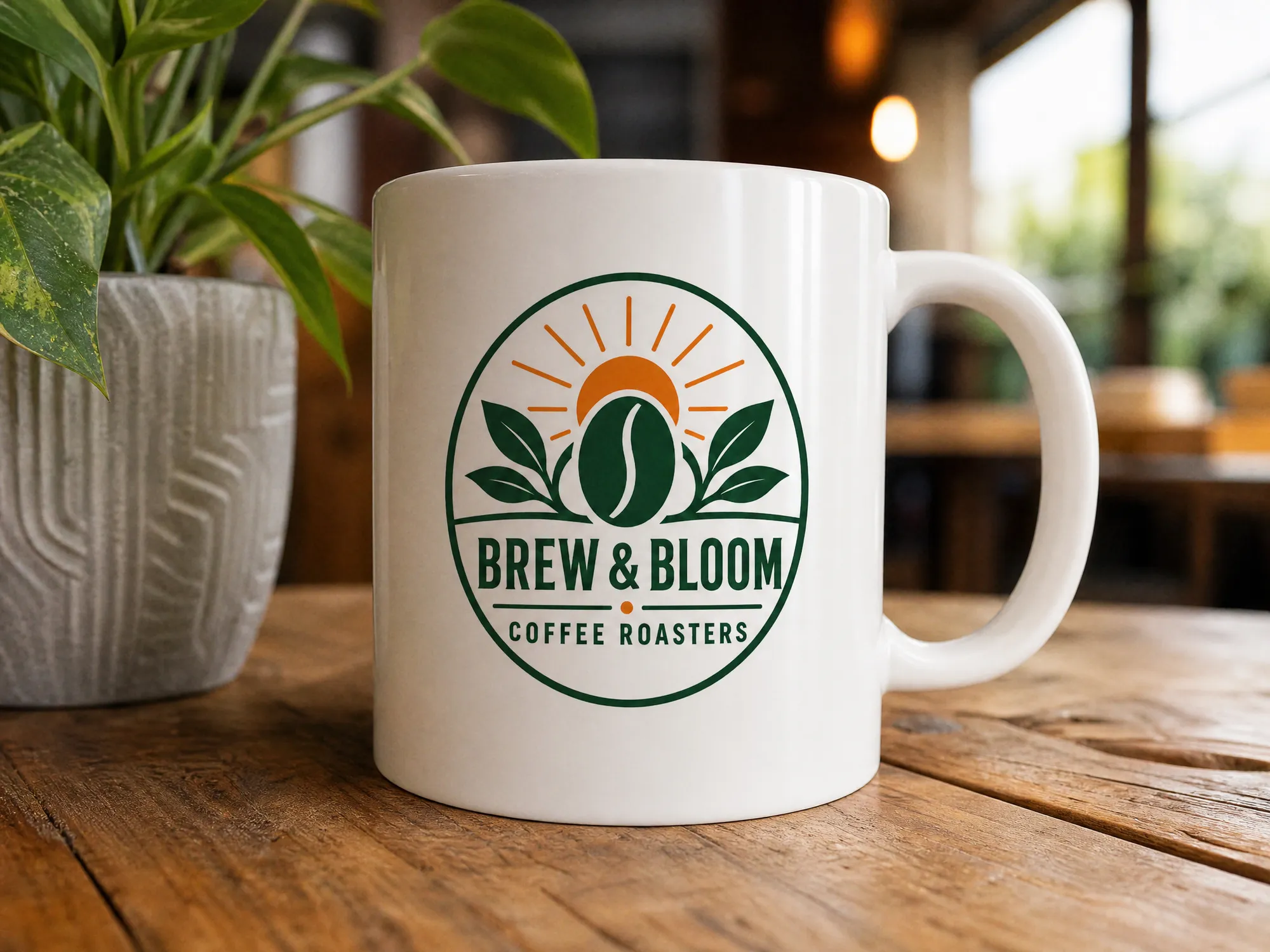
    Upload a logo, illustration, label or app screen and type the product you want to see it on. You get two 4:3 photos of about 2048 × 1536 pixels, a studio shot and a lifestyle shot, for example a black hoodie on plain grey and a mug on a café table. The AI aims to keep your design's shapes, text and colors, so check small details before you use them. Generating needs a paid Magnific plan.

    Original
    Original
    Studio
    Studio
    Lifestyle
    Lifestyle

    Your inputs

    Add an imageJPG, PNG or WEBP
    Optional

    How the Magnific AI mockup generator works

    • Add a PNG or JPG of a logo, illustration, label, poster or app screen. A design on a plain background works best.

    Upload your logo or design

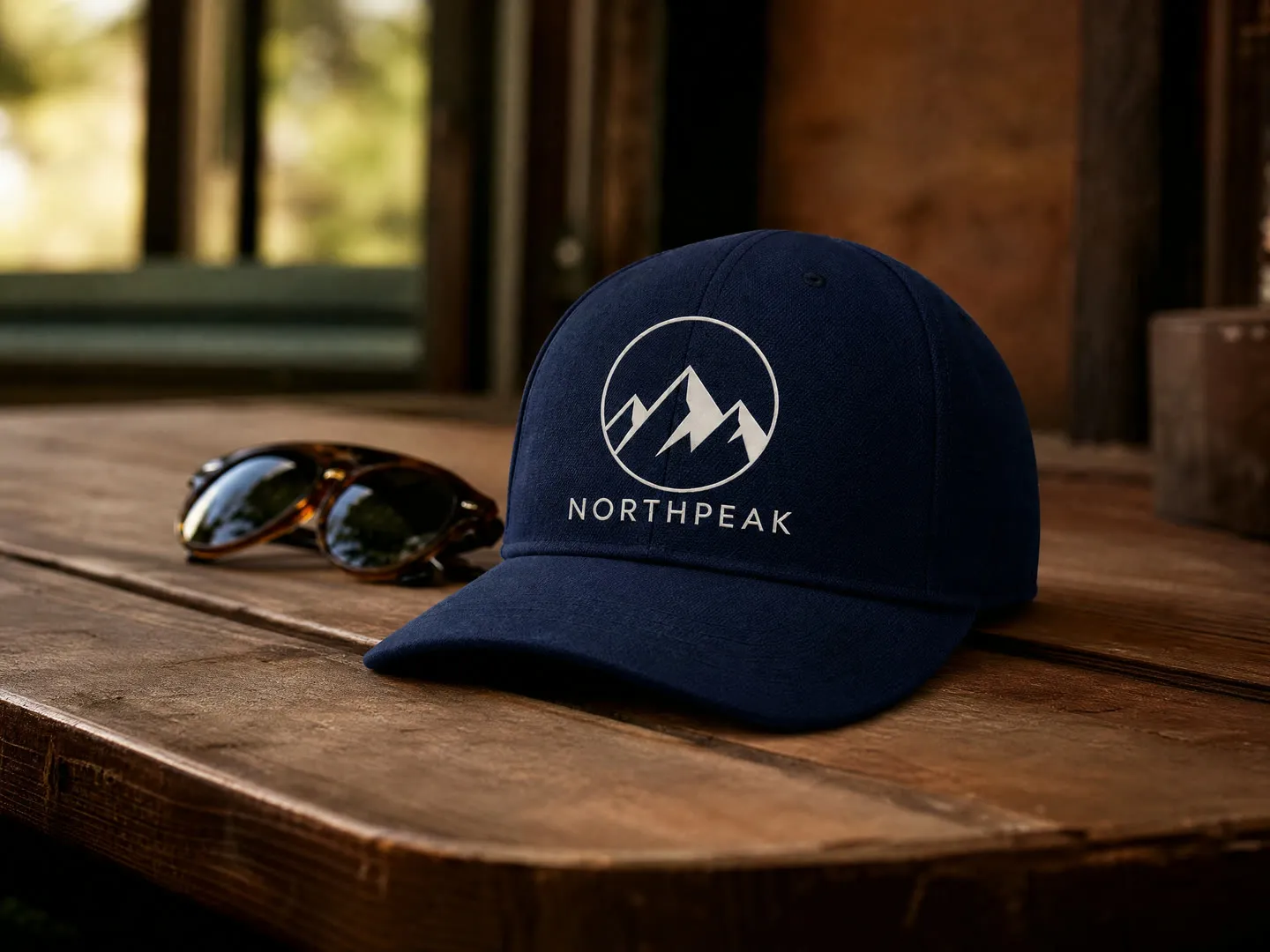
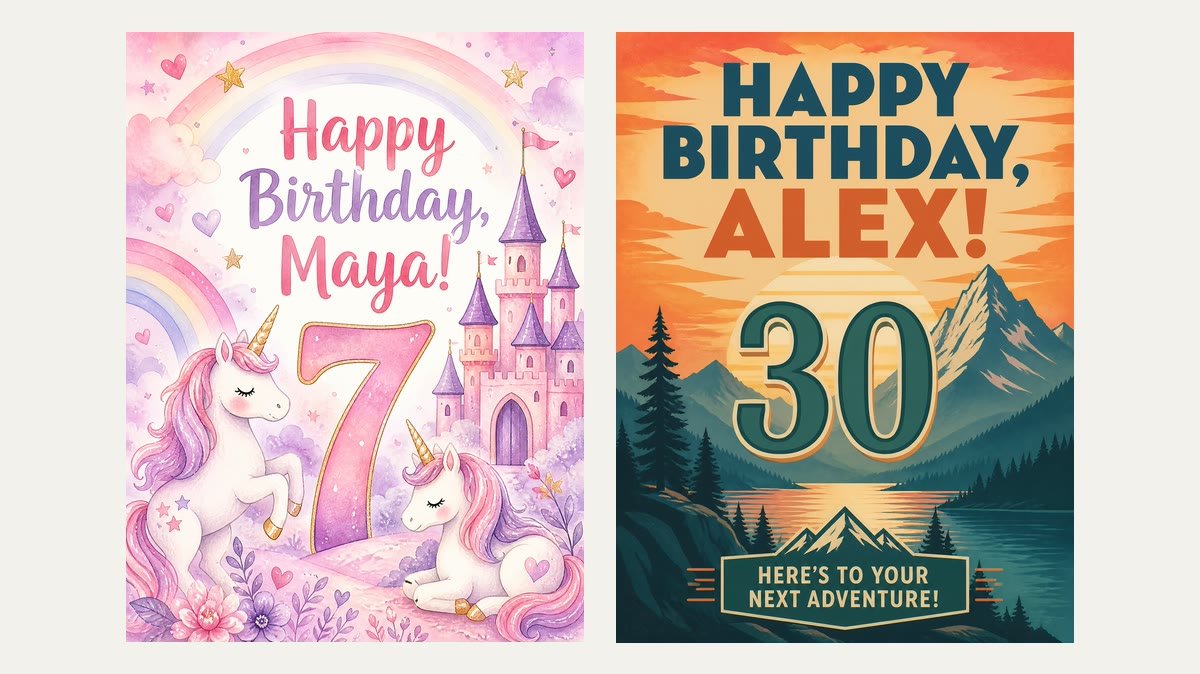
    Merch mockups for t-shirts, hoodies and caps

    See a logo or illustration on clothing before you order a single print. Type the garment and its color, and you get a clean product shot plus one on a hanger, shelf or table. On dark fabric, a dark logo may come out in a lighter color so it stays visible.

    Merch mockups for t-shirts, hoodies and caps

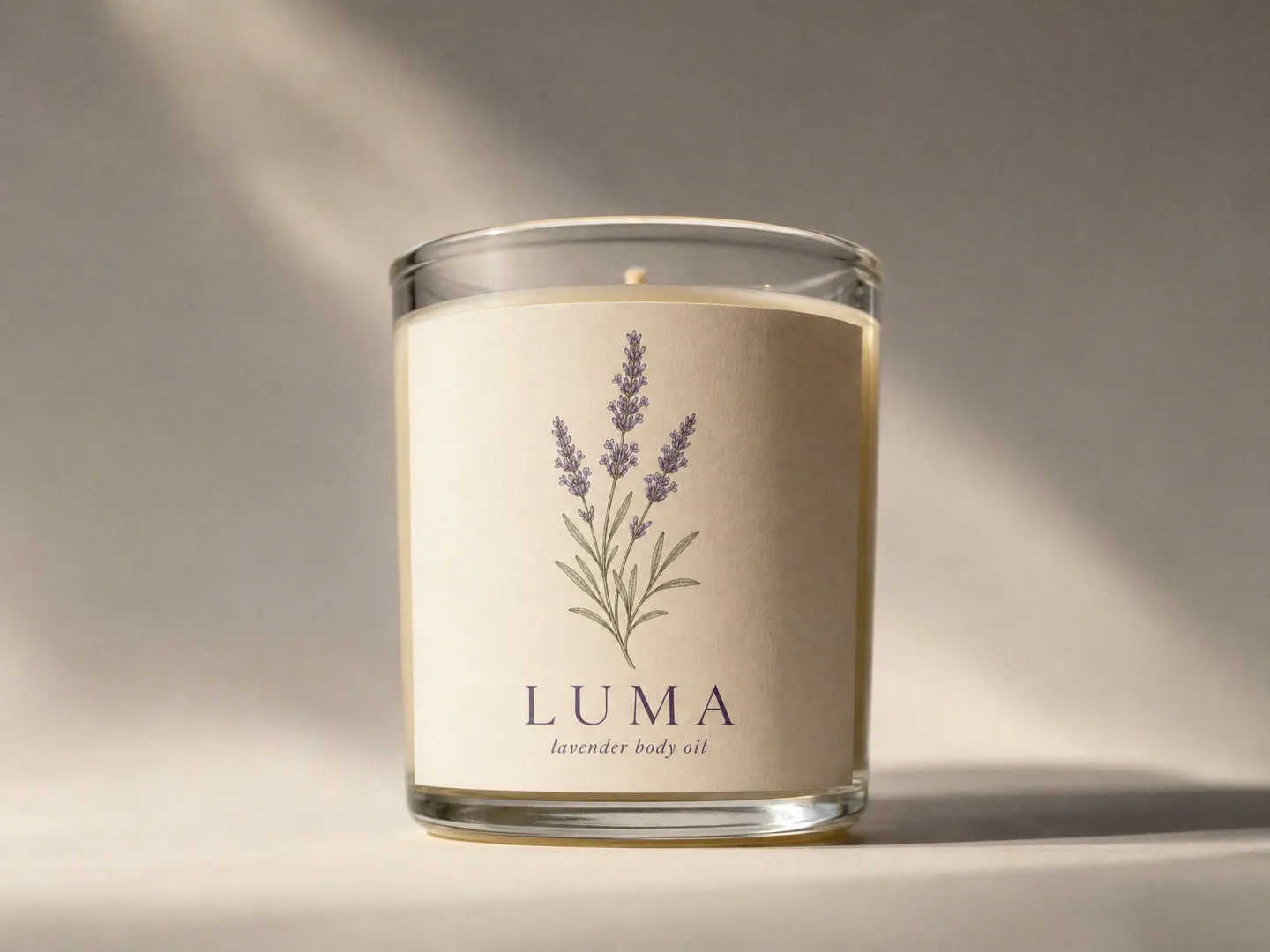
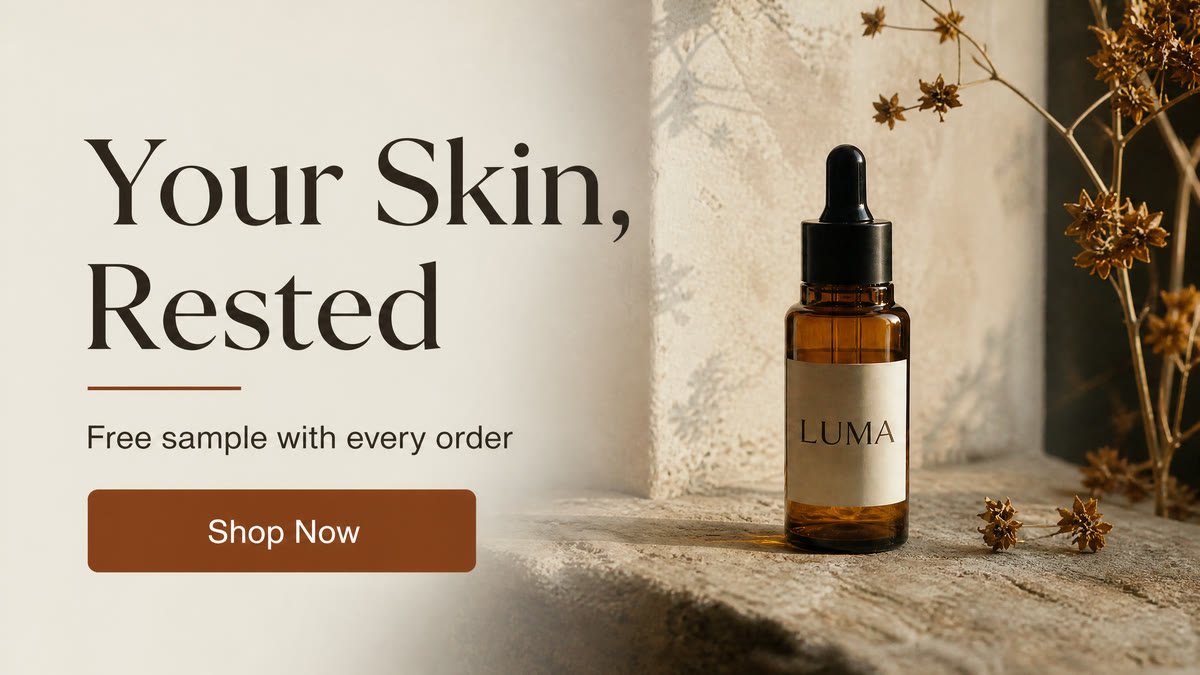
    Packaging and label mockups

    Put a label on a dropper bottle, a candle jar, a coffee cup or a box and judge it as a finished product. It is a quick way to compare label ideas or show a client how a brand looks on the shelf. Treat it as a concept image, not a print proof: zoom in on small text, thin lines and brand colors, and confirm them with your printer's proof before you order.

    Packaging and label mockups

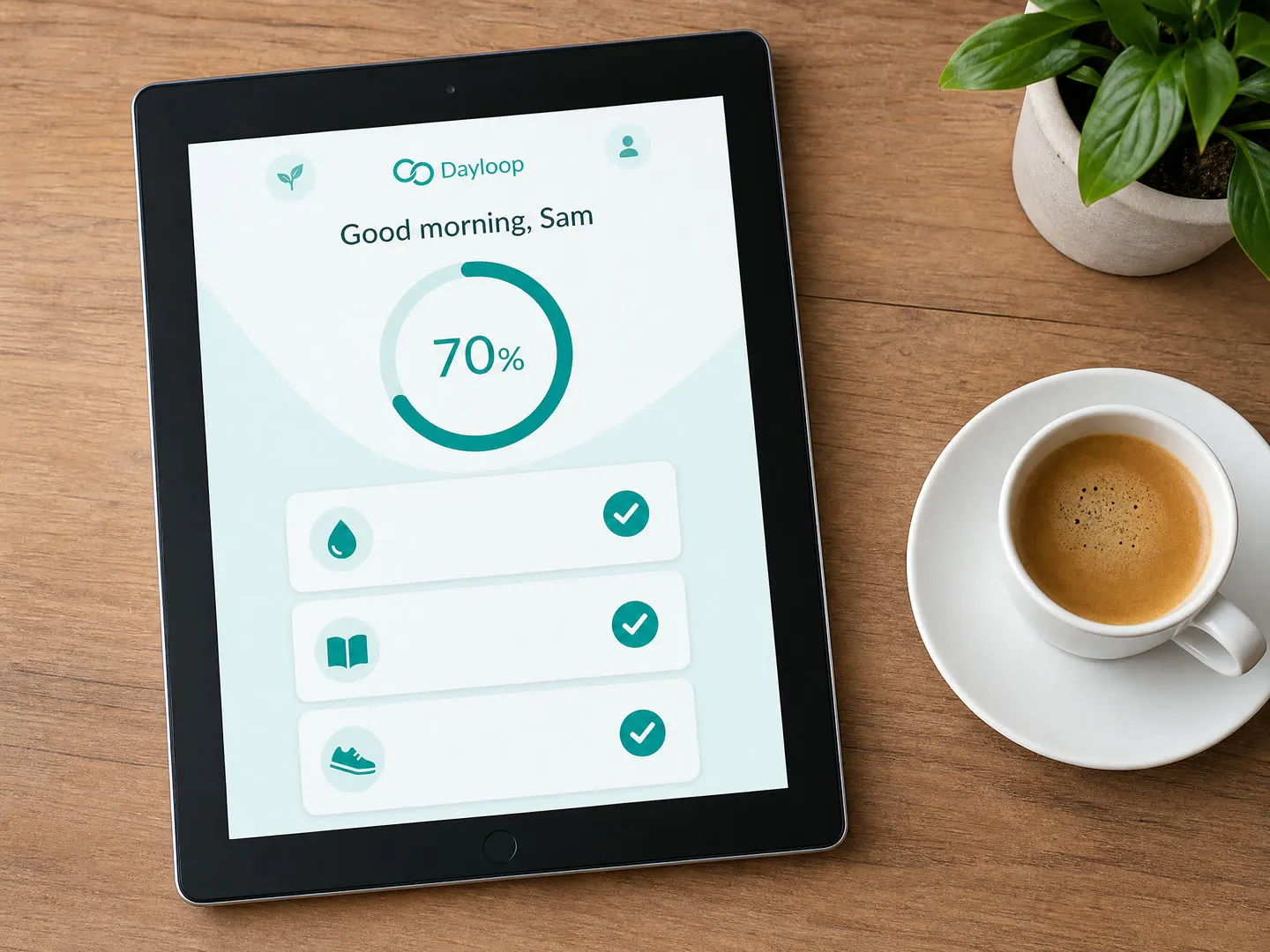
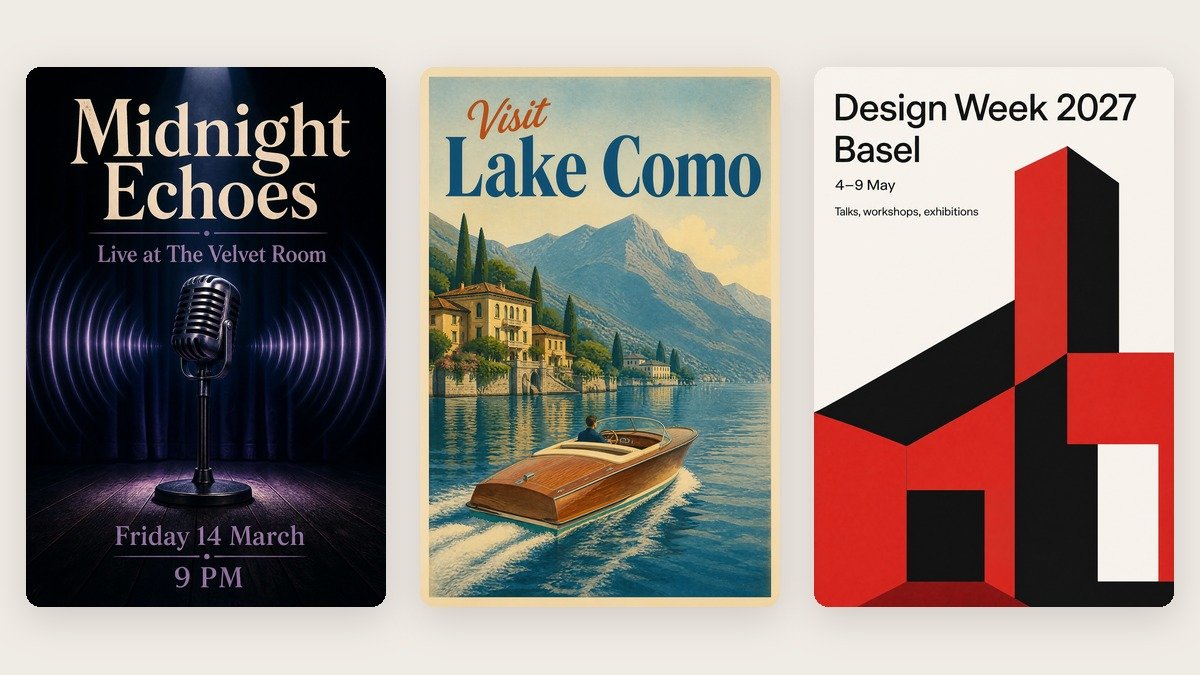
    App and website screens on real devices

    Upload a screenshot and type phone, tablet or laptop. The screen is meant to show your layout and text, and the lifestyle shot sets the device on a desk for a launch post or a portfolio. Small interface text can blur or change, so zoom in before you post.

    App and website screens on real devices

    More flows to skyrocket your creativity

    Connect Magnific MCP to your favorite AI tools

    Access the Magnific creative suite, agents, stock library, and much more directly from your AI assistant.

    1. Click the Add to Claude button
    2. Check the prefilled Magnific URL and click Add
    3. Click Connect and sign in to Magnific
    https://mcp.magnific.com
    Read the full setup docs

    Trusted by teams who hold the same standards

    RG/A

    “Magnific's Creative Suite provided us with access to best-in-class models and workflow tools through a single unified interface. This gave us the ability to create a shared collaboration environment for AI work, and management tools to understand usage patterns across clients and projects. By making cross-departmental and team collaboration simpler, Magnific has been a key unlock as we've woven AI into our workflows end to end.”

    RG/A

    Damm

    “Visual storytelling is in Damm's DNA. Magnific gives our teams the freedom to experiment and iterate, elevating our product and lifestyle images to a level of detail that was previously impossible at this speed.”

    Damm

    Job&Talent

    “Magnific is a key part of our marketing stack. It helps us create high-quality content at scale as we expand our AI-native workforce platform, powering our global staffing marketplace.”

    Job&Talent

    Delivery Hero

    “At Delivery Hero, we are very satisfied with Magnific's tool performance and impact. It consistently delivers high-quality, reliable results and supports our workflows and efficiency. The tool's models and features enable testing and boost execution across the design teams using it.”

    Delivery Hero

    Haworth

    “As a global manufacturer operating across diverse markets, the ability to localise our creative output is essential. Magnific gives our teams in all markets the tools to move from global brand direction to market-ready content quickly — adapting visuals to local audiences. Think global, act local has always been our approach; Magnific makes it genuinely executable at scale.”

    Haworth

    Phantom X

    “Magnific helps us move fast, iterate, and experiment. It's a creative toolkit, not a writer or director. The story, the shots, the emotional beats, that's all us.”

    Phantom X

    Native Foreign

    “Magnific is a go-to tool for the team at Native Foreign because it gives us access to all the latest & greatest tools, and has a super efficient and clean workflow process. We're able to bring things to life that would have never been possible because AI expands the palette of what's possible visually.”

    Native Foreign

    Guess

    “Visual storytelling and iconic aesthetics are in GUESS's DNA. Magnific gives our marketing and product design teams the freedom to experiment and iterate, elevating our fashion and lifestyle imagery to a level of detail that was previously impossible at this speed.”

    Guess

    Explore Magnific Enterprise

    Frequently asked questions

    • Any image of a design: a logo, an illustration, a product label, a poster or a screenshot of an app or website, as PNG or JPG. Only upload designs you own or have the rights to use.
    • Type any product in the Product field, such as t-shirt, hoodie, cap, mug, paper cup, poster, phone, tablet, tote bag, box or bottle. You can add a color or material, like "black hoodie" or "amber glass dropper bottle". If you leave the field empty, you get a white t-shirt.
    • Two flat images of about 2048 × 1536 pixels (4:3 landscape), made with Magnific One: a studio shot of the product on a plain light grey background and a lifestyle shot in a real setting that fits the product. No people appear in them. You can choose the setting yourself by writing it in the Product field, for example "mug on a kitchen counter".
    • Only by describing it in the Product field, for example "logo small on the left chest" or "full-width print on the back". There are no drag or resize controls, so the result can differ from what you wrote. Run it again if the placement is off.
    • The tool asks the model to keep every letter, shape and color of your design, and it holds well for logos, artwork and screens, but exact colors are not guaranteed. Small text can blur or change, and on dark products a dark logo may be shown in a lighter color. Check each mockup at full size and run it again if something looks off.
    • No. You get two flat images, not a PSD or a template with a smart object. Each run creates a new scene, so describing the same setting gives you a similar look but not an identical one.
    • No. They show how a design could look on a product and suit listings, pitches and social posts. For production, ask your printer for a proof with real colors, sizes and print area.
    • You can open this page and try the form for free. Generating needs a paid Magnific plan.